Deploying Wazuh agents on macOS endpoints
The Wazuh agent runs on the endpoint you want to monitor. It sends data to the Wazuh manager in near real time through an encrypted and authenticated channel. For the supported versions, see Requirements.
Before you start, create an enrollment token on the Wazuh manager, as described in Generate the enrollment token. You can also create it in the Wazuh dashboard, under Agents management > Enrollment tokens. The endpoint must reach the Wazuh manager on port 1517/TCP.
Note
You need root user privileges to run all the commands described below.
To start the installation process, download the Wazuh agent according to your architecture:
Intel: wazuh-agent-5.0.0-rc2.intel64.pkg. Suitable for macOS Sonoma (14), Sequoia (15), Tahoe (26), and 27 on Intel.
Apple Silicon: wazuh-agent-5.0.0-rc2.arm64.pkg. Suitable for macOS Sonoma (14), Sequoia (15), Tahoe (26), and 27 on Apple Silicon.
Select the installation method you want to follow: command line interface (CLI) or graphical user interface (GUI).
Run the following command to deploy the Wazuh agent on your endpoint.
Replace
<ENROLLMENT_TOKEN>with the token you created in Generate the enrollment token. Replace<AGENT_NAME>with a name that no other agent uses, for example, the endpoint's host name. If you omitWAZUH_AGENT_NAME, the agent enrolls under the endpoint's host name.# curl -O https://packages-staging.xdrsiem.wazuh.info/pre-release/5.x/macos/wazuh-agent-5.0.0-rc2.intel64.pkg # (umask 077 && echo "WAZUH_ENROLLMENT_TOKEN='<ENROLLMENT_TOKEN>'" > /tmp/wazuh_envs && echo "WAZUH_AGENT_NAME='<AGENT_NAME>'" >> /tmp/wazuh_envs) && installer -pkg wazuh-agent-5.0.0-rc2.intel64.pkg -target /
The installer deletes
/tmp/wazuh_envswhen it finishes.# curl -O https://packages-staging.xdrsiem.wazuh.info/pre-release/5.x/macos/wazuh-agent-5.0.0-rc2.arm64.pkg # (umask 077 && echo "WAZUH_ENROLLMENT_TOKEN='<ENROLLMENT_TOKEN>'" > /tmp/wazuh_envs && echo "WAZUH_AGENT_NAME='<AGENT_NAME>'" >> /tmp/wazuh_envs) && installer -pkg wazuh-agent-5.0.0-rc2.arm64.pkg -target /
The installer deletes
/tmp/wazuh_envswhen it finishes.For additional deployment options such as agent group, see the Deployment variables section.
Note
Alternatively, if you want to install an agent without enrolling it, omit the deployment variables. To learn more about the different enrollment methods, see the Wazuh agent enrollment section. Installing without the variables also keeps the token out of the shell history. Then enroll the agent from a token file, as the GUI tab describes.
Start the Wazuh agent to complete the installation process:
# launchctl bootstrap system /Library/LaunchDaemons/com.wazuh.agent.plist
In the Wazuh dashboard, Agents management > Summary lists the agent as Active. Its first alerts can take a few minutes to appear on a new deployment.
The installation process is now complete, and the Wazuh agent is now successfully running on your macOS endpoint.
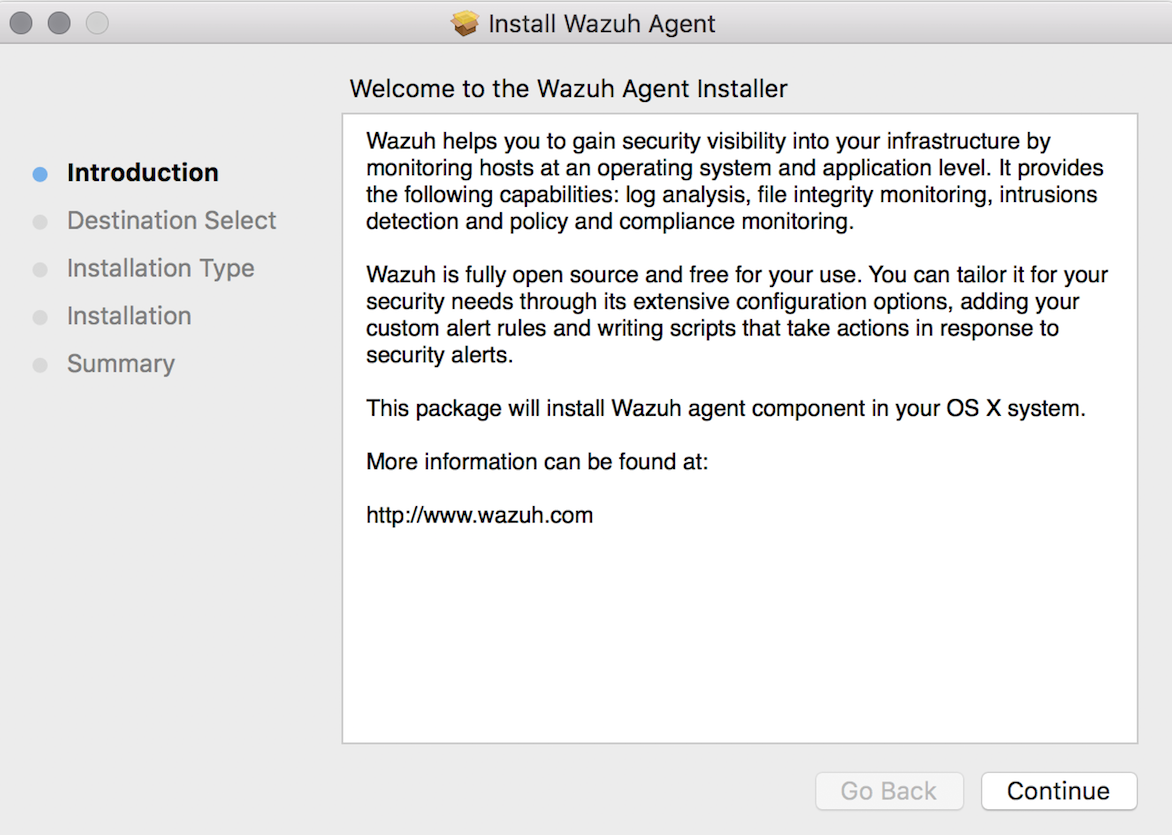
To install the Wazuh agent on your system, run the downloaded file and follow the steps in the installation wizard. If you are not sure how to answer some of the prompts, use the default answers.
Enroll the Wazuh agent before you start it. An agent installed without an enrollment token doesn't start until you enroll it. Save the token you created in Generate the enrollment token to a file, enroll the agent, and delete the file. Paste the token when the first command waits for it, then press Ctrl+D:
# (umask 077 && cat > <TOKEN_FILE_PATH>)
# /Library/Ossec/bin/wazuh-agent-auth --token-file <TOKEN_FILE_PATH>
# rm -f <TOKEN_FILE_PATH>
Start the Wazuh agent to complete the installation process:
# launchctl bootstrap system /Library/LaunchDaemons/com.wazuh.agent.plist
In the Wazuh dashboard, Agents management > Summary lists the agent as Active. Its first alerts can take a few minutes to appear on a new deployment. The installation process is now complete, and the Wazuh agent is successfully running on your macOS endpoint.
By default, all agent files are stored in /Library/Ossec/ after the installation.