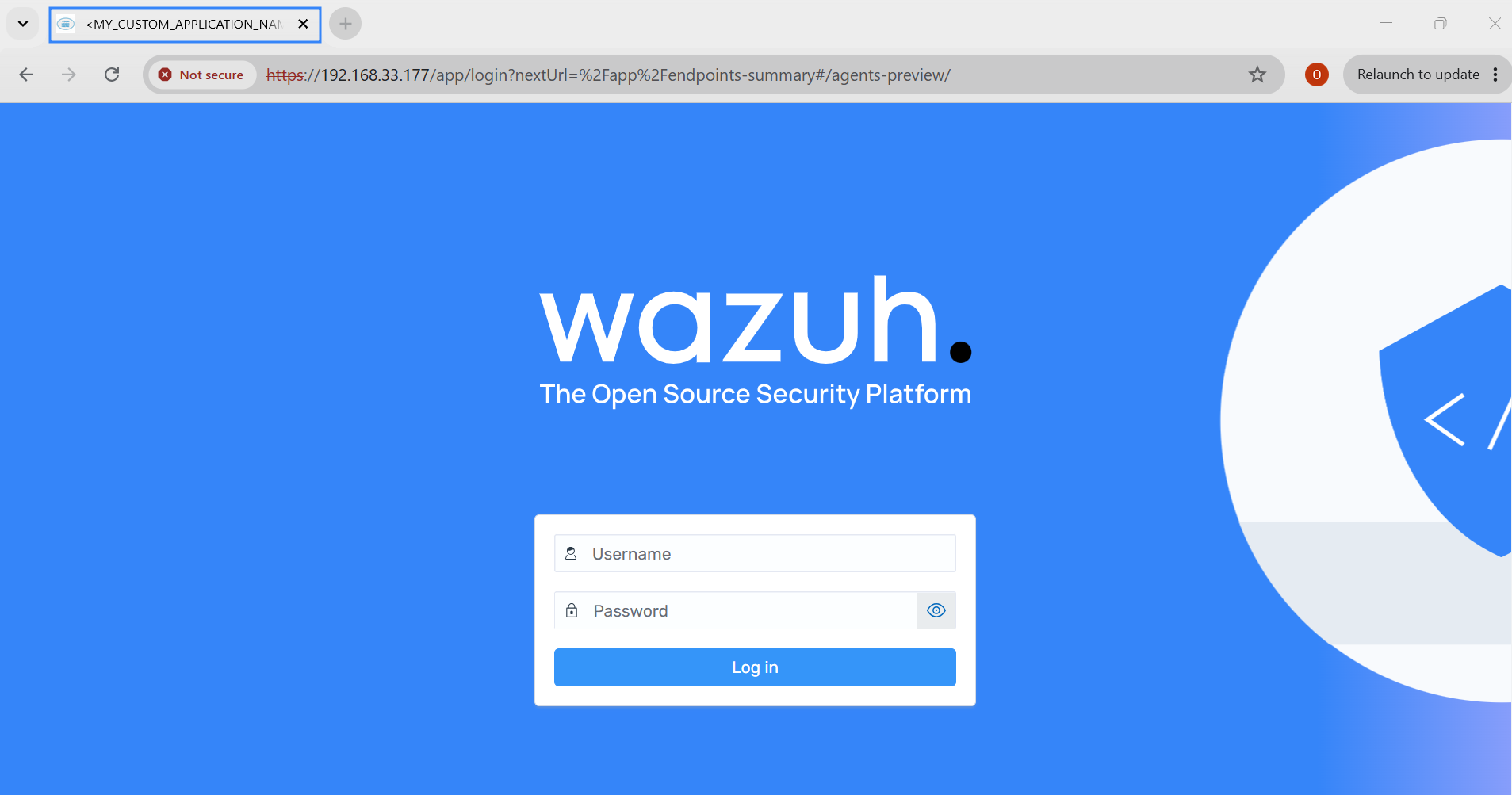
Setting up custom branding
Wazuh supports custom branding, allowing organizations to customize the appearance of the Wazuh dashboard to match their corporate identity. Users can replace the default Wazuh logos and some texts displayed on the loading screen, login page, and dashboard interface with custom logos.
Note
The loading logo, home logo, and application title settings all go under one opensearchDashboards.branding key. If the file already has this key, add the new settings under it. A second opensearchDashboards.branding key stops the Wazuh dashboard from starting, with a duplicated mapping key error.
This section of the documentation covers the configuration of the following custom branding options in the Wazuh dashboard:
Custom logos on the Wazuh dashboard
Each logo and favicon URL must end in .png, .svg, or .gif, and the Wazuh dashboard must be able to download it from its host without a redirect. Otherwise, the Wazuh dashboard keeps the default logo and logs <SETTING> config is invalid. Using default branding. for a wrong extension, or <SETTING> URL was not found or invalid. Using default branding. for a failed download. To read these messages, run journalctl -u wazuh-dashboard | grep -i branding.
Loading logos
Perform the following actions to customize the global App loading logo.
Edit
opensearch_dashboards.ymlat one of the following paths:/usr/share/wazuh-dashboard/config/opensearch_dashboards.ymlin the Wazuh dashboard container, for Docker installations. Restart the container instead of runningsystemctl./etc/wazuh-dashboard/opensearch_dashboards.yml, for package installations.
Add the URLs of your default and dark theme logos.
opensearchDashboards.branding:
   loadingLogo:
      defaultUrl: "<URL_TO_CUSTOM_LOGO>"
      darkModeUrl: "<URL_TO_CUSTOM_LOGO>"
Replace
<URL_TO_CUSTOM_LOGO>with the URL to your custom logo.Restart the Wazuh dashboard service:
# systemctl restart wazuh-dashboard

Wazuh dashboard home logo
Perform the following to customize the Wazuh dashboard home logo in the top header.
Edit
opensearch_dashboards.ymlat one of the following paths:/usr/share/wazuh-dashboard/config/opensearch_dashboards.ymlin the Wazuh dashboard container, for Docker installations. Restart the container instead of runningsystemctl./etc/wazuh-dashboard/opensearch_dashboards.yml, for package installations.
Add the URLs of your default and dark theme logos.
opensearchDashboards.branding:
   mark:
      defaultUrl: "<URL_TO_CUSTOM_LOGO>"
      darkModeUrl: "<URL_TO_CUSTOM_LOGO>"
Replace
<URL_TO_CUSTOM_LOGO>with the URL to your custom logo. If you are customizing only the default theme logo, remove thedarkModeUrlline from the configuration.Restart the Wazuh dashboard service:
# systemctl restart wazuh-dashboard

Wazuh dashboard login
Perform the following actions to customize the Wazuh dashboard login page.
Edit
opensearch_dashboards.ymlat one of the following paths:/usr/share/wazuh-dashboard/config/opensearch_dashboards.ymlin the Wazuh dashboard container, for Docker installations. Restart the container instead of runningsystemctl./etc/wazuh-dashboard/opensearch_dashboards.yml, for package installations.
Add the login page settings:
opensearch_security.ui.basicauth:
  login:
    title: '<MY_CUSTOM_TITLE>' # Define the title, displayed under the logo
    subtitle: '<MY_CUSTOM_SUBTITLE>' # Define a subtitle
    showbrandimage: true # Enable or disable if the logo should be displayed
    brandimage: '<URL_TO_CUSTOM_LOGO>' # Customize the logo
Where:
title: Defines the title displayed below the logo.subtitle: Defines the subtitle displayed below the title.showbrandimage: Enables or disables the display of the logo.brandimage: Specifies the logo image to display.
Replace
<URL_TO_CUSTOM_LOGO>with the URL to your custom logo.
Restart the Wazuh dashboard service:
# systemctl restart wazuh-dashboard

Application title and favicon
Perform the following actions to customize the application title and favicon.
Edit
opensearch_dashboards.ymlat one of the following paths:/usr/share/wazuh-dashboard/config/opensearch_dashboards.ymlin the Wazuh dashboard container, for Docker installations. Restart the container instead of runningsystemctl./etc/wazuh-dashboard/opensearch_dashboards.yml, for package installations.
Add the application title and the favicon URL.
opensearchDashboards.branding:
  applicationTitle: '<MY_CUSTOM_APPLICATION_NAME>'
  faviconUrl: '<URL_TO_CUSTOM_LOGO>'
Where:
applicationTitle: Defines the application name.faviconUrl: Specifies the favicon image to display.
Replace
<URL_TO_CUSTOM_LOGO>with the URL to your custom logo.
Restart the Wazuh dashboard service:
# systemctl restart wazuh-dashboard