Configuration assessment for PCI DSS
The Wazuh Security Configuration Assessment (SCA) module determines the state of hardening and configuration policies on agents. SCA performs scans to discover exposures or misconfigurations in monitored endpoints. Those scans assess the hosts' configurations using policy files that contain rules to be tested against the hosts' actual configurations.
The Wazuh SCA module helps to meet the following PCI DSS requirements:
Requirement 2 - Apply Secure Configurations to All System Components: This requirement mandates applying secure configurations to system components to reduce exposure to vendor defaults commonly exploited by malicious individuals. Default passwords and settings are widely known and easily obtained. Secure configurations such as changing default credentials, removing unnecessary software and accounts, and disabling unused services reduce the available attack surface.
Requirement 8 - Identify Users and Authenticate Access to System Components: This requirement mandates systems identify users or processes by linking them to a unique identifier, such as a user, system, or application ID. These IDs establish an individual's or process's identity by assigning a unique identifier to each, distinguishing one user or process from another. When each user or process can be uniquely identified, actions taken under that identity can be traced to a known, authorized user or process.
To achieve the above requirements, SCA runs assessment checks. These checks determine whether password settings need adjustment, unnecessary software or services must be removed, or the TCP/IP stack configuration requires auditing to strengthen system security. Sources of system hardening standards accepted by the industry include, but are not limited to:
Center for Internet Security (CIS)
International Organization for Standardization (ISO)
SysAdmin, Audit, Network Security (SANS)
National Institute of Standards and Technology (NIST)
Out of the box, Wazuh includes CIS baselines for a wide range of operating systems and applications. These include Debian, Ubuntu, macOS, Red Hat, and Windows. For more information, see a list of the available SCA policies. You can create other baselines for other systems or applications as well. Find more details on configuring SCA checks in the SCA documentation section.
Use cases
Below are PCI DSS requirements that the Wazuh SCA module can meet.
PCI DSS requirement 2.2.4
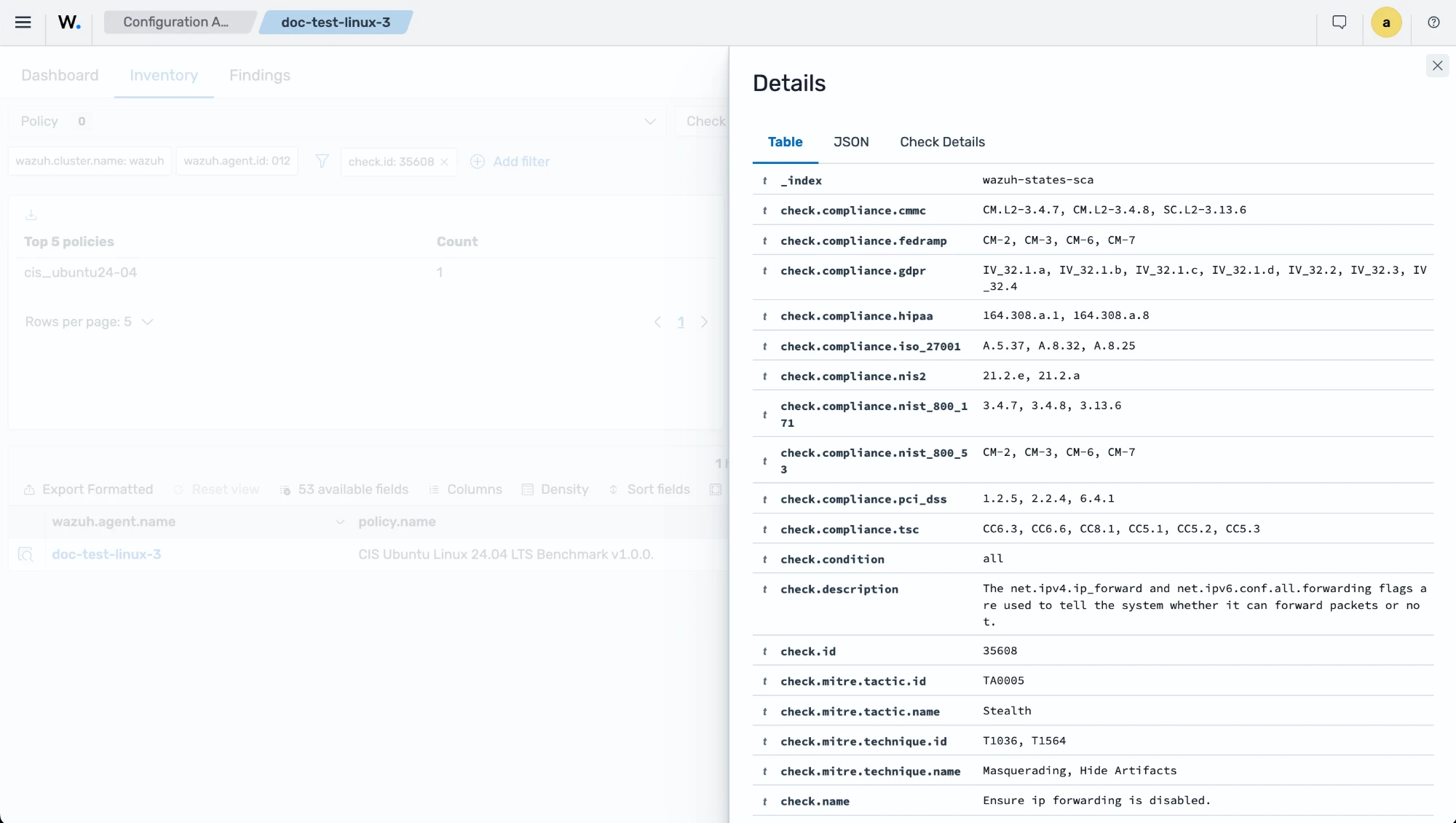
PCI DSS requirement 2.2.4 mandates keeping only necessary services, protocols, daemons, and functions enabled and removing unnecessary functionality. The Syscollector and SCA modules support the requirement by identifying unnecessary processes, services, and configurations that can increase the attack surface.
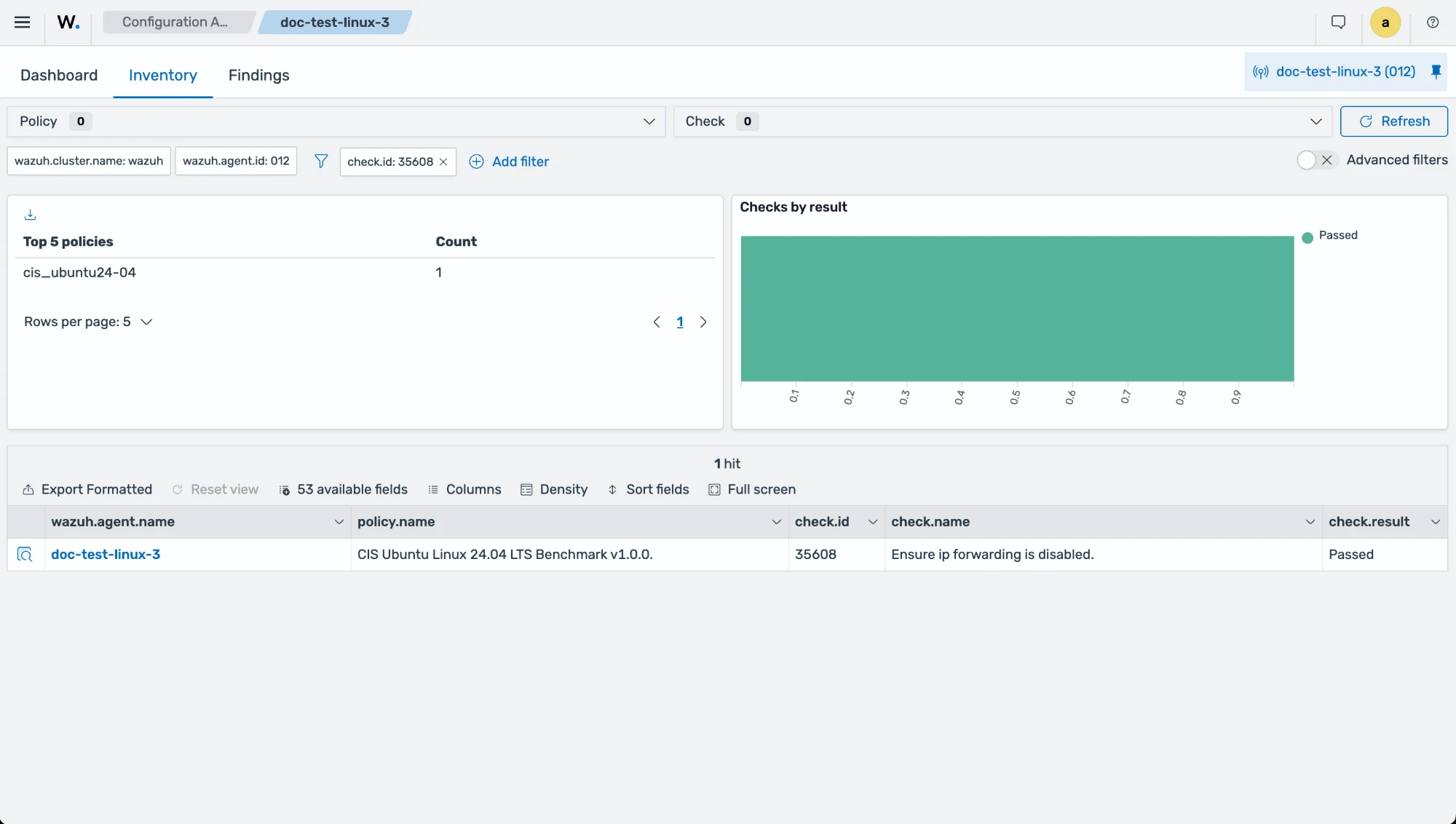
For this use case, the SCA module runs the check 35608 - Ensure ip forwarding is disabled from the cis_ubuntu24-04 SCA policy file on an Ubuntu 24.04 endpoint. IP forwarding is unnecessary functionality on an endpoint that does not route traffic, and the SCA scan reports whether it is disabled.
To view the check result, restart the Wazuh agent to trigger a new SCA scan with systemctl restart wazuh-agent. Open the menu (☰) and go to Endpoint security > Configuration Assessment. Click Explore agent, select the Ubuntu 24.04 endpoint, and click the Inventory tab. Click Add filter, add a filter for check.id is 35608, and click Save.
PCI DSS requirement 8.3.6
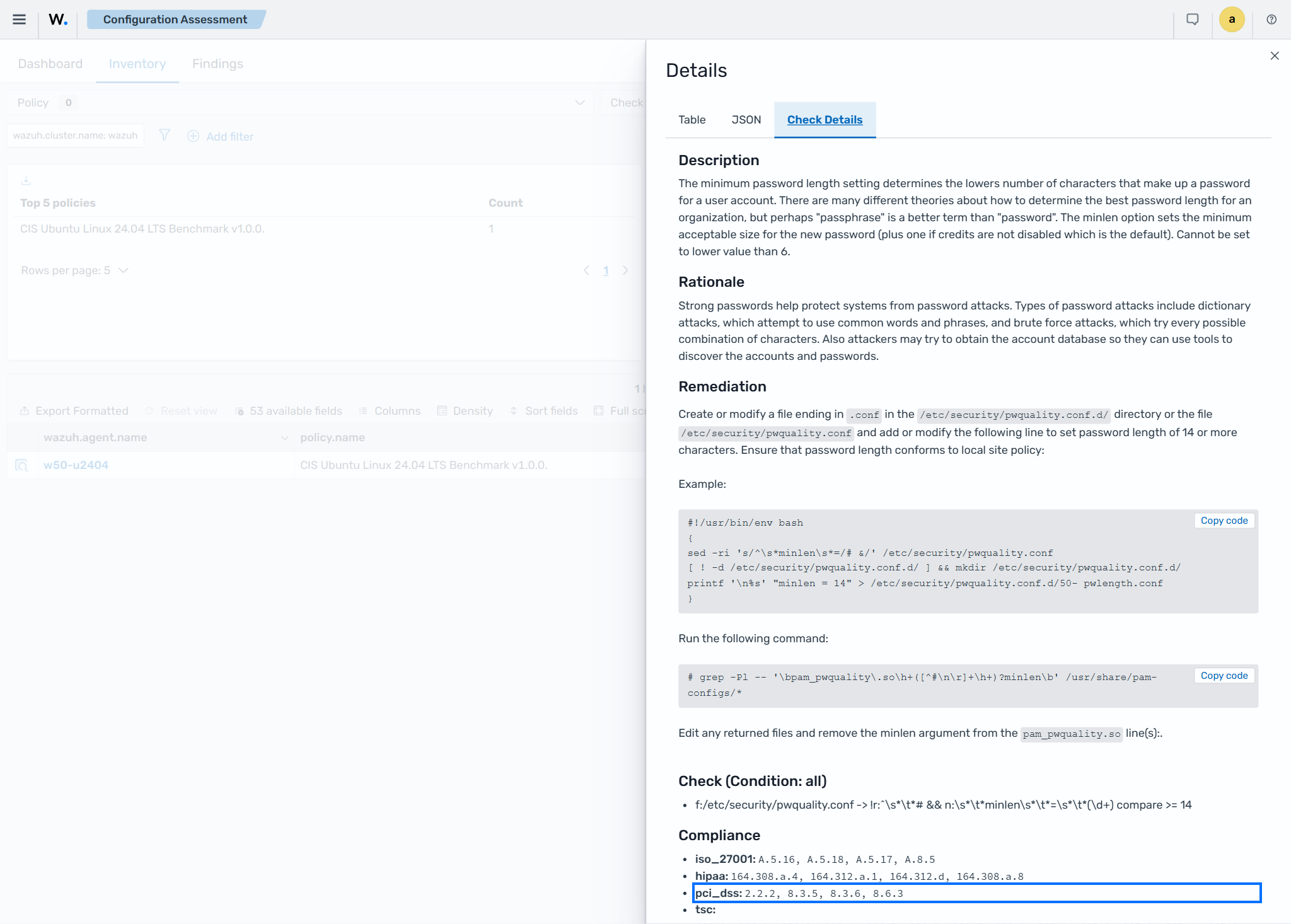
PCI DSS requirement 8.3.6 mandates that passwords used as authentication factors meet a minimum level of complexity. Passwords must be at least 12 characters long and contain both numeric and alphabetic characters. Longer passwords are harder to guess or crack with brute-force attacks.
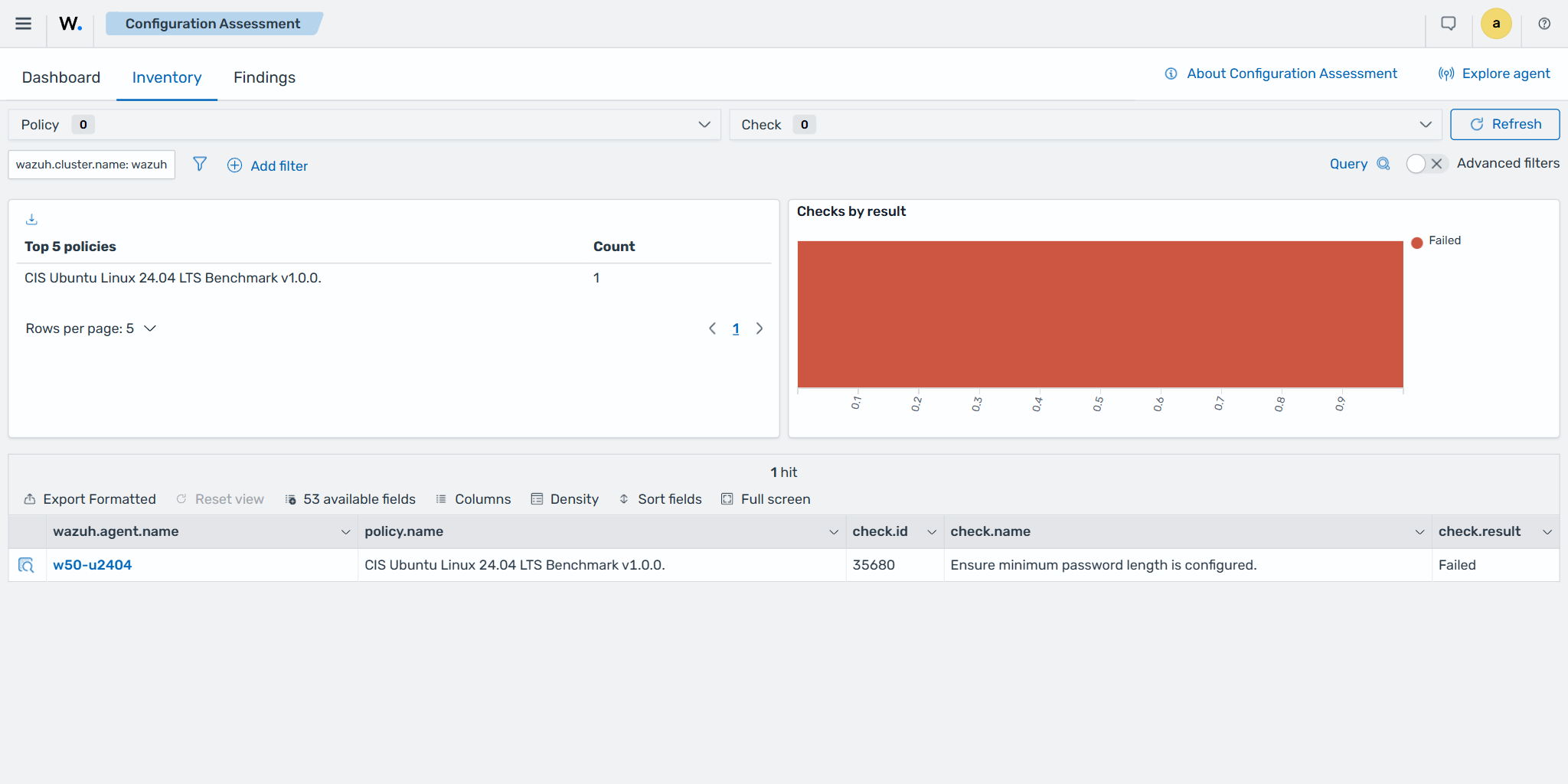
The SCA module runs check 35680 - Ensure minimum password length is configured from the cis_ubuntu24-04 SCA policy file on the endpoint. It checks that the minlen option is set to 14 or more in /etc/security/pwquality.conf as specified by the CIS Benchmark for Ubuntu Linux 24.04 LTS. When an SCA scan runs, the check identifies whether the endpoint meets this configured password length baseline. The check result is Not applicable until the libpam-pwquality package is installed, because the package creates the /etc/security/pwquality.conf file.
To view the check result, restart the Wazuh agent to trigger a new SCA scan with systemctl restart wazuh-agent. Open the menu (☰) and go to Endpoint security > Configuration Assessment. Click Explore agent, select the Ubuntu 24.04 endpoint, and click the Inventory tab. Click Add filter, add a filter for check.id is 35680, and click Save.