Getting started with Wazuh
Wazuh is a free and open source security platform that unifies XDR and SIEM capabilities. It protects workloads across on-premises, virtualized, containerized, and cloud-based environments. Wazuh helps individuals and organizations of all sizes to protect their data assets against security threats and is widely used worldwide, from small businesses to large enterprises.
This guide provides an overview of the Wazuh platform, including its components and architecture.
Community and support
Wazuh has one of the largest open source security communities in the world. You can become part of it to learn from other users, participate in discussions, talk to our development team, and contribute to the project. The following resources are easily available:
Slack channel: Join our community channel to chat with our developers and technical team in a close to real-time experience.
Google group: Here you can share questions and learn from other Wazuh users. It is easy to subscribe via email.
GitHub repositories: Get access to the Wazuh source code, report issues, and contribute to the project. We happily review and accept pull requests.
Discord: Engage with our community in dynamic discussions and collaborations on the latest security trends and Wazuh developments.
Reddit: Join our subreddit to share insights, ask questions, and discuss security issues with fellow users.
X: Follow us on X for real-time updates, news, and quick tips from our development team and security experts.
LinkedIn: Stay updated with our professional network and industry news by connecting with us on LinkedIn.
YouTube: Subscribe to our YouTube channel for video tutorials, webinars, and walkthroughs of Wazuh features and configurations.
In addition, we provide professional support, training, and consulting services.
How to install Wazuh
The Wazuh solution is composed of three central platform components and a single universal agent. To install Wazuh in your infrastructure, refer to the following sections of our documentation:
The Quickstart provides an automated way to install Wazuh on a single server in just a few minutes.
The Installation guide provides instructions on how to install each central component and how to deploy the Wazuh agents.
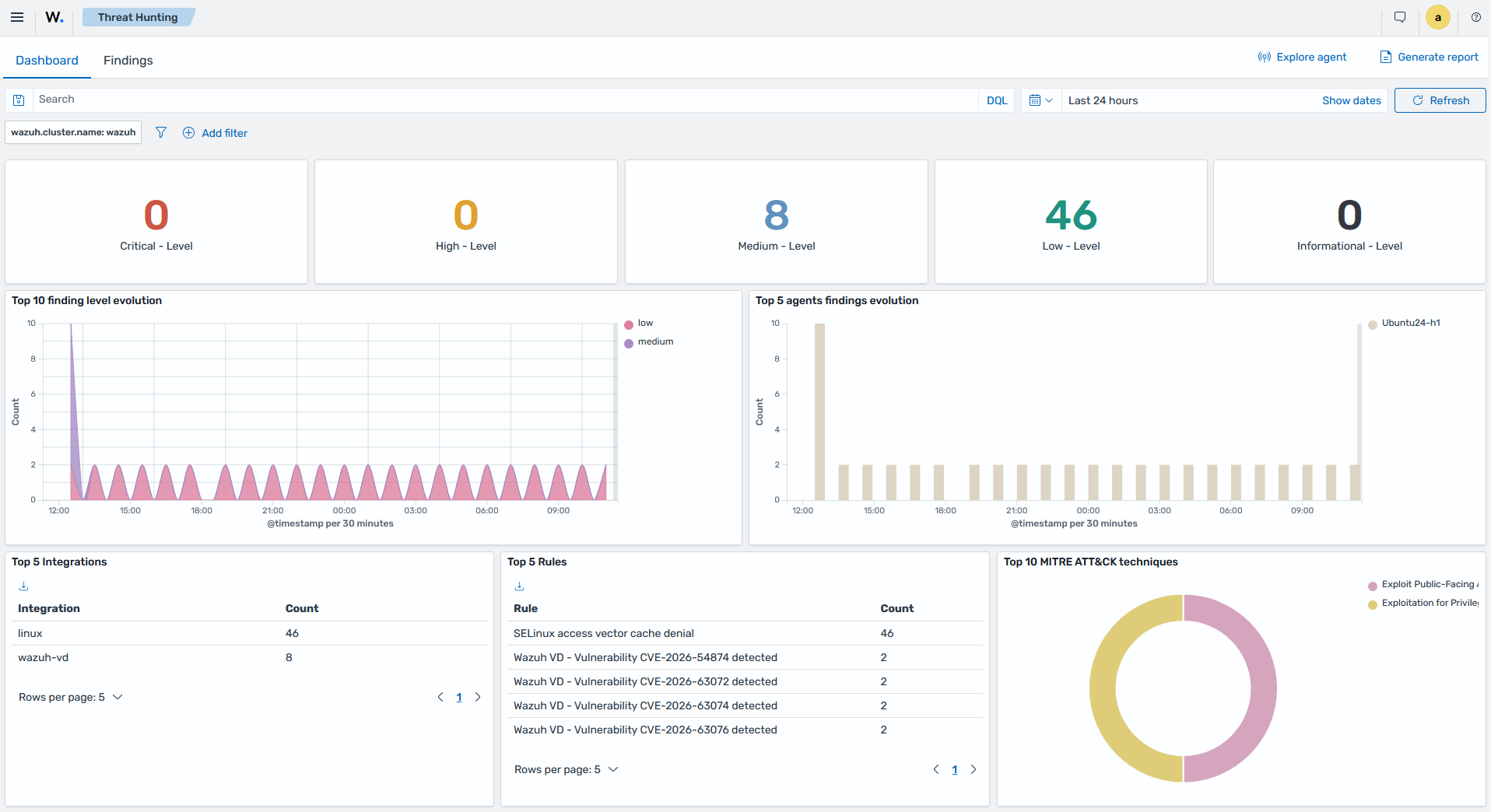
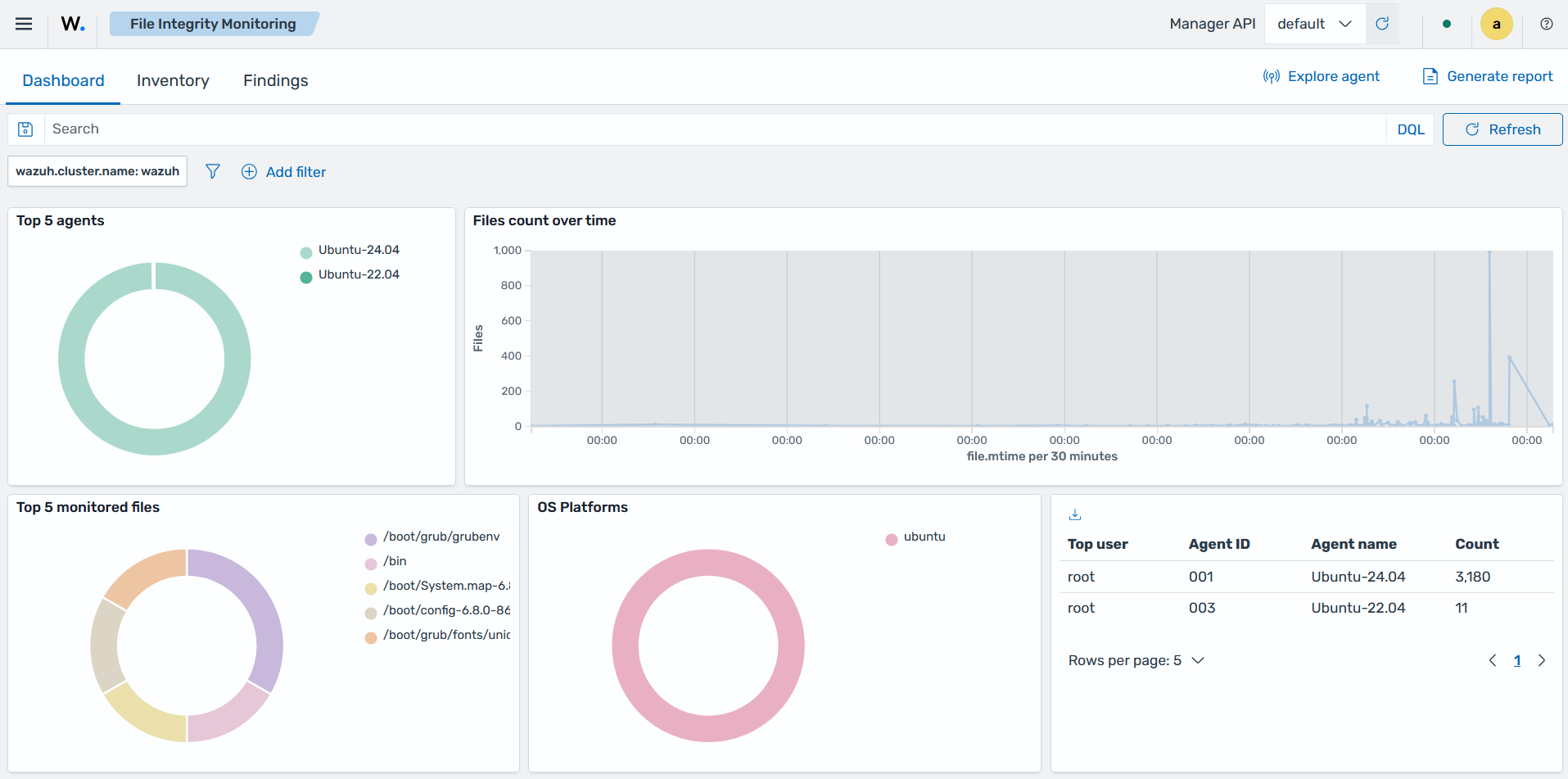
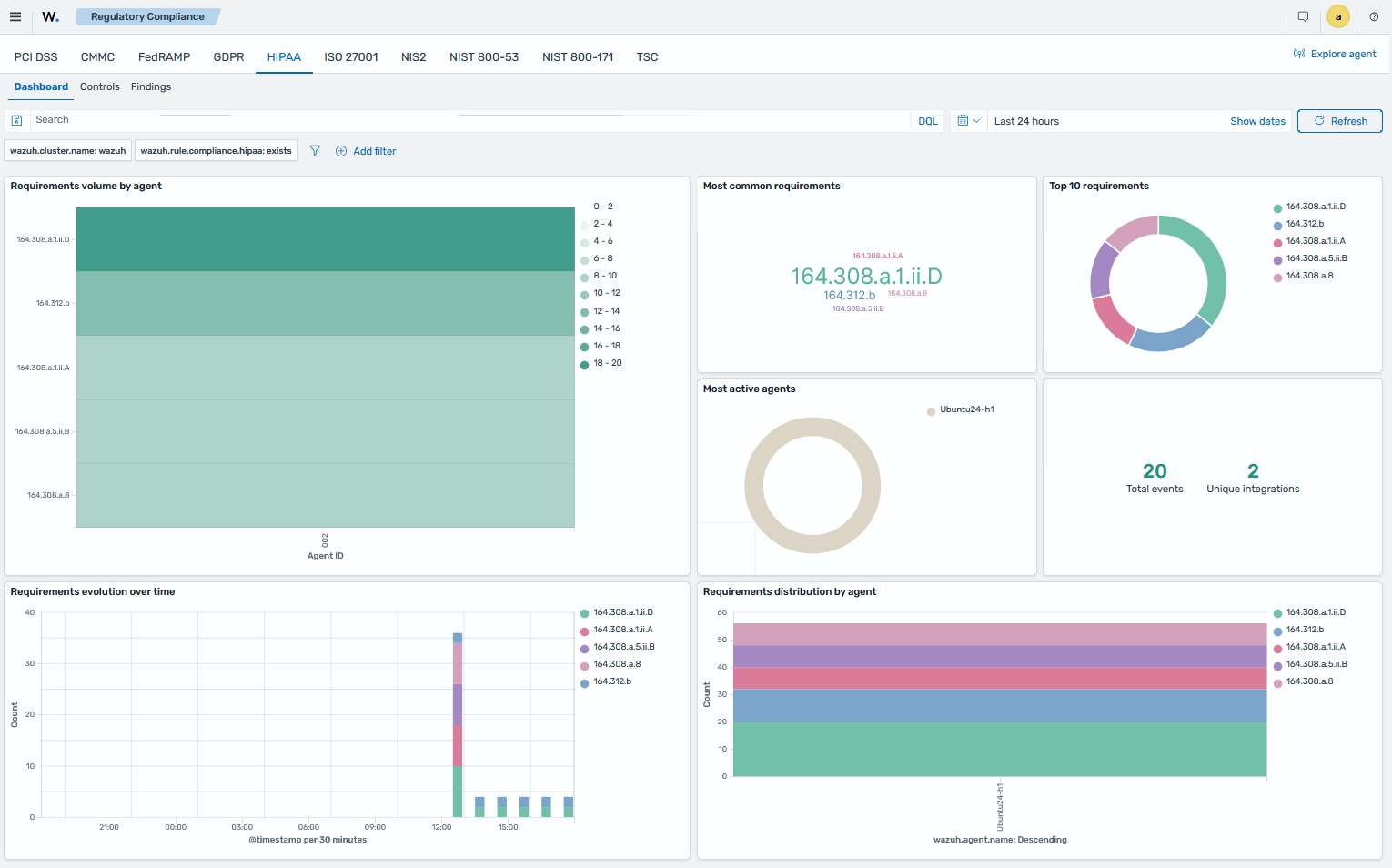
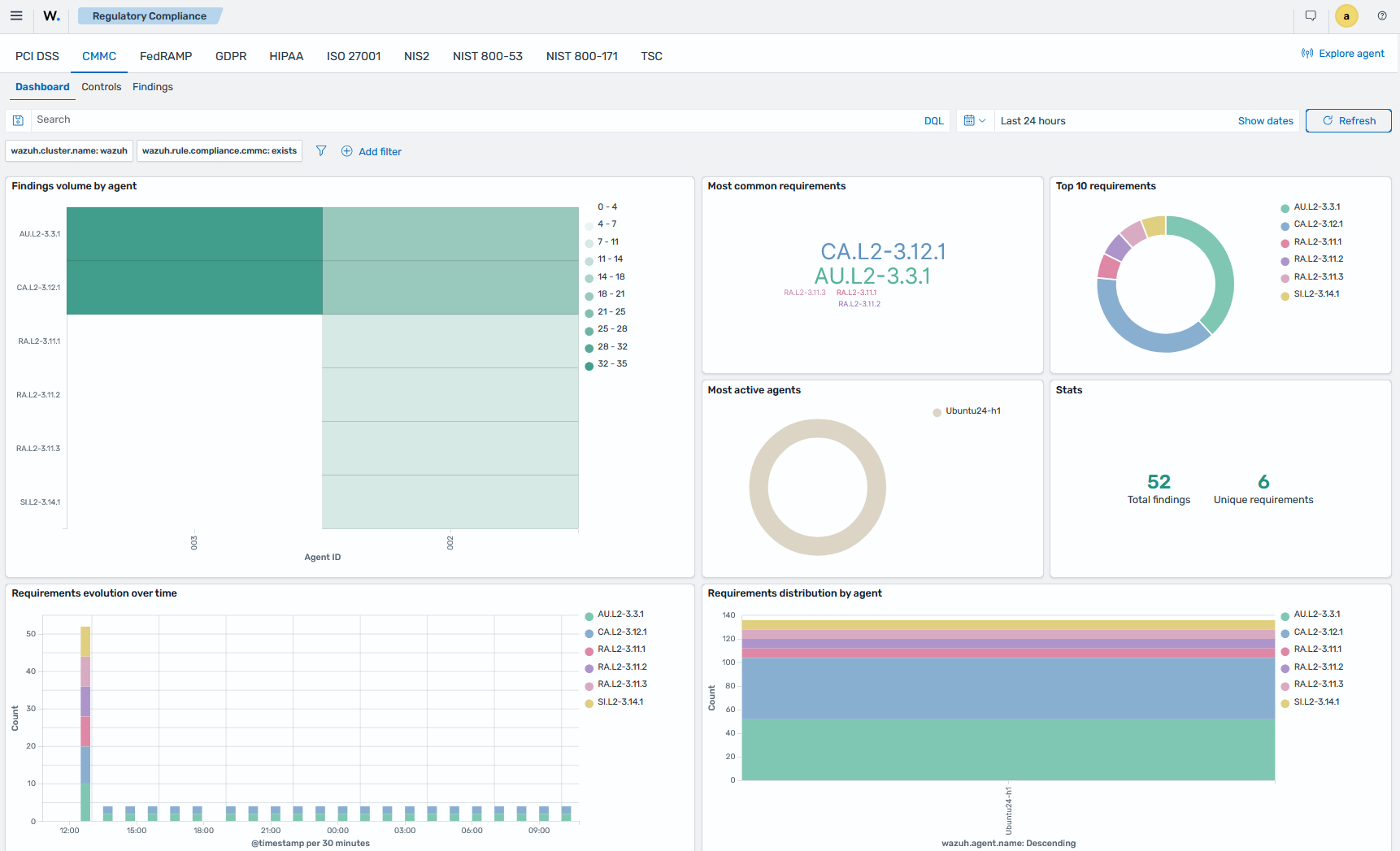
Screenshots of Wazuh dashboards
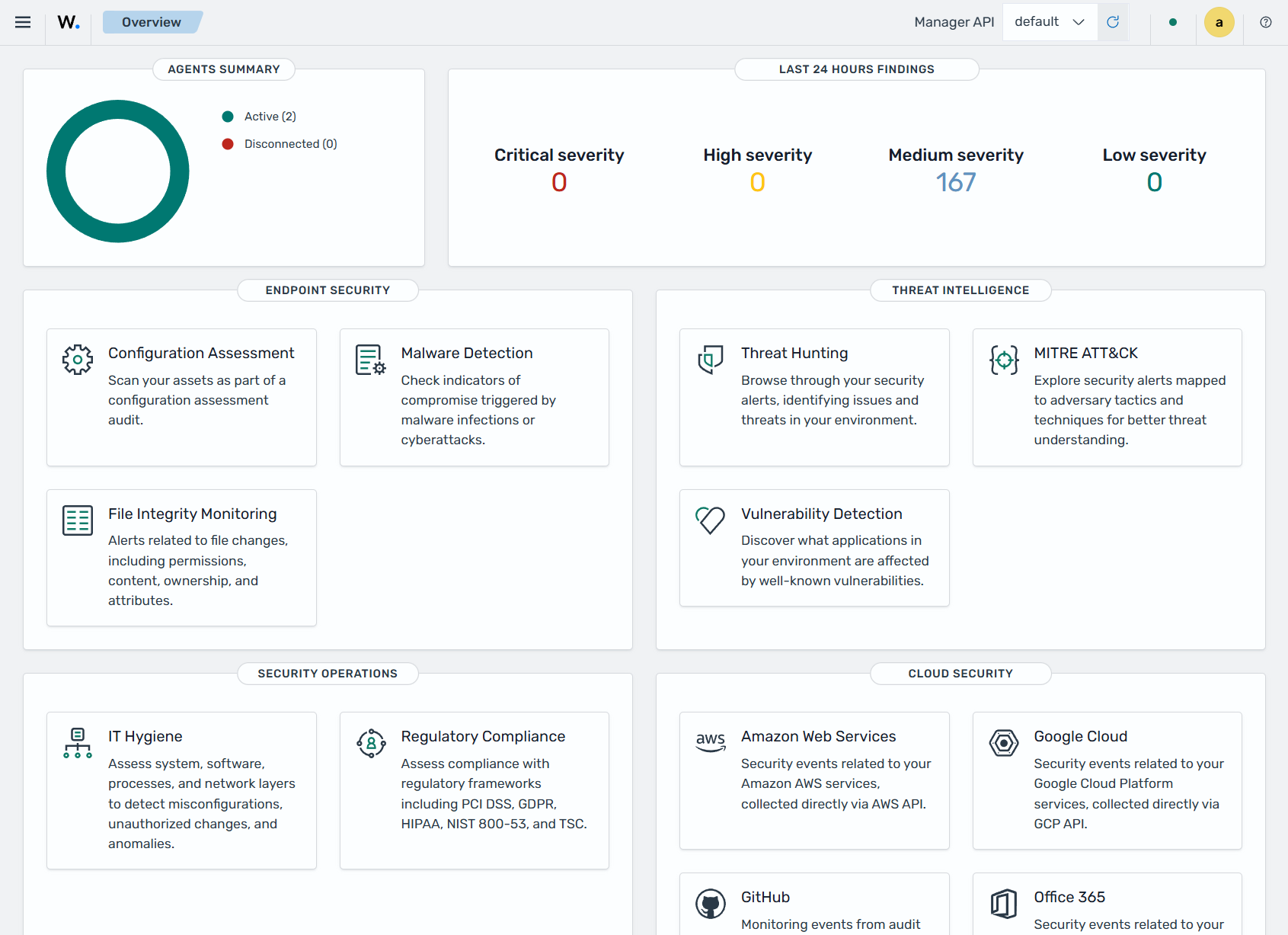
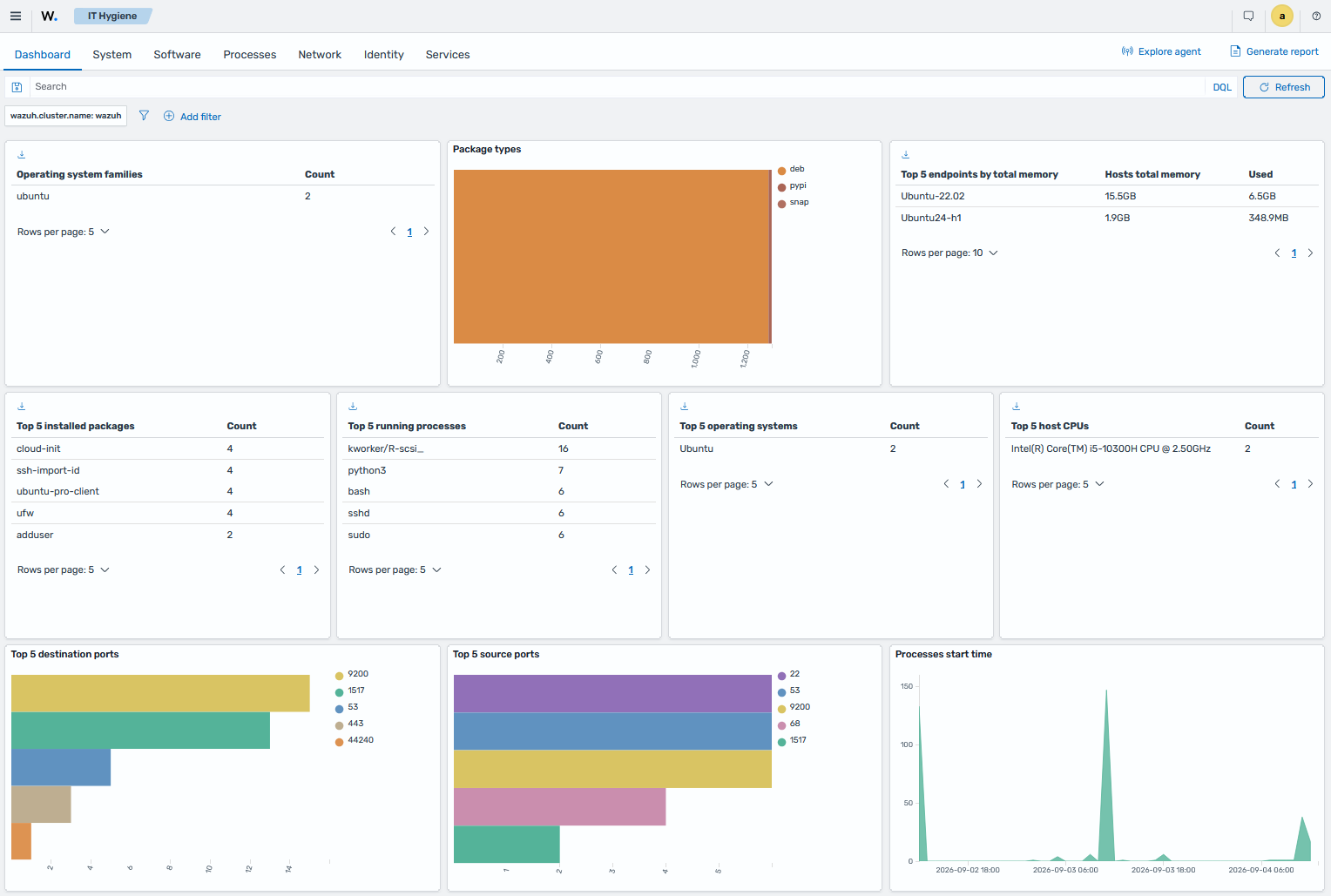
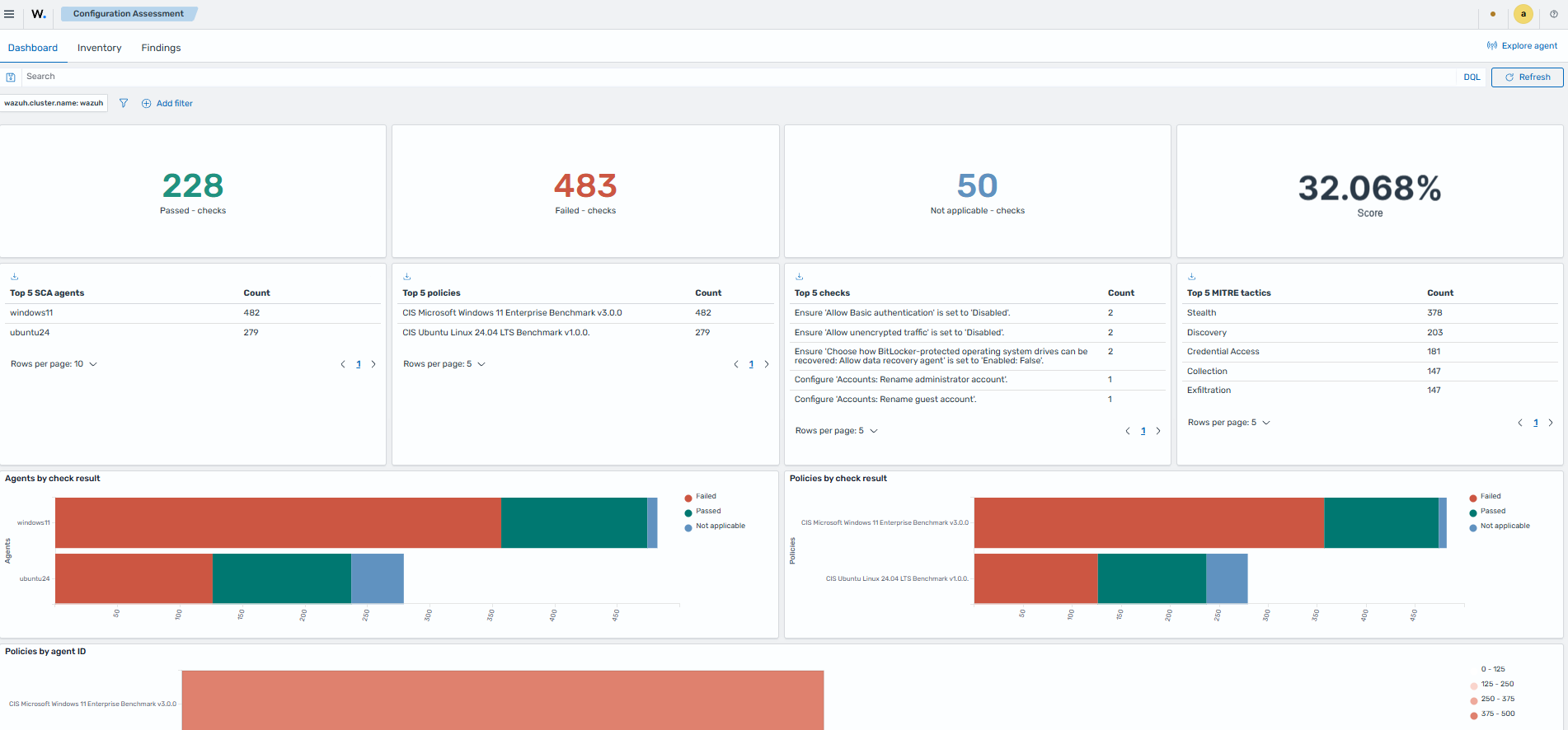
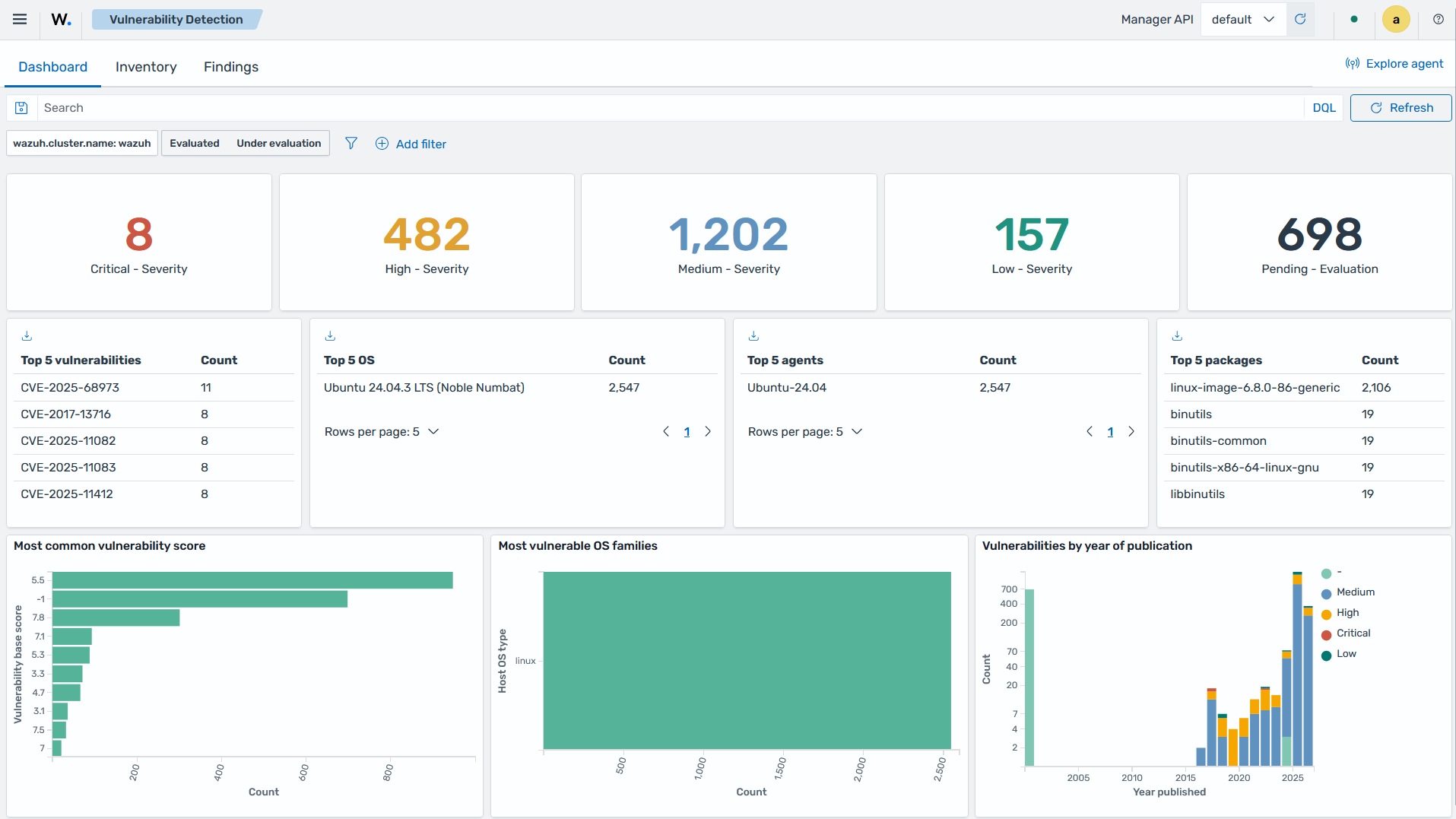
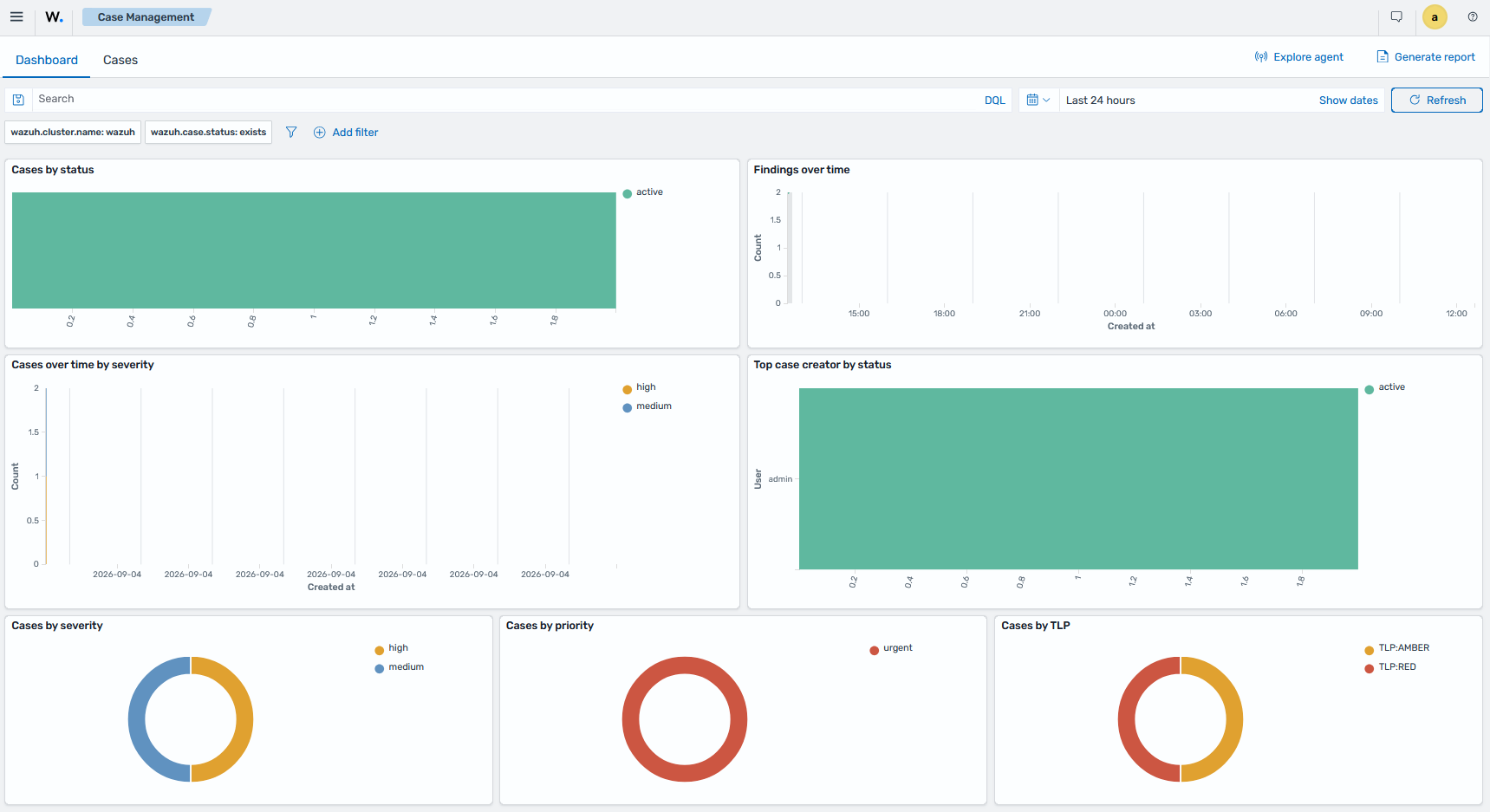
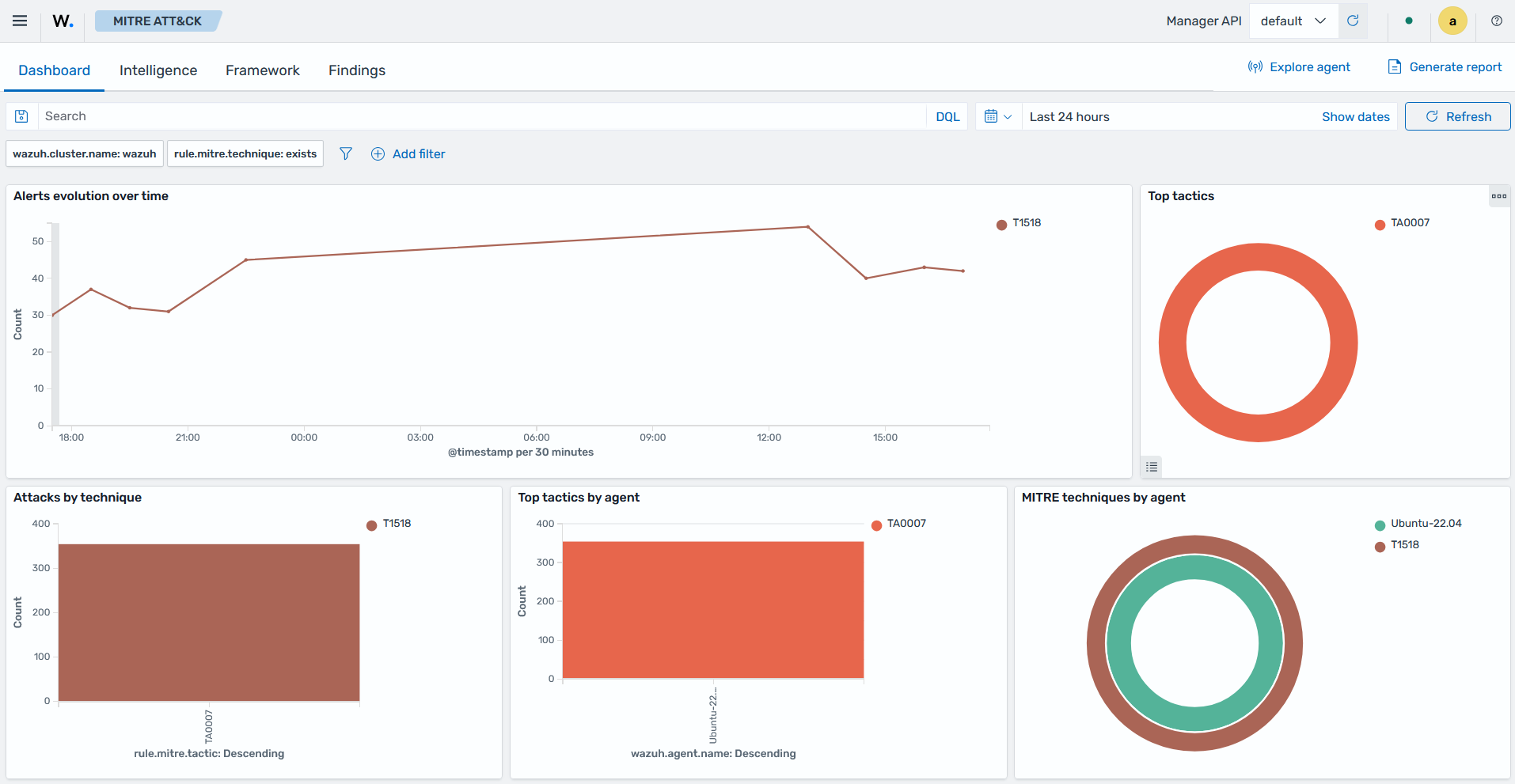
The following screenshots show dashboards of some of the Wazuh capabilities, including threat hunting, file integrity monitoring, security configuration assessment, vulnerability detection, regulatory compliance, IT hygiene, and others.
|
|
|
|
|
|
|
|
|
|