Deploying Wazuh agents on macOS endpoints
The Wazuh agent runs on the endpoint you want to monitor and communicates with the Wazuh manager, sending data in near real-time through an encrypted and authenticated channel.
Note
You need root user privileges to run all the commands described below.
To start the installation process, download the Wazuh agent according to your architecture:
Intel: wazuh-agent-5.0.0-beta5.intel64.pkg. Suitable for macOS Sierra and later versions.
Apple silicon: wazuh-agent-5.0.0-beta5.arm64.pkg. Suitable for macOS Big Sur and later versions.
Select the installation method you want to follow: command line interface (CLI) or graphical user interface (GUI).
Run the following command to deploy the Wazuh agent on your endpoint.
Replace
WAZUH_MANAGERvalue with your Wazuh manager IP address or hostnameWAZUH_REGISTRATION_PASSWORDvalue with the Wazuh manager enrollment password generated in requirements.
# curl -O https://packages-staging.xdrsiem.wazuh.info/pre-release/5.x/macos/wazuh-agent-5.0.0-beta5.intel64.pkg
# echo "WAZUH_MANAGER='10.0.0.2'" WAZUH_REGISTRATION_PASSWORD='XXXXXXXXXXXX' > /tmp/wazuh_envs && sudo installer -pkg wazuh-agent-5.0.0-beta5.intel64.pkg -target /
# curl -O https://packages-staging.xdrsiem.wazuh.info/pre-release/5.x/macos/wazuh-agent-5.0.0-beta5.arm64.pkg
# echo "WAZUH_MANAGER='10.0.0.2'" WAZUH_REGISTRATION_PASSWORD='XXXXXXXXXXXX' > /tmp/wazuh_envs && sudo installer -pkg wazuh-agent-5.0.0-beta5.arm64.pkg -target /
Note
Alternatively, if you want to install an agent without enrolling it, omit the deployment variables. To learn more about the different enrollment methods, see the Wazuh agent enrollment section.
Start the Wazuh agent to complete the installation process:
# launchctl bootstrap system /Library/LaunchDaemons/com.wazuh.agent.plist
The installation process is now complete and the Wazuh agent is now successfully running on your macOS endpoint.
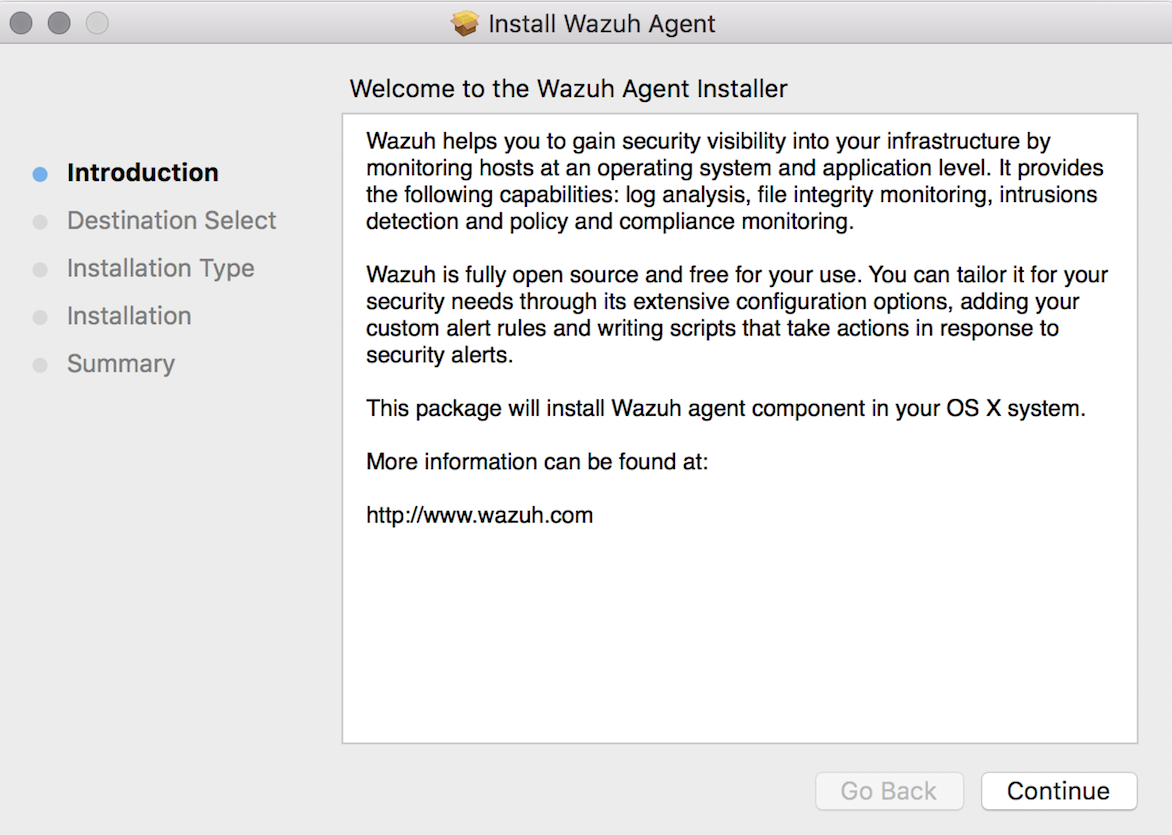
To install the Wazuh agent on your system, run the downloaded file and follow the steps in the installation wizard. If you are not sure how to answer some of the prompts, use the default answers.
Start the Wazuh agent to complete the installation process:
# launchctl bootstrap system /Library/LaunchDaemons/com.wazuh.agent.plist
The installation process is now complete and the Wazuh agent is successfully installed on your macOS endpoint. The next step is to enroll and configure the Wazuh agent to communicate with the Wazuh manager. To perform this action, see the Wazuh agent enrollment section.
By default, all agent files are stored in /Library/Ossec/ after the installation.