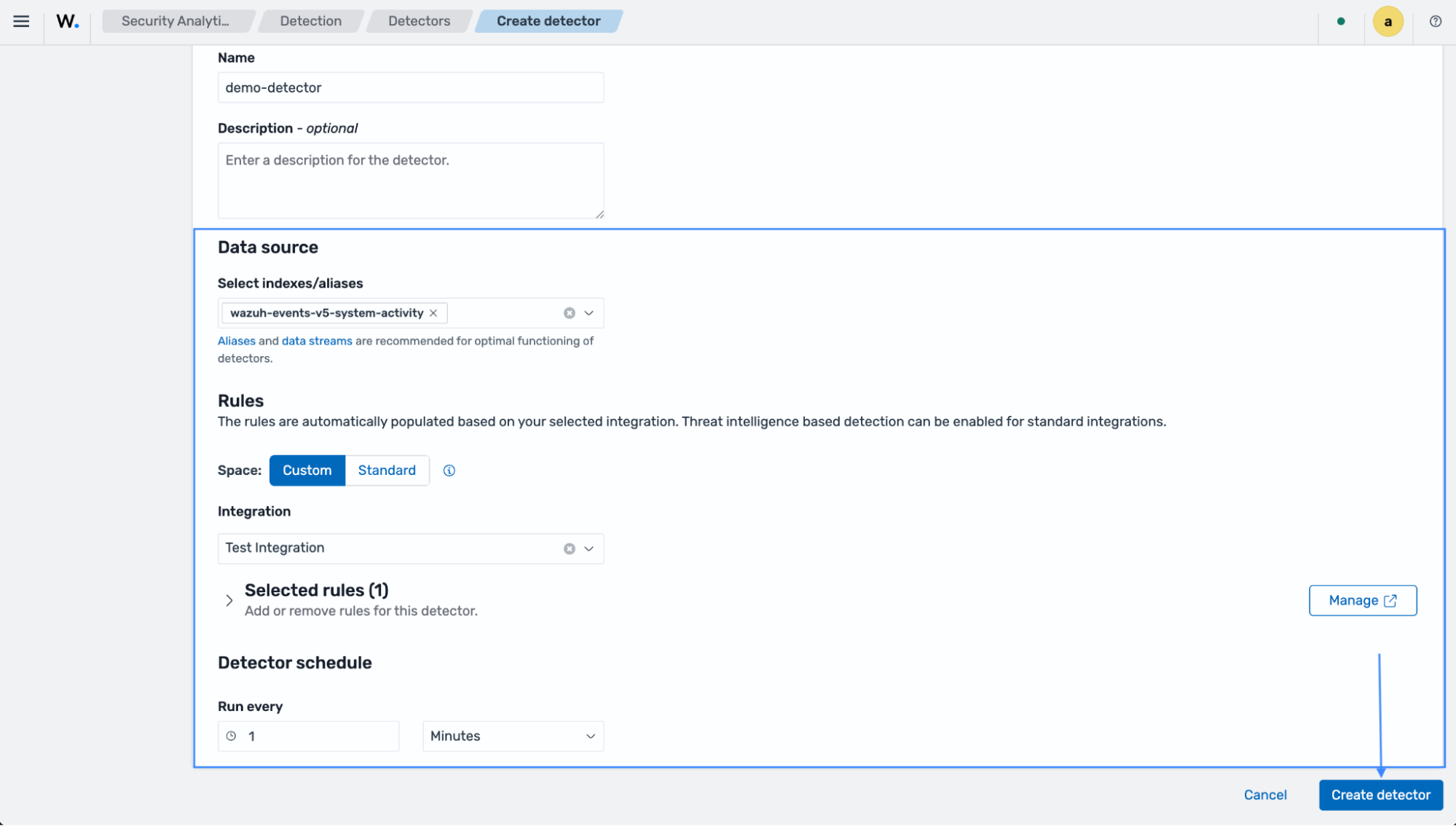
Detectors
Detectors evaluate normalized events against a defined set of rules to identify relevant security activity and potential threats. They run at scheduled intervals, continuously processing indexed events. When an event matches a rule during execution, the detector generates a finding, which is then displayed in the Wazuh dashboard for investigation and analysis.
Detectors fall outside the space promotion logic because they can only be under the custom or standard space. Wazuh includes several built-in detectors that run predefined rule sets out of the box at configured intervals, enabling organizations to begin monitoring for common threats immediately. Users can also create and customize their own detectors, defining detection logic and execution schedules to meet their security, operational, and compliance requirements.
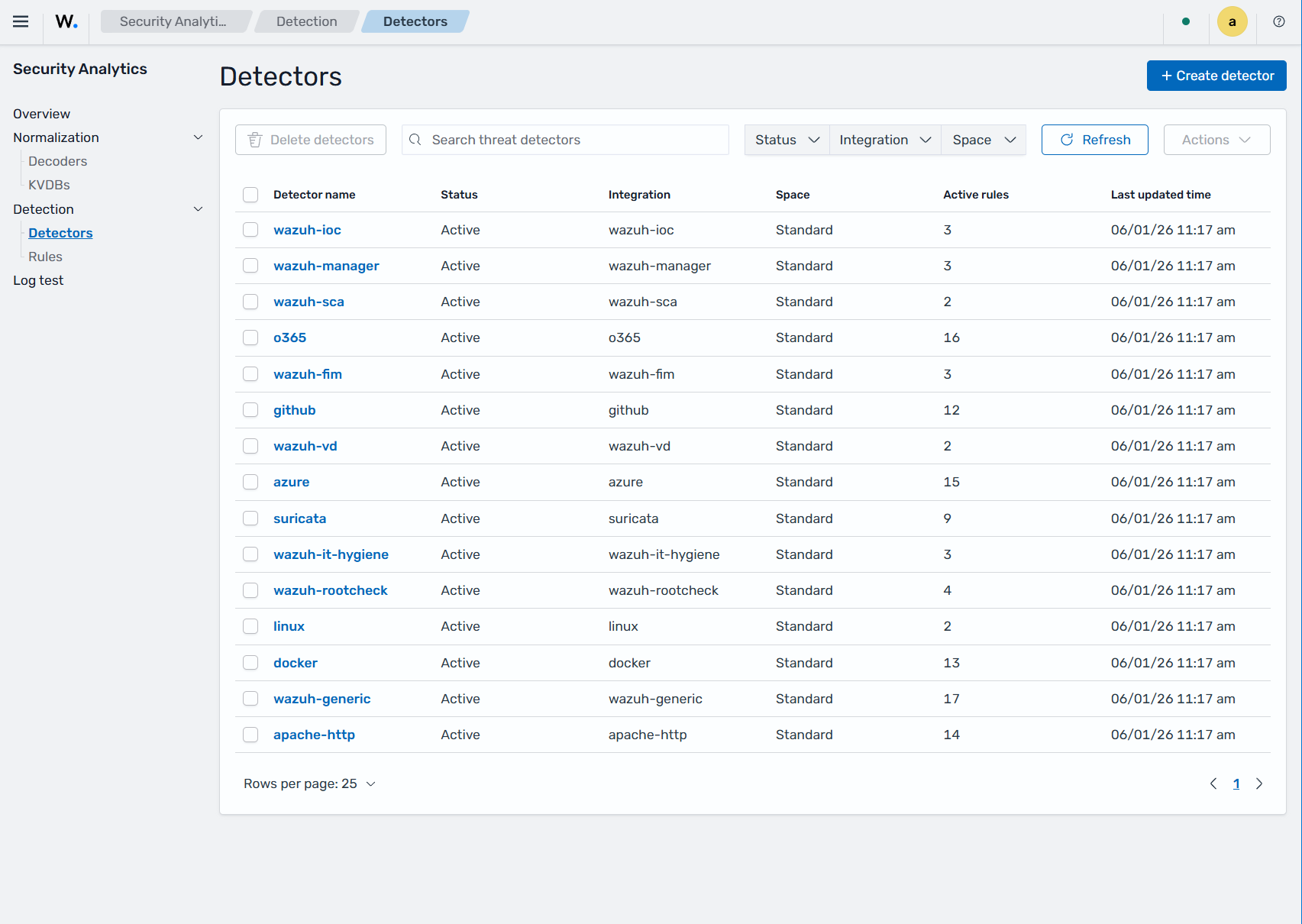
Creating custom detectors
Follow the steps below to create a custom detector:
Navigate to Security Analytics > Detection > Detectors and click on Create Detector.
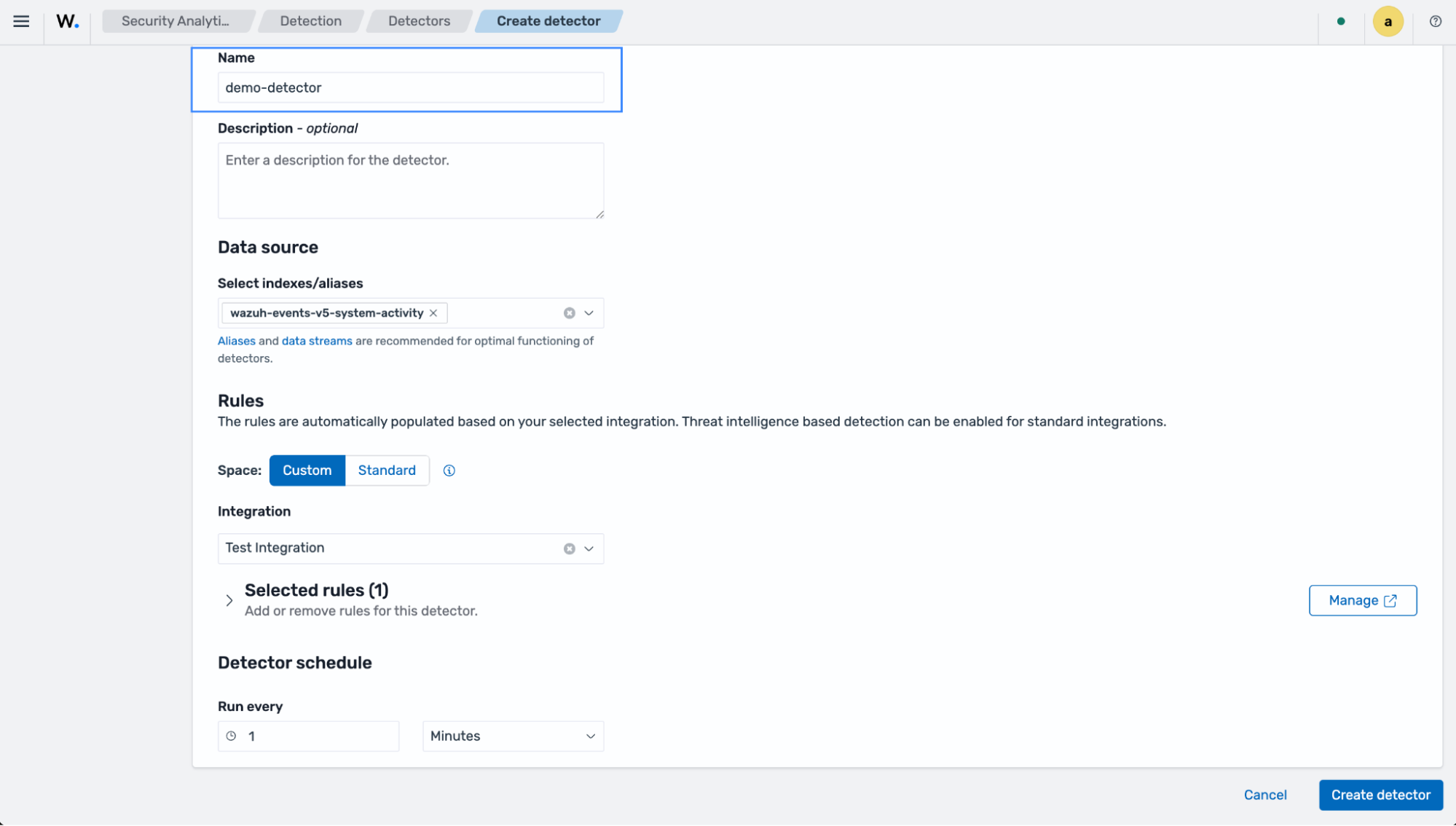
Enter a name for the detector.
Select the indices you want the detector to monitor, a Space (in our case Custom), and an Integration. You can include or exclude rules you want covered through your detector.
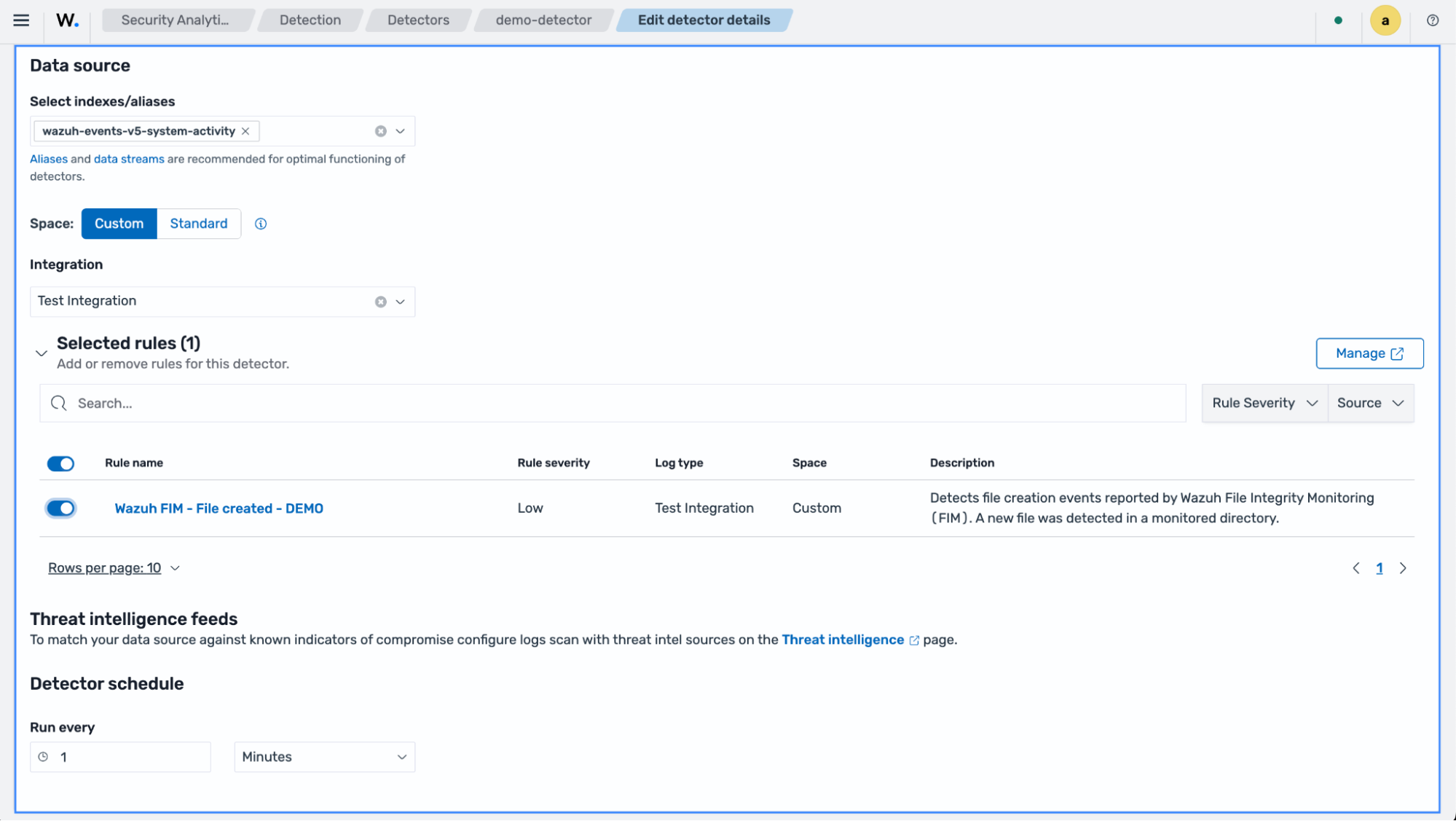
The detector schedule specifies the frequency you prefer your detector to execute.
Click on Create detector to save the detector.