Generating system inventory reports
You can generate two types of reports from the Wazuh dashboard. These reports are the IT Hygiene report and the property-specific report.
IT Hygiene report
You can export a summary of the properties collected by the Wazuh Syscollector module for a specific endpoint or all monitored endpoints. The report is generated in PDF format. To download the IT Hygiene report:
Click Generate Report in the Dashboard section of the IT Hygiene page.
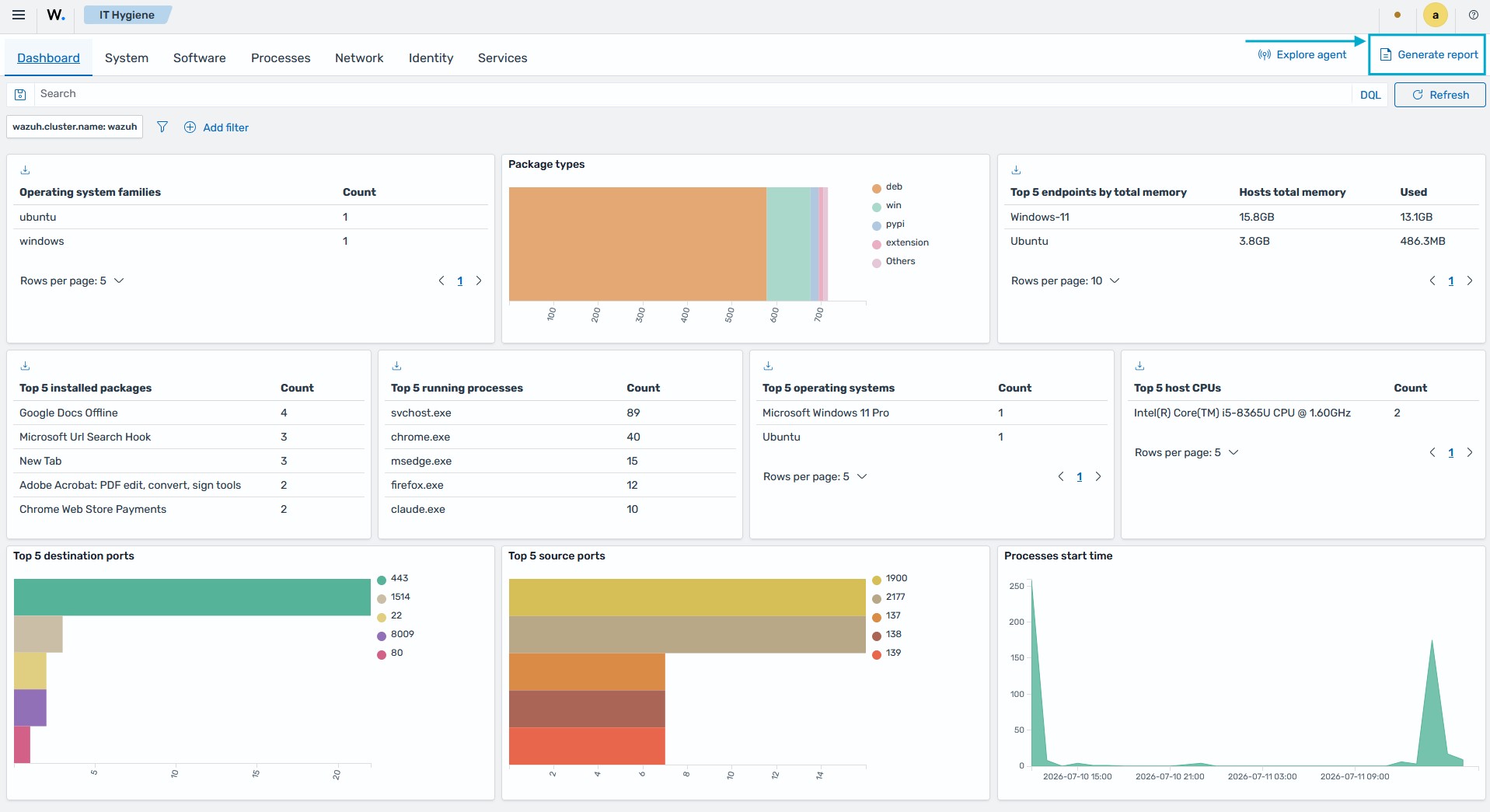
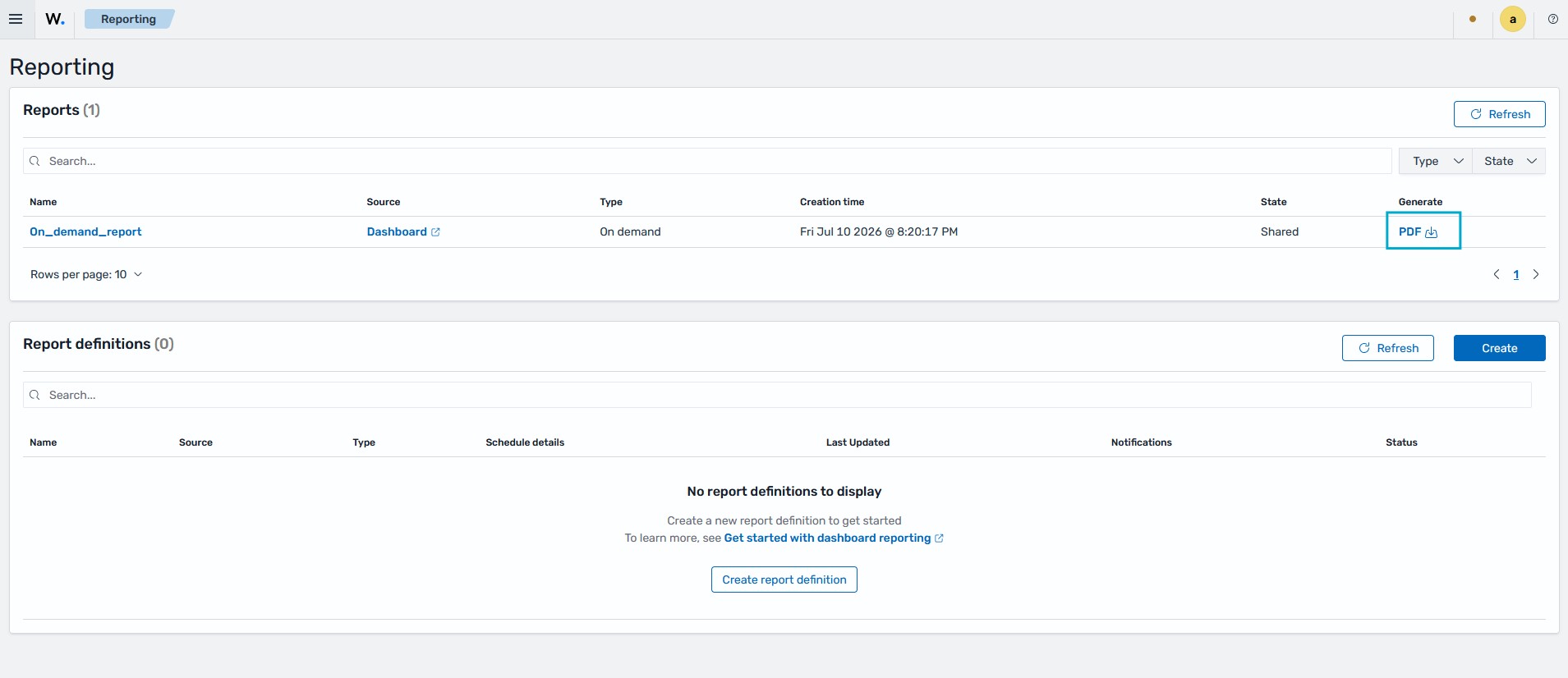
The report downloads automatically when the generation completes. You can also generate the report again later from Explore > Reporting on the Wazuh dashboard. Wazuh keeps a record of generated reports in this section, and the Generate action creates a new report with current data.
Property-specific report
You can export CSV reports of a specific property of an endpoint. For example, you can generate a report of the installed software on an endpoint. The report is available in every IT Hygiene category.
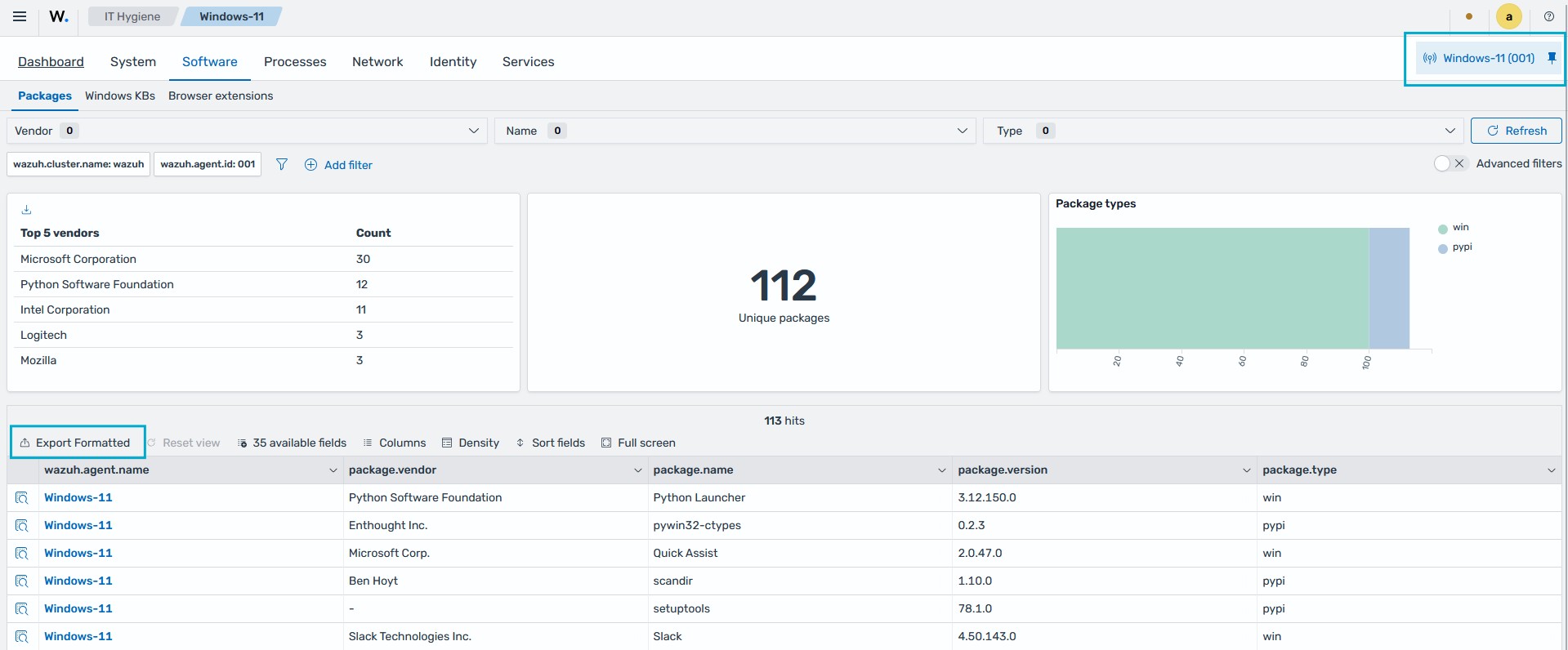
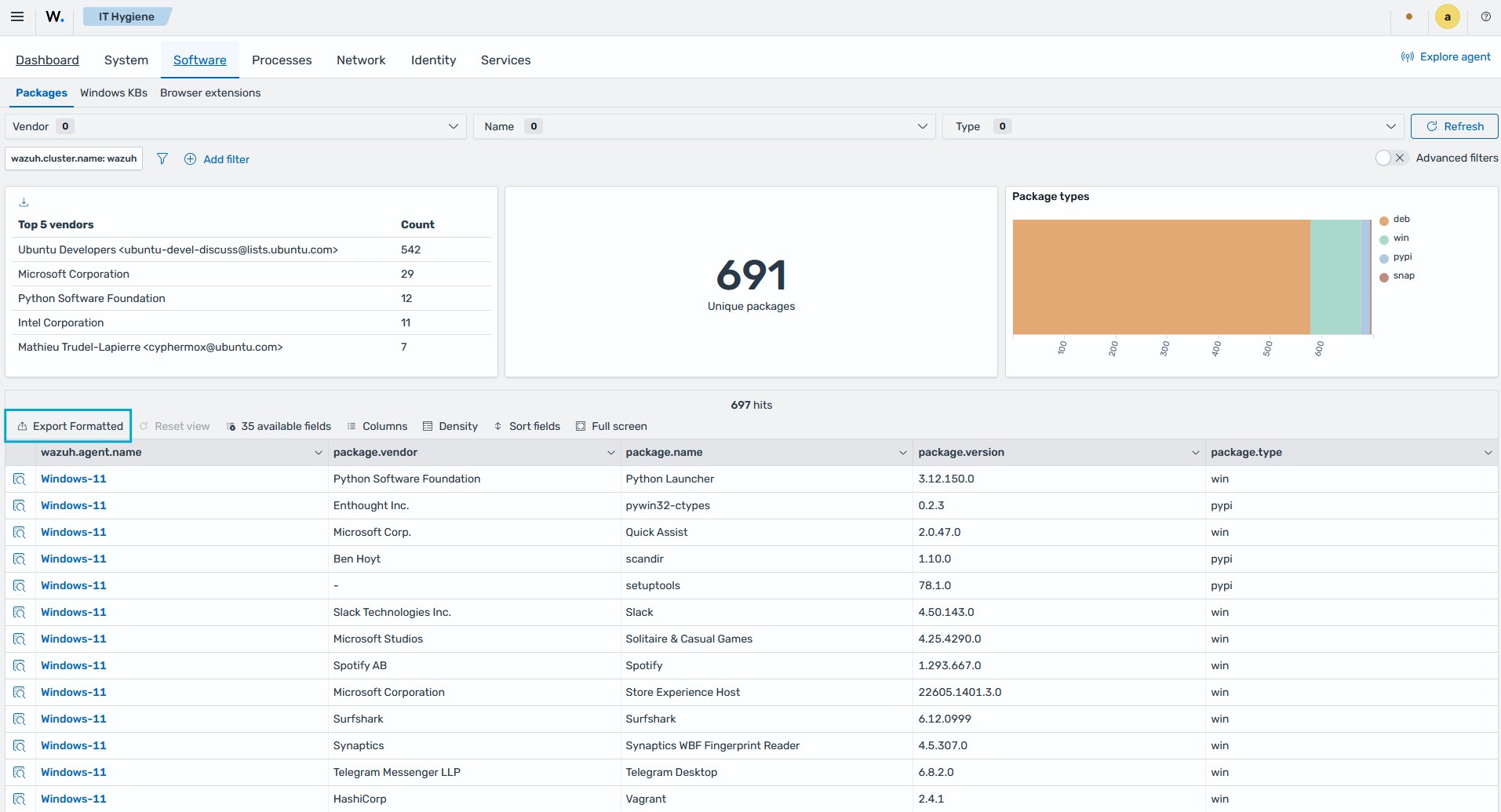
To download this report, click Export Formatted on the IT Hygiene page for the specific property you are interested in. In the image below, we download the software inventory data for all monitored endpoints.
To streamline the report to a specific endpoint, click Explore agent and select an endpoint. In the image below, we download the software inventory data for a Windows 11 endpoint.