Monitor configuration changes
Monitoring configuration changes establishes accountability for changes made to systems and applications. By maintaining a record of changes and who made them, organizations can identify responsible parties and ensure changes are properly authorized and documented.
Configure the FIM module to monitor configuration files and report changes. It uses the whodata and report_changes options to log the following about such changes:
The login user that made the changes.
The time of the changes.
The process that the user executed.
The changes made to the file.
Use case description
Endpoint |
Description |
|---|---|
CentOS Stream 9 |
The FIM module monitors a configuration file on this endpoint to detect file changes. |
Configuration
Perform the following steps to configure the FIM module to monitor the /etc/app.conf file and report changes.
Create a file
app.confin the/etcdirectory:# touch /etc/app.conf
Edit the
/var/ossec/etc/ossec.confconfiguration file and add the configuration below:<syscheck> <directories check_all="yes" report_changes="yes" whodata="yes">/etc/app.conf</directories> <whodata> <provider>ebpf</provider> </whodata> </syscheck>
Restart the Wazuh agent to apply the configuration changes:
# systemctl restart wazuh-agent
Test the configuration
Modify the
/etc/app.conffile by usingnanowith root privileges:# nano /etc/app.conf
Add
updated image to V2to the file and save.
Visualize the finding
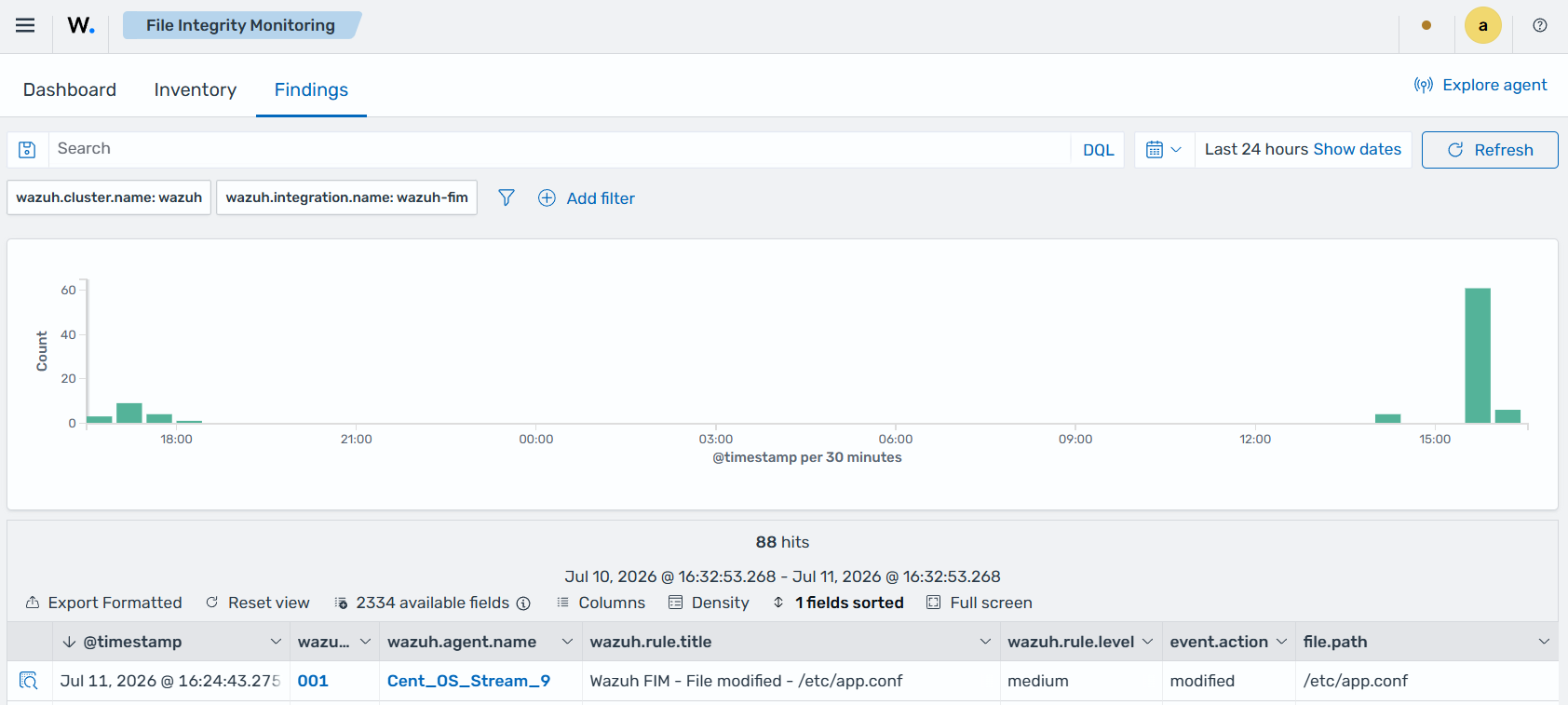
Navigate to Endpoint security → File Integrity Monitoring → Findings on the Wazuh dashboard to view the finding generated when the FIM module detects modification of the configuration file.
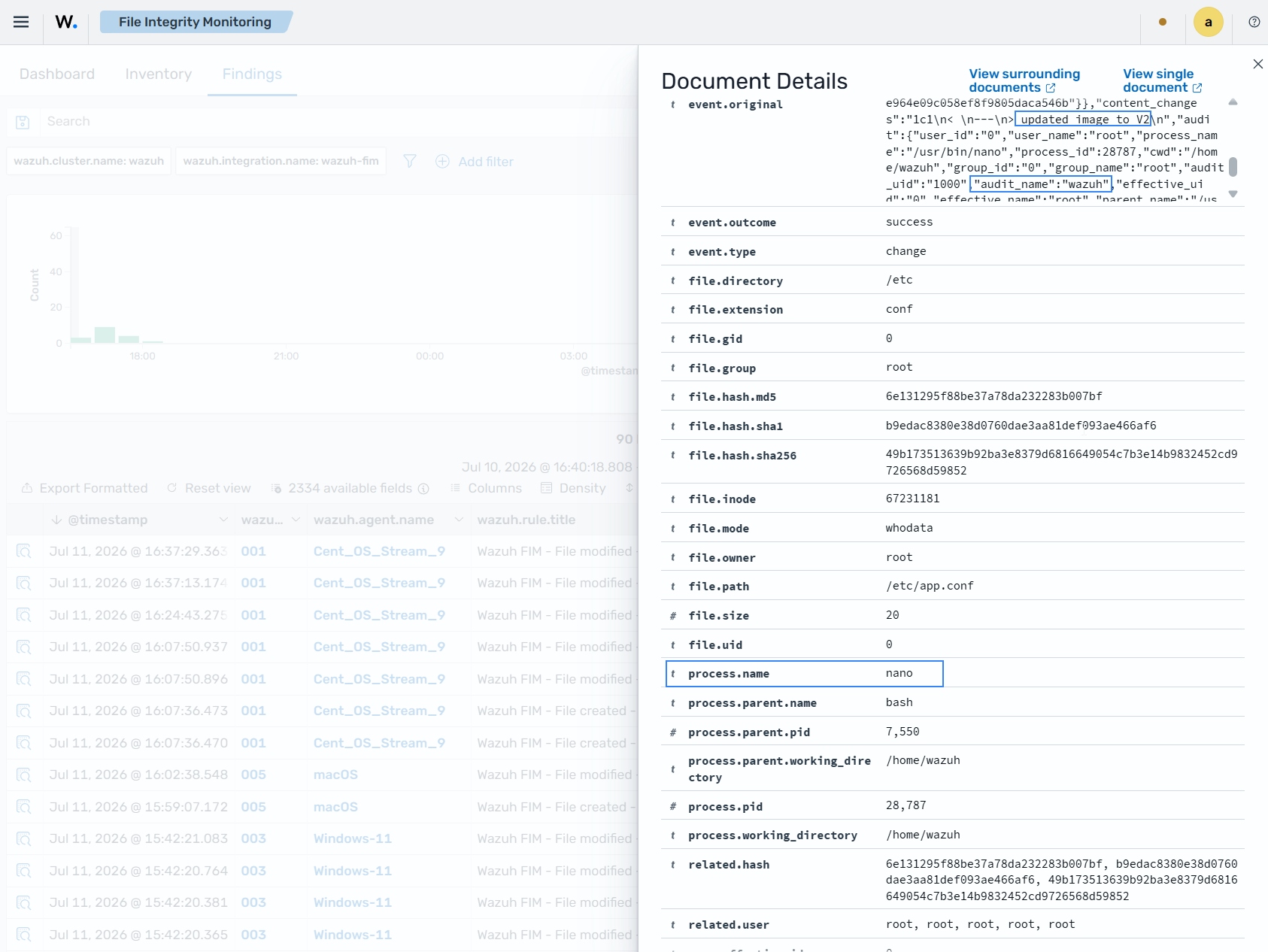
Expand the finding to get more information about the event. In this example, the nano text editor modified the configuration file. The logged-in user on the endpoint was wazuh. The user modified the file using root privileges. The content added to the file is updated image to V2.