Enable AWS integration on the Wazuh dashboard
An integration is a logical grouping of decoders, key-value databases (KVDBs), and rules that belong to a common log source or product. Integrations are the unit at which content is organized, enabled, and ordered. The AWS integrations are disabled by default. You must enable them before you configure any AWS service; otherwise, Wazuh doesn't generate findings from the AWS logs it collects. Follow these steps to enable them.
Navigate to the Ruleset Management > Overview page and make sure you are in the Standard space.
Search for
awsand click aws to open the integration.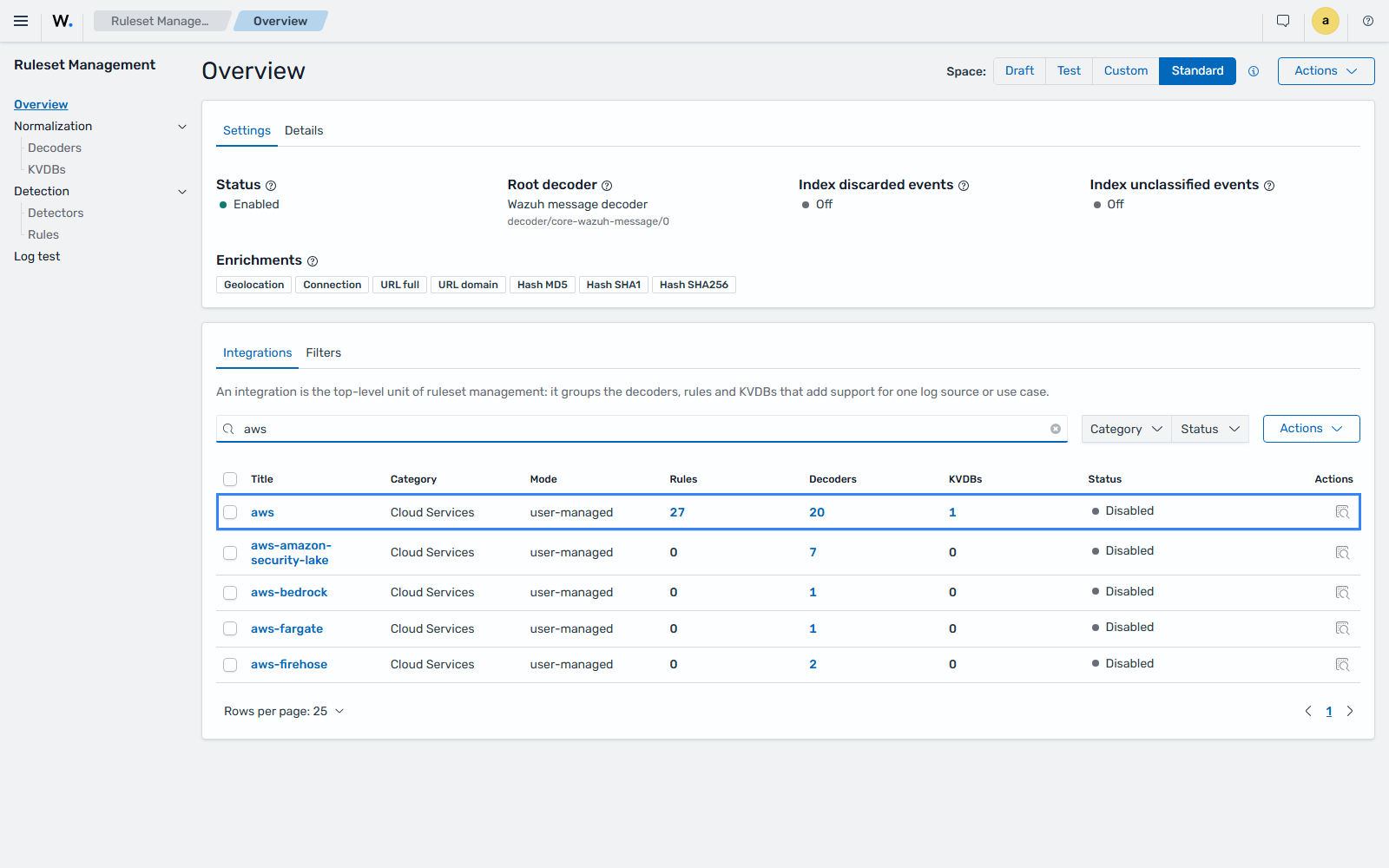
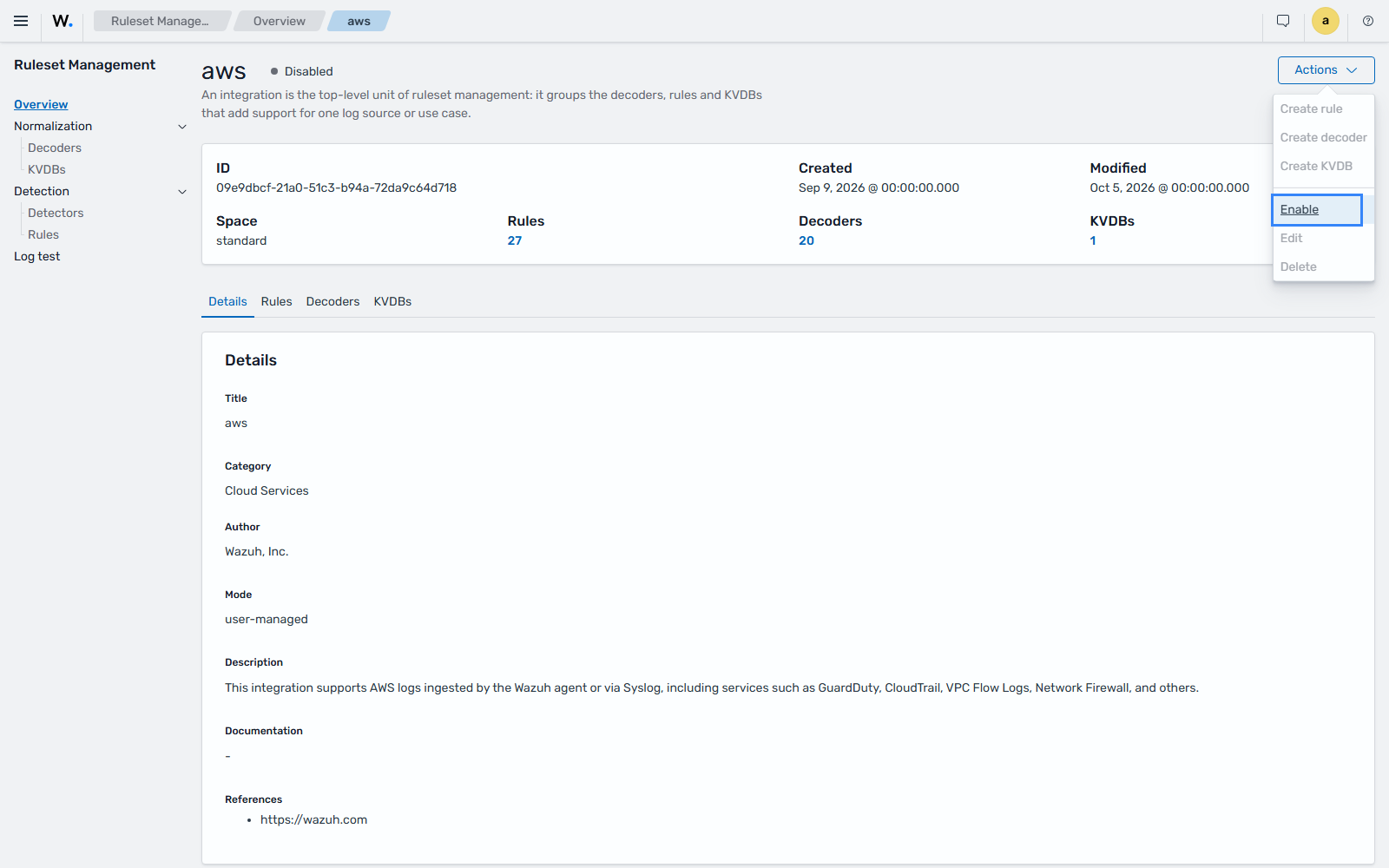
On the integration page, click Actions > Enable.
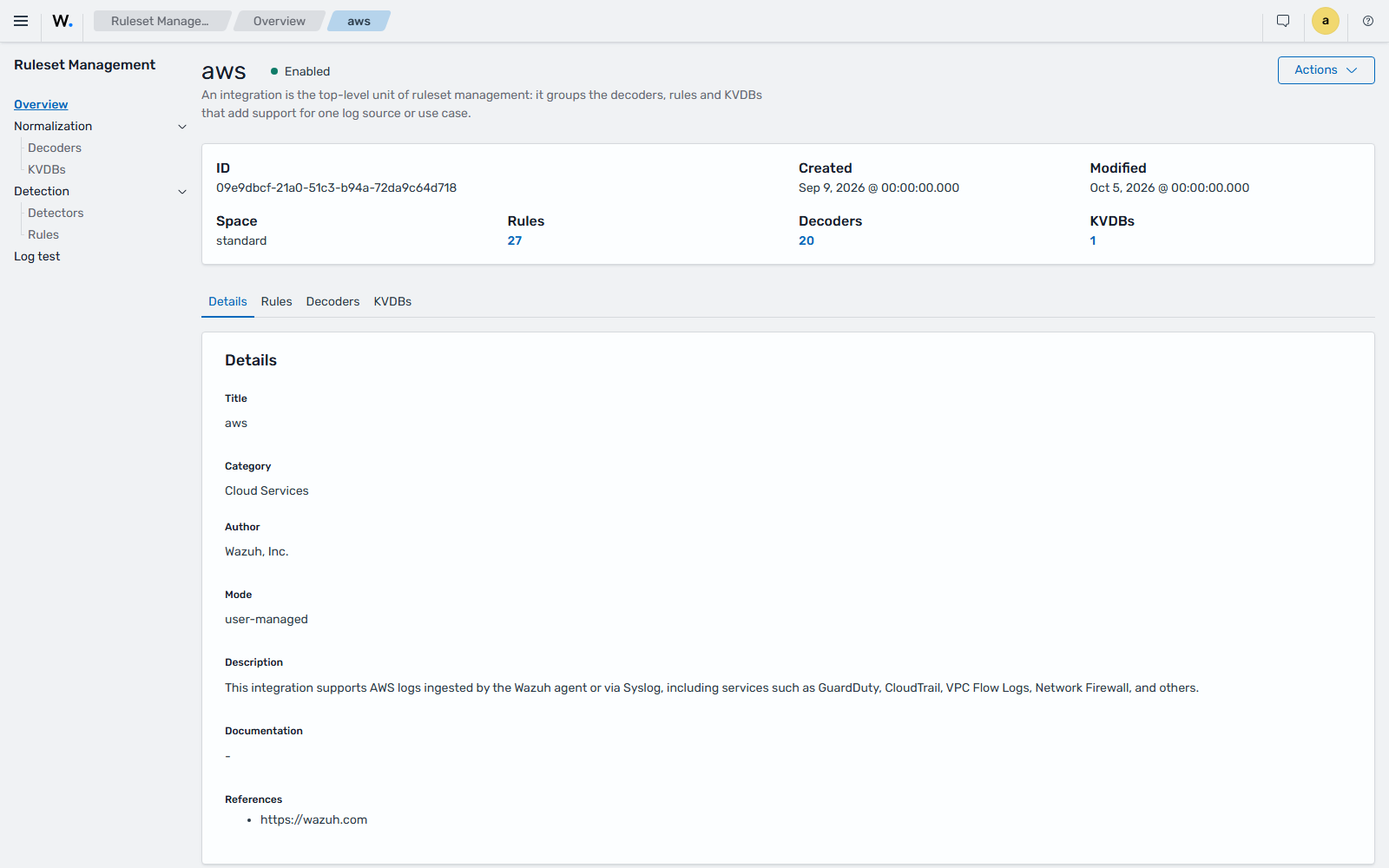
Search for and enable each of the following integrations the same way:
aws-amazon-security-lakeaws-bedrockaws-fargateaws-firehose