Common criteria 7.2
The TSC Common Criteria CC7.2 specifies the monitoring of system components for anomalies. It states, "The entity monitors system components and the operation of those components for anomalies that are indicative of malicious acts, natural disasters, and errors affecting the entity's ability to meet its objectives; anomalies are analyzed to determine whether they represent security events."
This criterion requires the entity to detect anomalies on its systems and analyze them to determine whether they are security events. Collecting and analyzing log data from the monitored components supports this requirement.
Wazuh helps meet the CC7.2 requirement by providing capabilities that detect anomalies on monitored systems. An example is log data analysis. The Wazuh Logcollector module retrieves and centralizes log data from different sources, such as operating systems, applications, network devices, and security appliances. Once Wazuh collects the log data, it applies various analysis techniques to extract valuable insights and detect potential security issues. This is done by matching the received data with the Wazuh out-of-the-box decoders and rules.
Use case: Collecting and analyzing logs across multiple endpoints
The use case below shows how log data analysis can detect specific events on monitored endpoints.
Wazuh dashboard
Open the menu (☰) and go to Threat intelligence > Threat Hunting:
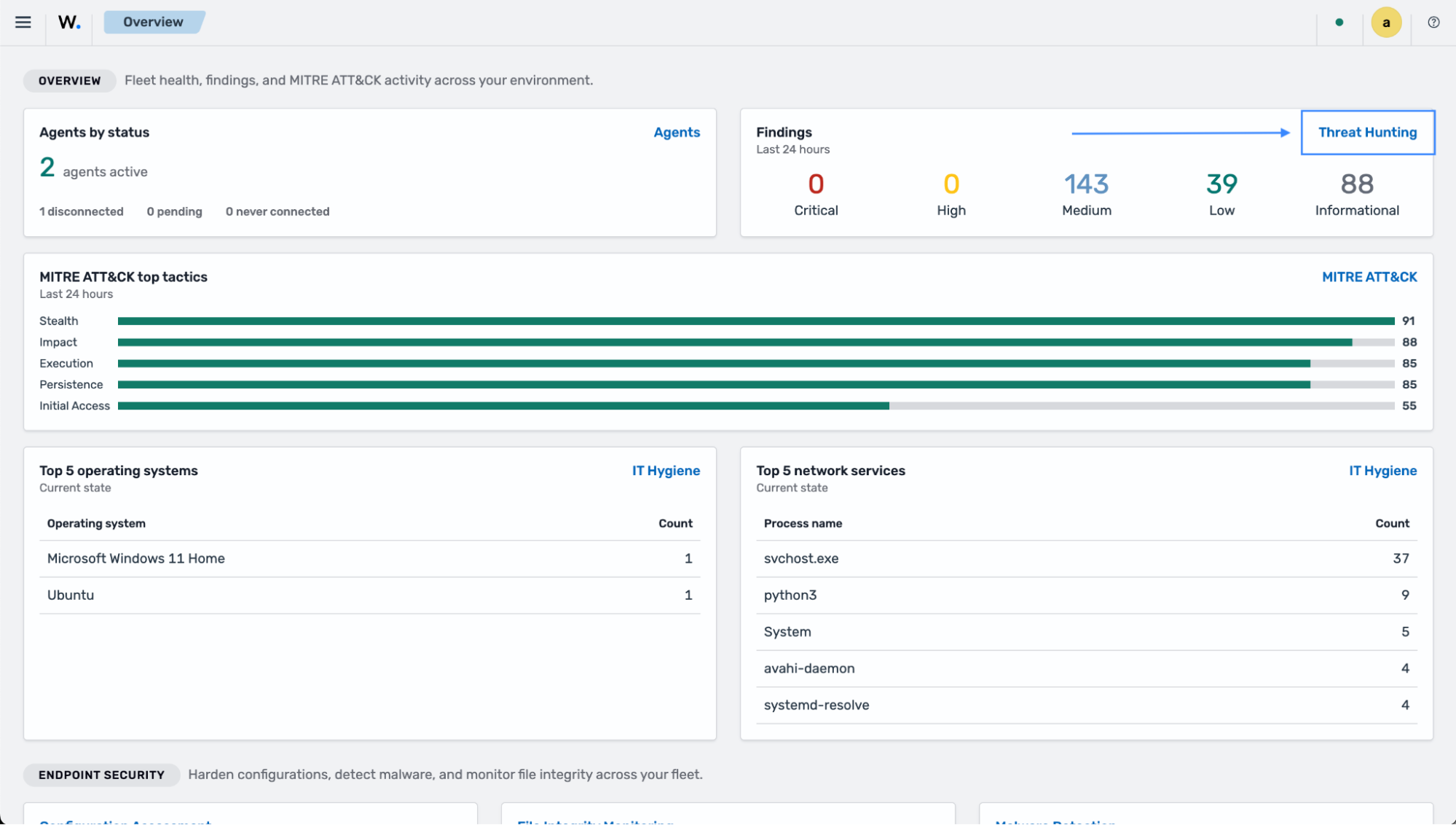
The images below show the Wazuh Threat Hunting dashboard.
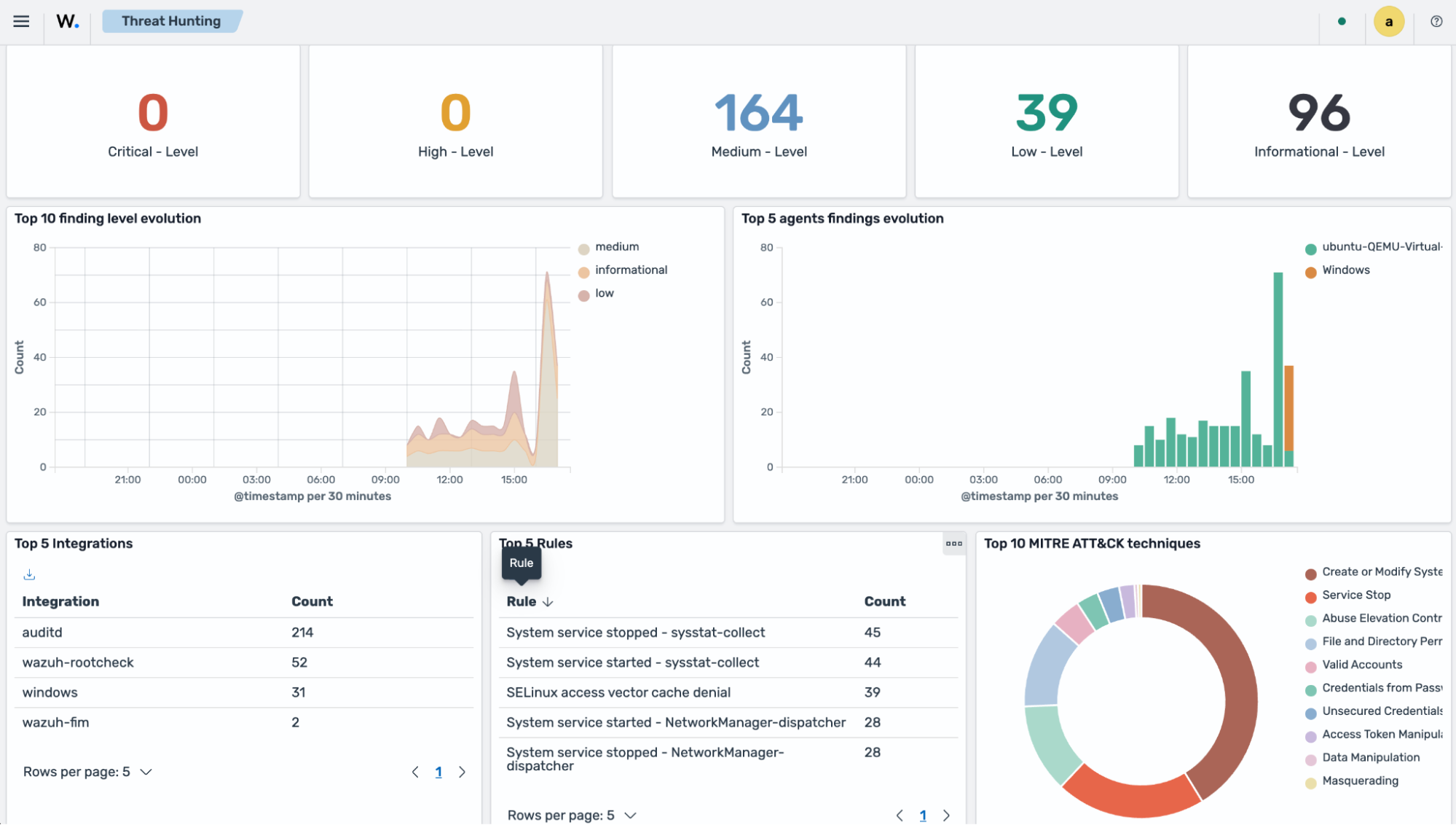
Each finding shows the title of the Wazuh rule that detected the event. For example, the image below shows details for the triggered finding:
Secret or credential accessed from vault.Switch to the Findings tab and click a finding to view details.
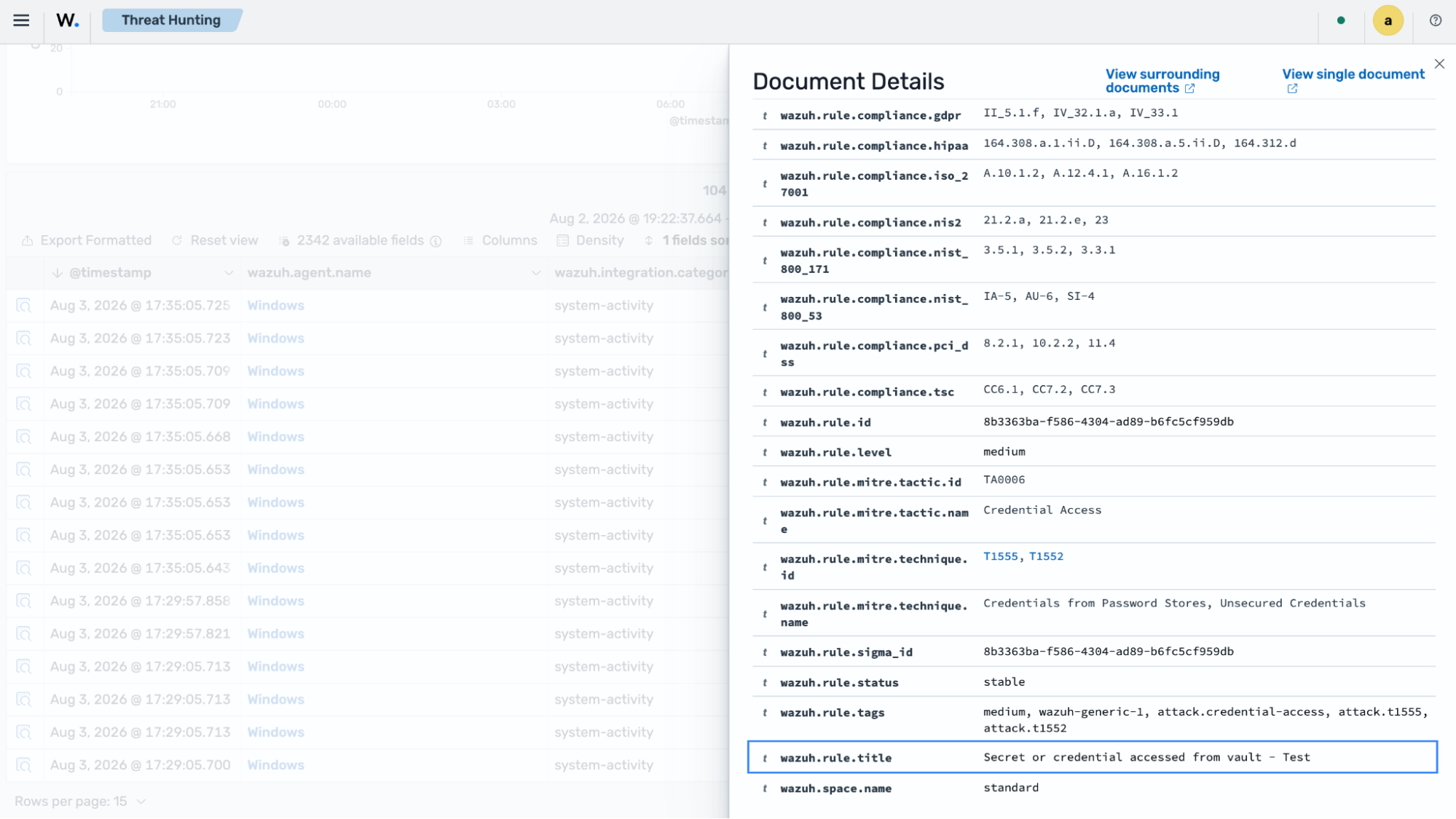
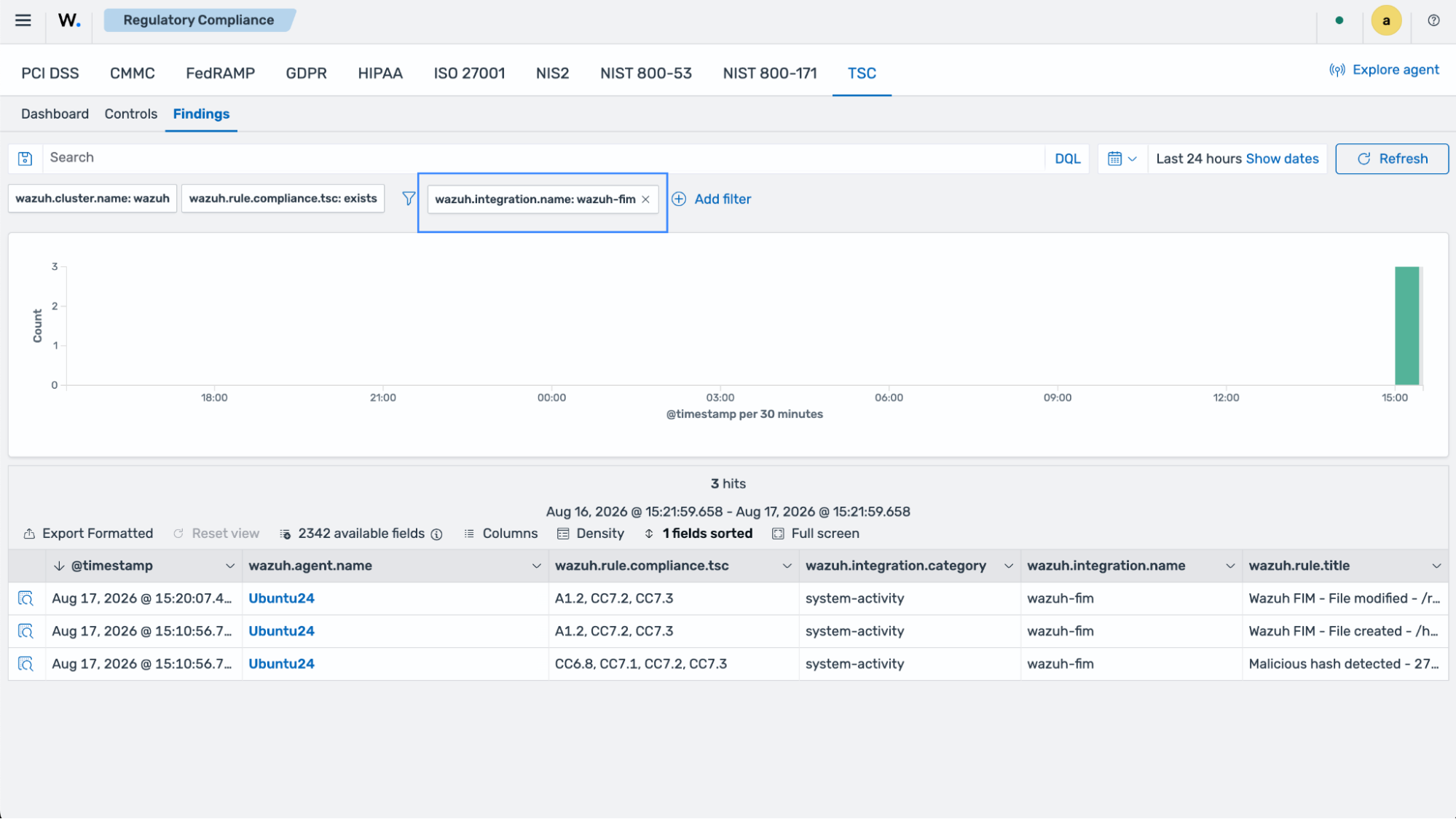
Use case: Detecting file changes using the Wazuh file integrity monitoring capability
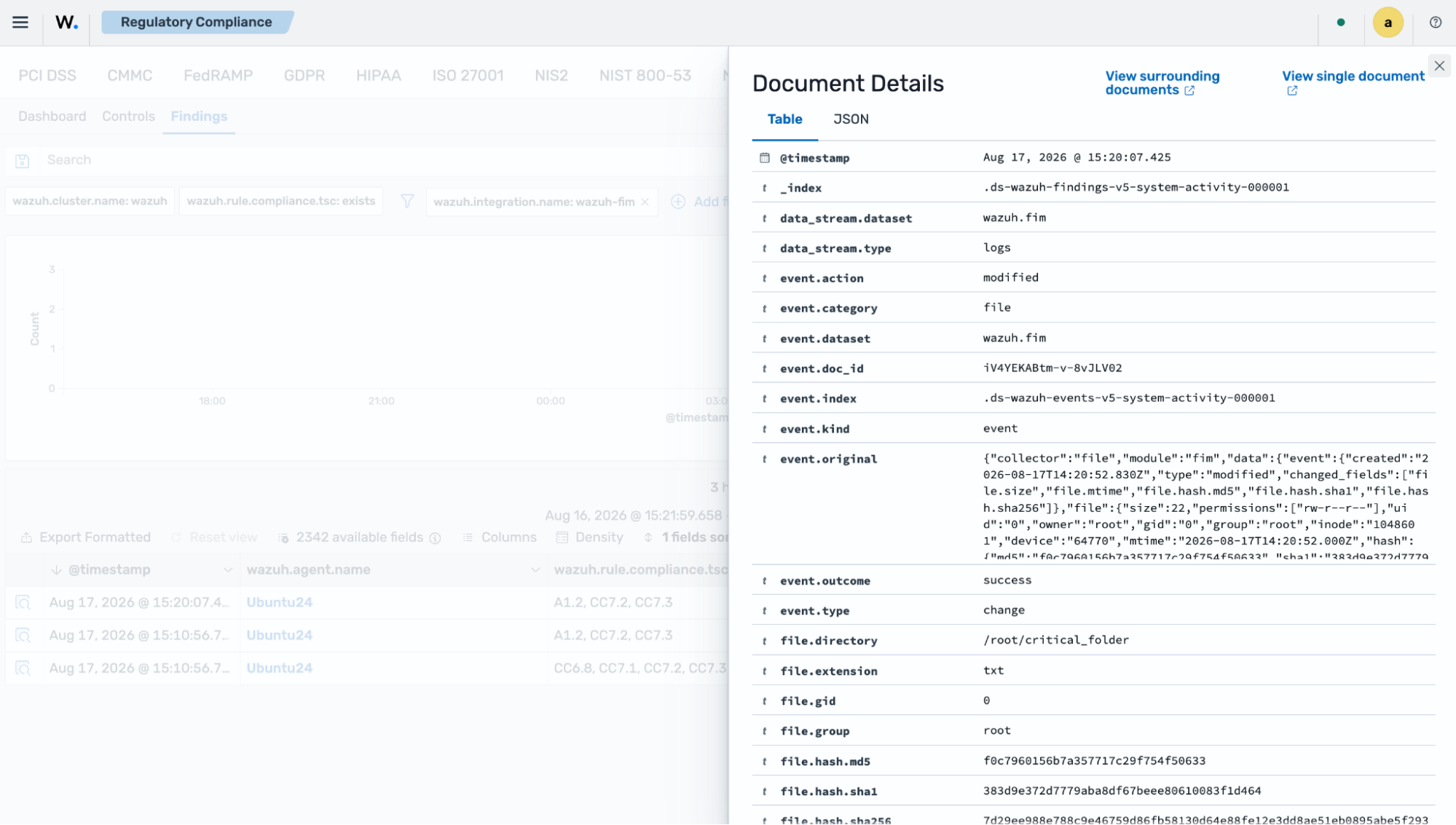
This use case shows how you can configure the Wazuh agent on an Ubuntu 24.04 endpoint to detect changes in the critical_folder directory. The finding supports the CC7.2 requirement as evidence that Wazuh detects unexpected file changes.
Ubuntu endpoint
Switch to the
rootuser:$ sudo su
Create the directory
critical_folderin the/rootdirectory:# mkdir /root/critical_folder
Create the file
special_data.txtin the/root/critical_folderdirectory and add some content:# touch /root/critical_folder/special_data.txt # echo "The content in this file must maintain integrity" >> /root/critical_folder/special_data.txt
Add the configuration highlighted to the
<syscheck>block of the Wazuh agent configuration file/var/ossec/etc/ossec.conf:<syscheck> <directories realtime="yes" check_all="yes" report_changes="yes">/root/critical_folder</directories> </syscheck>
Restart the Wazuh agent to apply the changes:
# systemctl restart wazuh-agent
Modify the file by changing the content of
special_data.txtfromThe content in this file must maintain integritytoA change has occurred:# echo "A change has occurred" > /root/critical_folder/special_data.txt # cat /root/critical_folder/special_data.txt
The command output looks similar to this:
A change has occurred
Wazuh dashboard
Open the menu (☰) and go to Security operations > Regulatory Compliance, then click TSC.
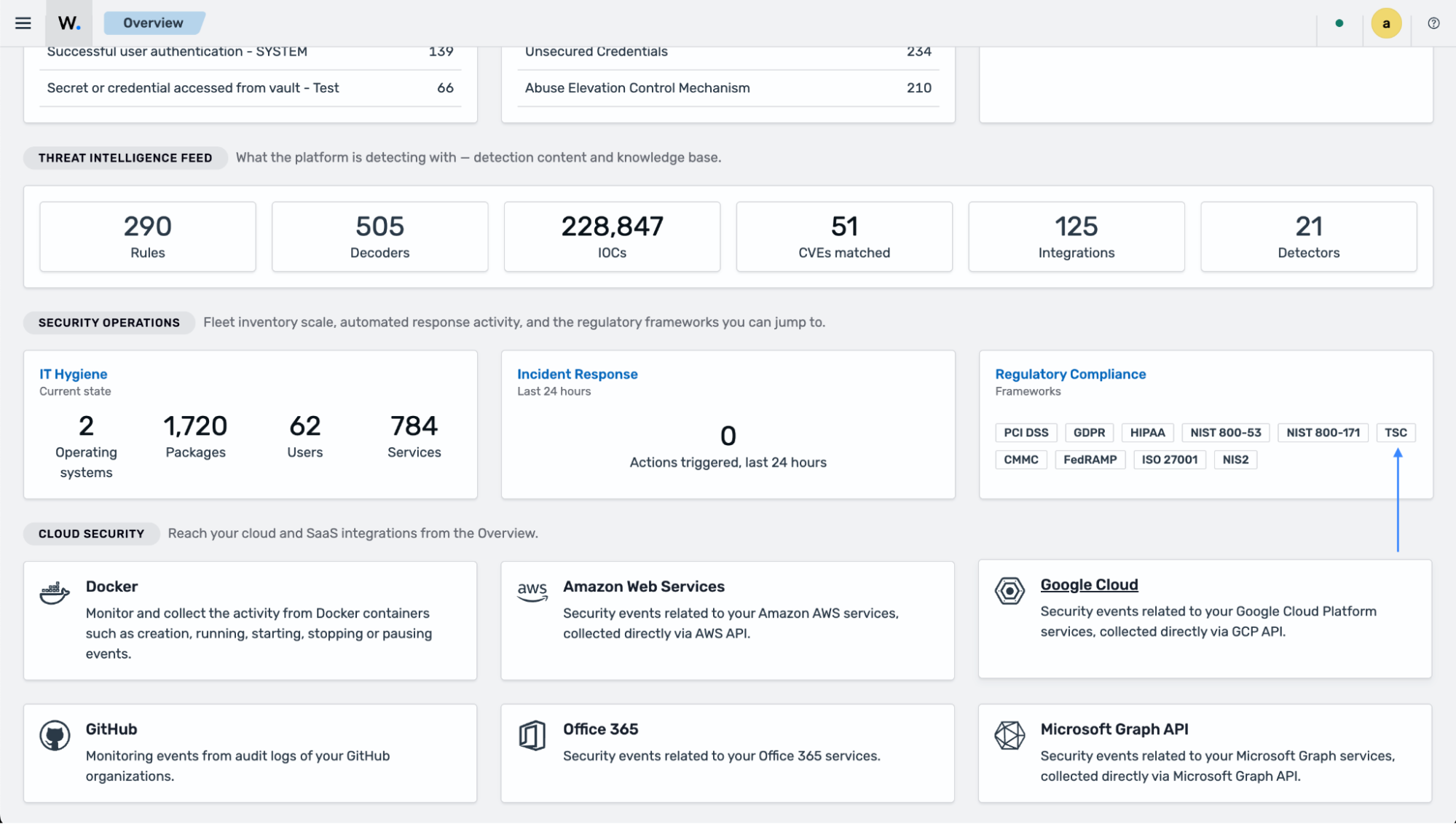
Select the Findings subsection and apply the following filter:
wazuh.integration.name: wazuh-fim