Security configuration assessment
The Wazuh Security Configuration Assessment (SCA) module performs scans to determine if monitored endpoints meet secure configuration and hardening policies. These scans assess the endpoint configuration using policy files. These policy files contain rules that serve as a benchmark for the configurations that exist on the monitored endpoint.
The Wazuh SCA helps to comply with the following NIST 800-53 controls:
SC-7 Boundary protection: "Managed interfaces include gateways, routers, firewalls, guards, network-based malicious code analysis, virtualization systems, or encrypted tunnels implemented within a security architecture. Subnetworks that are physically or logically separated from internal networks are referred to as demilitarized zones or DMZs. Restricting or prohibiting interfaces within organizational systems includes restricting external web traffic to designated web servers within managed interfaces, prohibiting external traffic that appears to be spoofing internal addresses, and prohibiting internal traffic that appears to be spoofing external addresses. SP 800-189 provides additional information on source address validation techniques to prevent ingress and egress of traffic with spoofed addresses. Commercial telecommunications services are provided by network components and consolidated management systems shared by customers. These services may also include third-party-provided access lines and other service elements. Such services may represent sources of increased risk despite contract security provisions. Boundary protection may be implemented as a common control for all or part of an organizational network such that the boundary to be protected is greater than a system-specific boundary (i.e., an authorization boundary)."
IA-5 Authenticator management: "Authenticators include passwords, cryptographic devices, biometrics, certificates, one-time password devices, and ID badges. Device authenticators include certificates and passwords. Initial authenticator content is the actual content of the authenticator (e.g., the initial password). In contrast, the requirements for authenticator content contain specific criteria or characteristics (e.g., minimum password length). Developers may deliver system components with factory default authentication credentials (i.e., passwords) to allow for initial installation and configuration. Default authentication credentials are often well-known, easily discoverable, and present a significant risk. The requirement to protect individual authenticators may be implemented via control PL-4 or PS-6 for authenticators in the possession of individuals and by controls AC-3, AC-6, and SC-28 for authenticators stored in organizational systems, including passwords stored in hashed or encrypted formats or files containing encrypted or hashed passwords accessible with administrator privileges."
CM-6 Configuration settings: "Configuration settings are the parameters that can be changed in the hardware, software, or firmware components of the system that affect the security and privacy posture or functionality of the system. Information technology products for which configuration settings can be defined include mainframe computers, servers, workstations, operating systems, mobile devices, input/output devices, protocols, and applications. Parameters that impact the security posture of systems include registry settings; account, file, or directory permission settings; and settings for functions, protocols, ports, services, and remote connections."
Wazuh has out-of-the-box SCA policies to check if endpoints meet authentication, network, and boundary policies, among other security policies. The Wazuh SCA module scans endpoints regularly to determine if they comply with specific security policies.
Use case
Check the default deny firewall policy
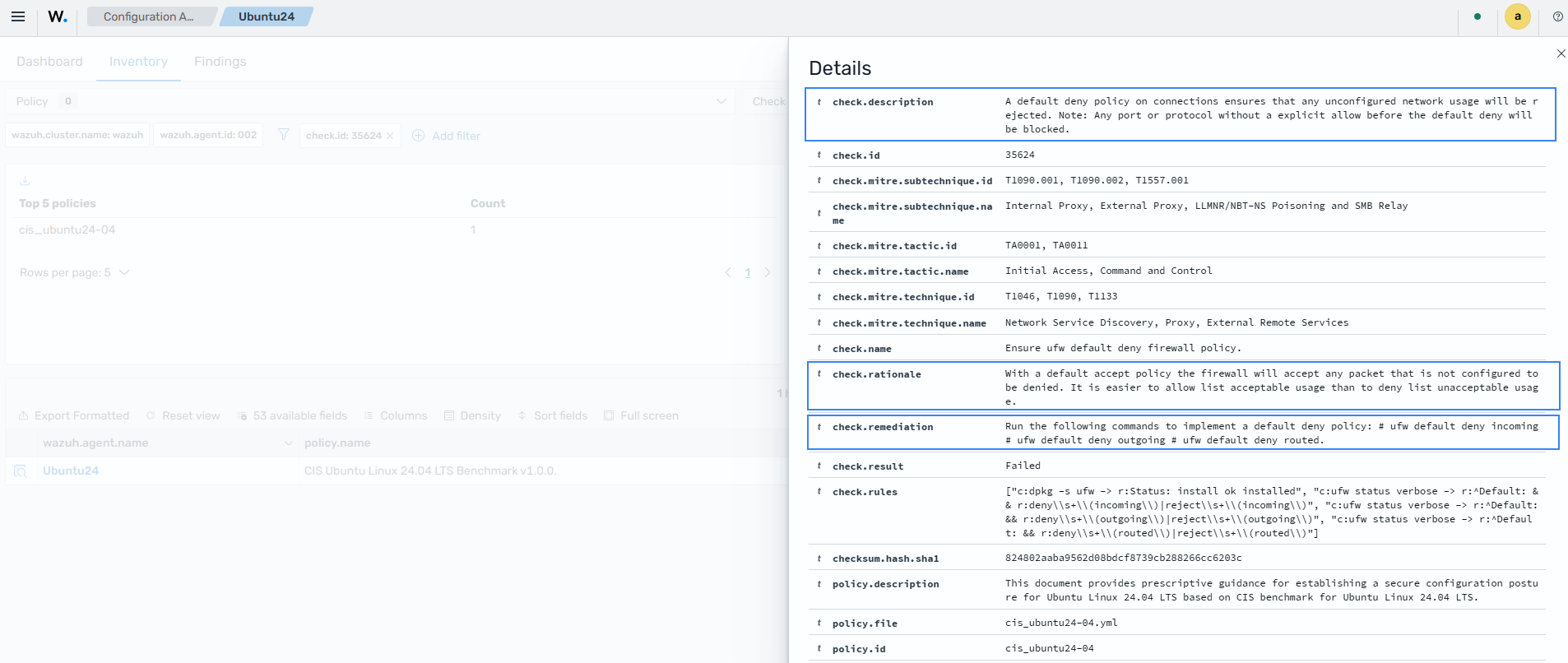
Wazuh helps meet the CM-6 Configuration settings requirement by checking endpoint compliance with the CIS configuration benchmark. In this scenario, Wazuh runs default SCA checks to determine the default firewall deny policy status on an Ubuntu 24.04 LTS endpoint.
Restart the Wazuh agent to trigger a new SCA scan:
# systemctl restart wazuh-agent
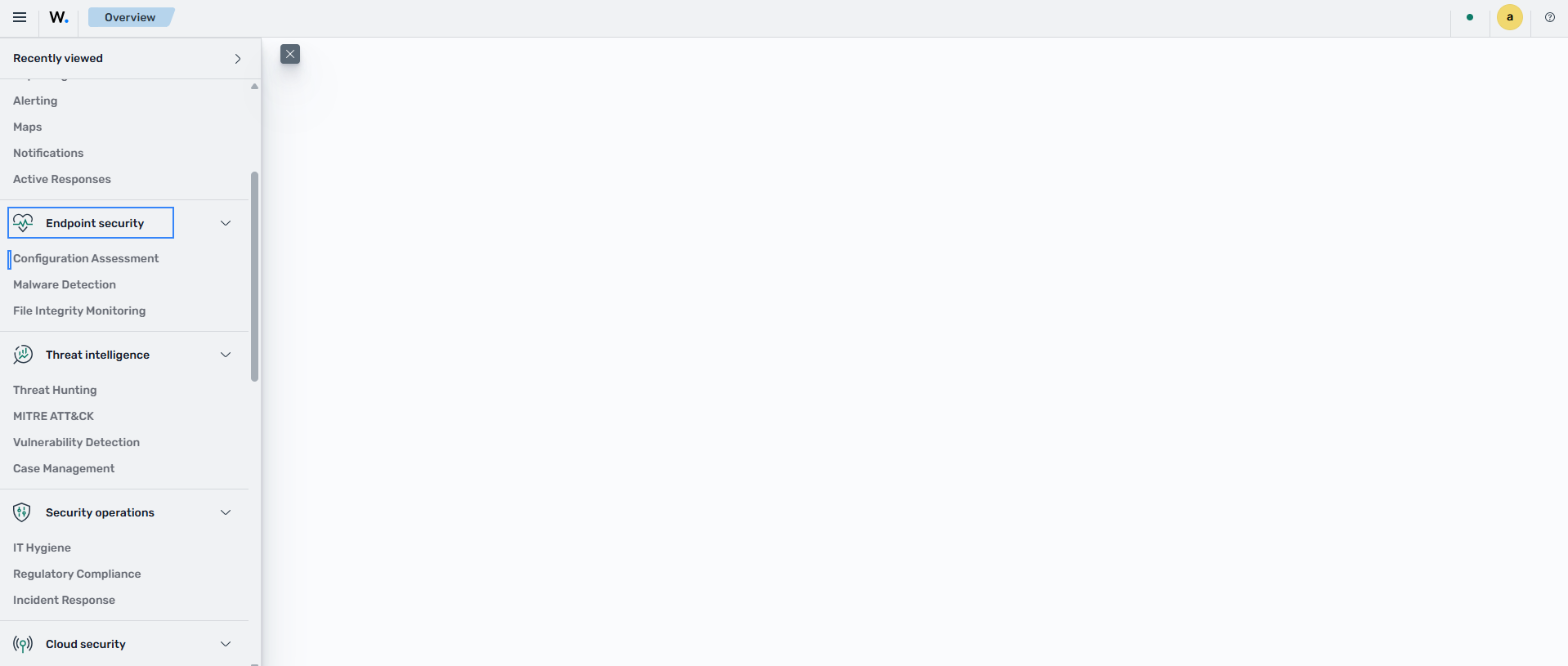
Click the upper-left menu icon (☰) and go to Endpoint security > Configuration Assessment.
SCA scans are enabled by default, so you don't require further configuration actions.
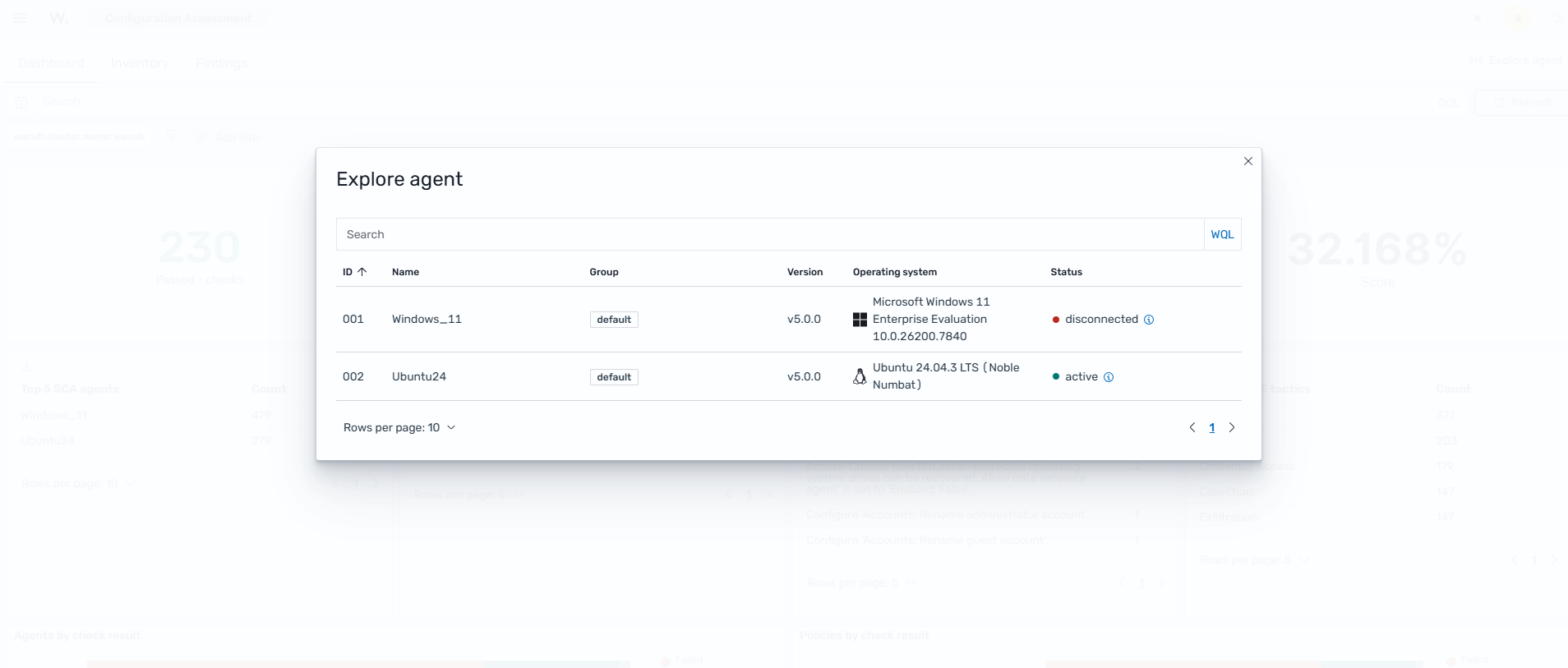
Click Explore agent, then select the Ubuntu 24.04 endpoint.
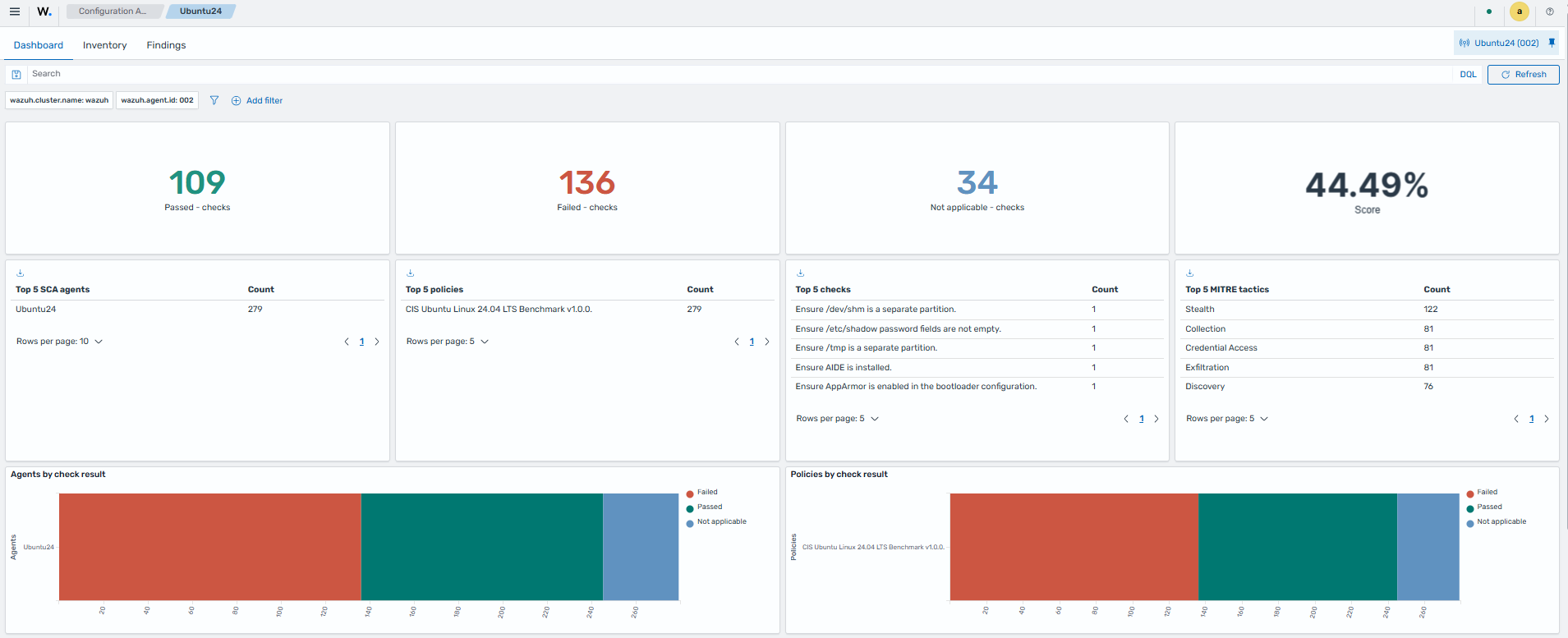
Click the Inventory tab.
Click Add filter and add a filter for
check.id is 35624then click Save.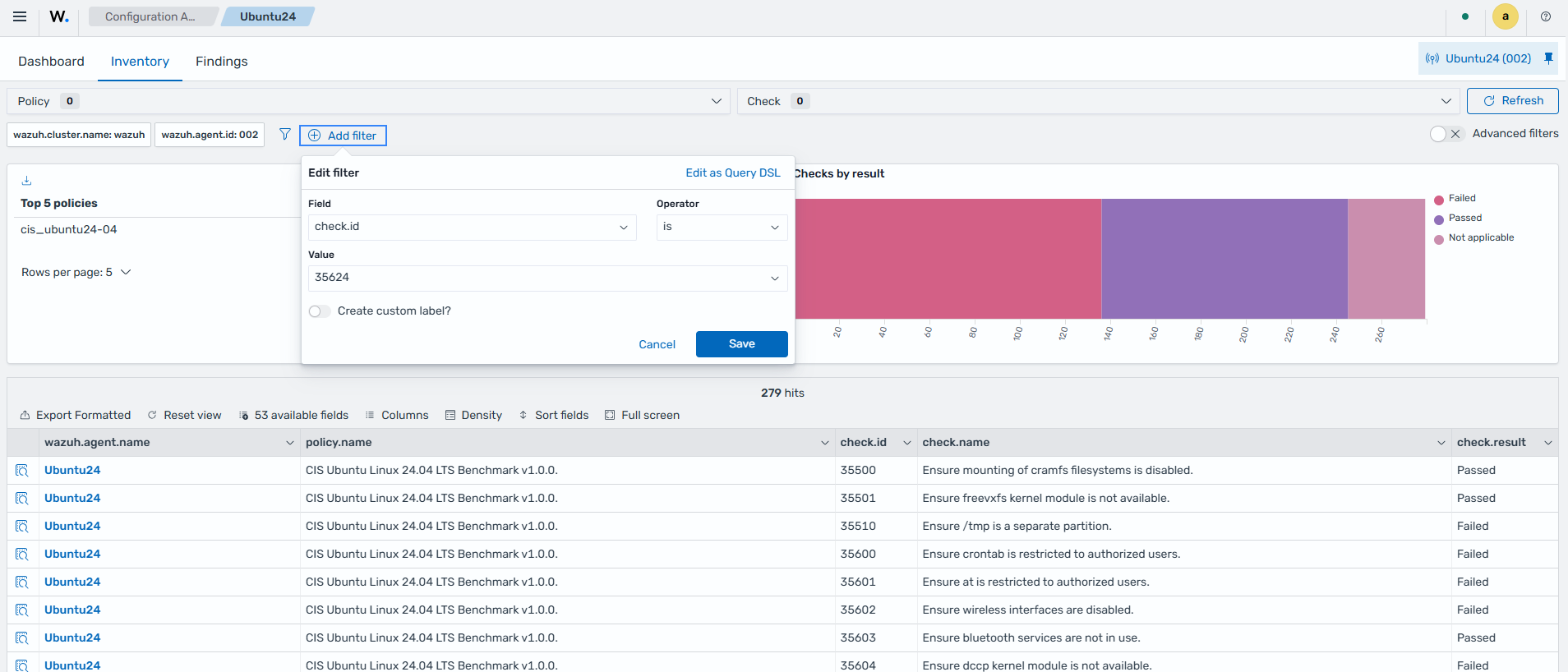
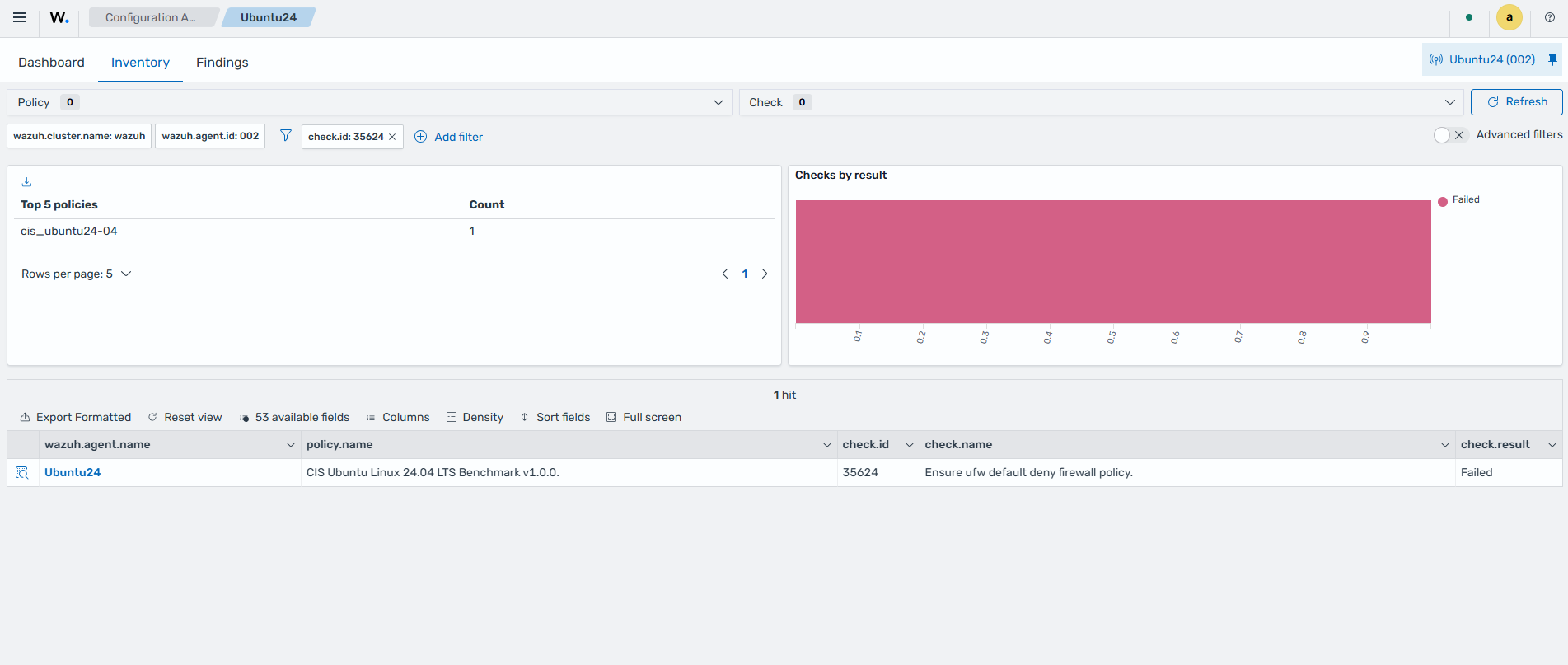
This SCA check returns Failed when the endpoint has no default deny firewall policy configured. Additionally, each SCA check contains the reason for performing the check, a description, and possible remediation for the failed SCA check.