Enabling the Google Cloud integration
The GCP integration containing the Wazuh ruleset for Google Cloud is disabled by default. Follow the steps below to enable the GCP integration.
On the Wazuh dashboard, navigate to Security Analytics > Overview and search for
gcp. Select the GCP integration, then click on the Action icon to view the integration details.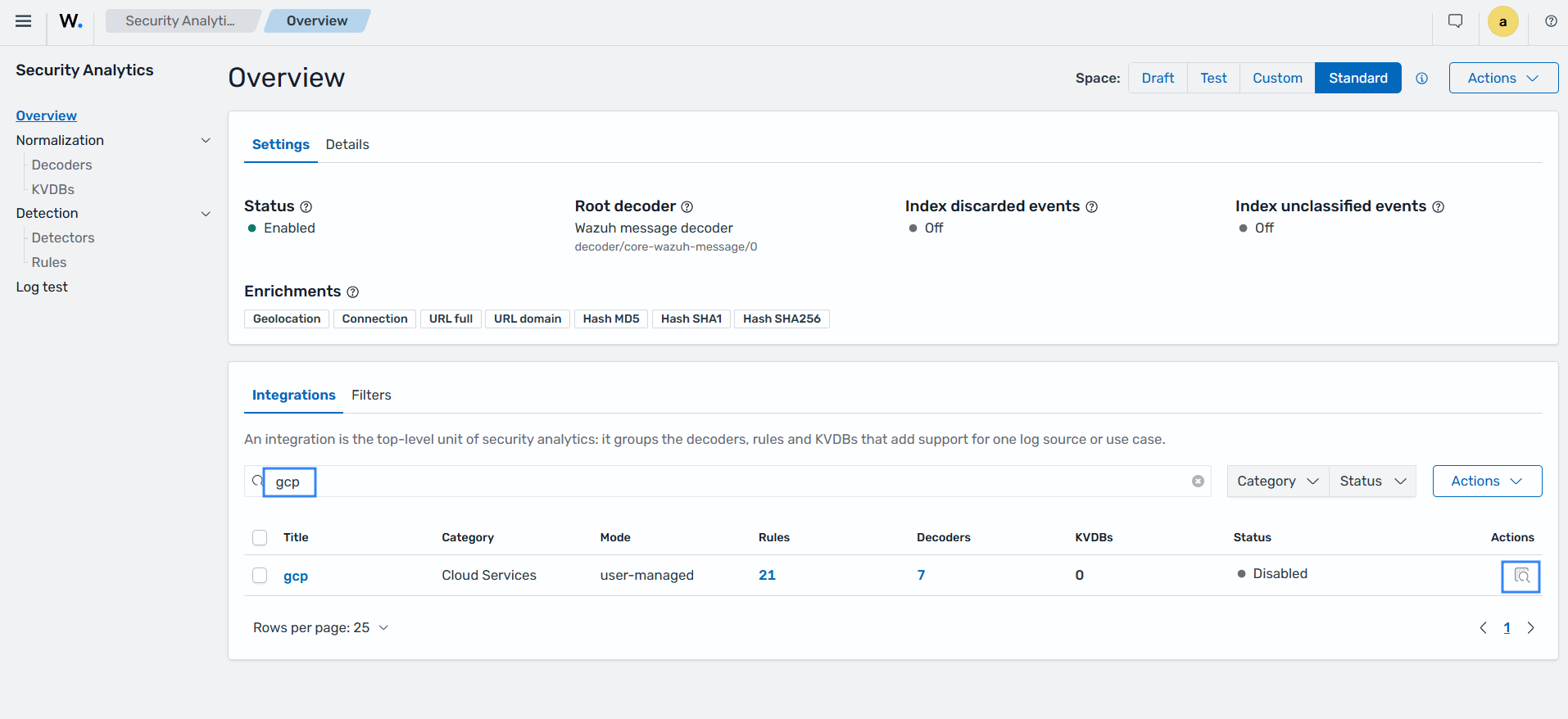
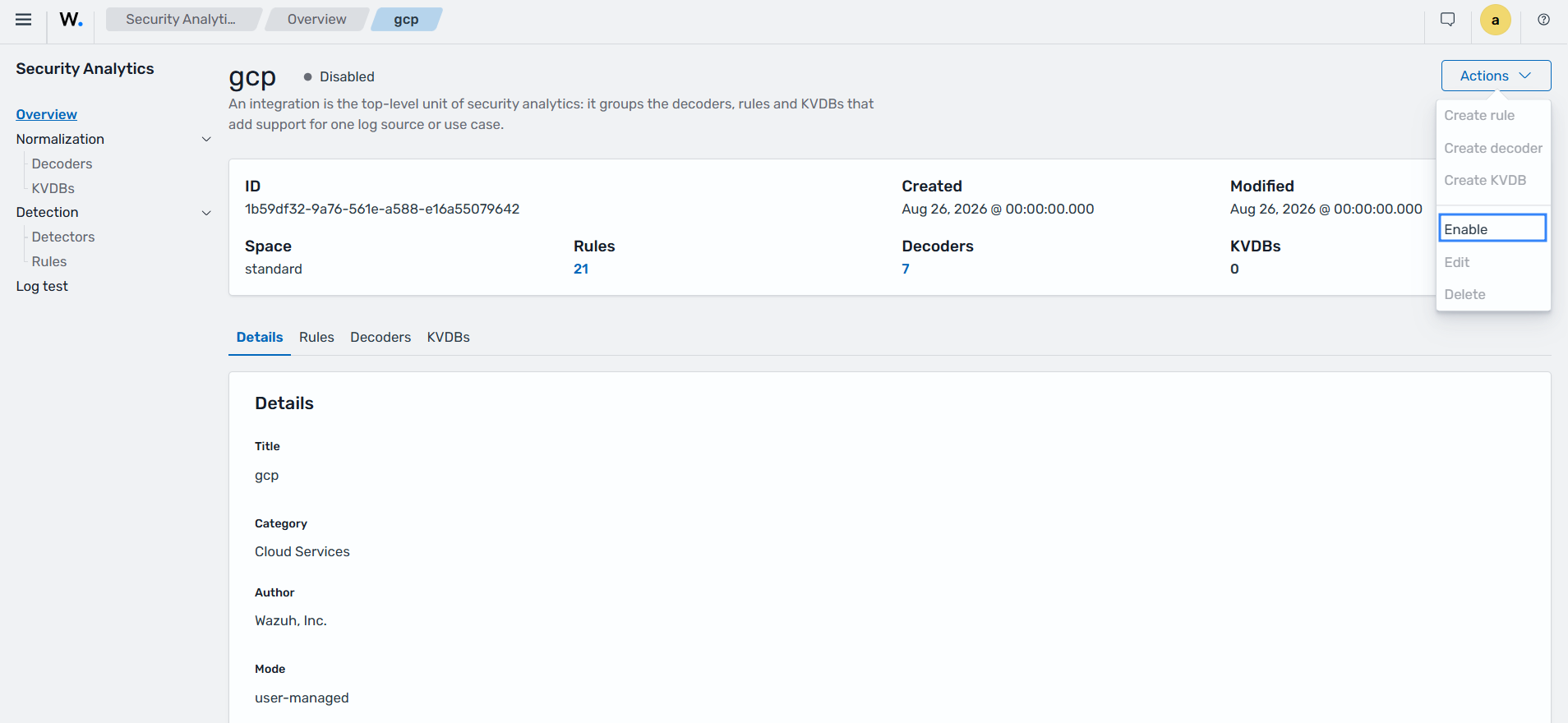
Select Enable from the Actions drop-down menu to enable the GCP integration.