How log data collection works
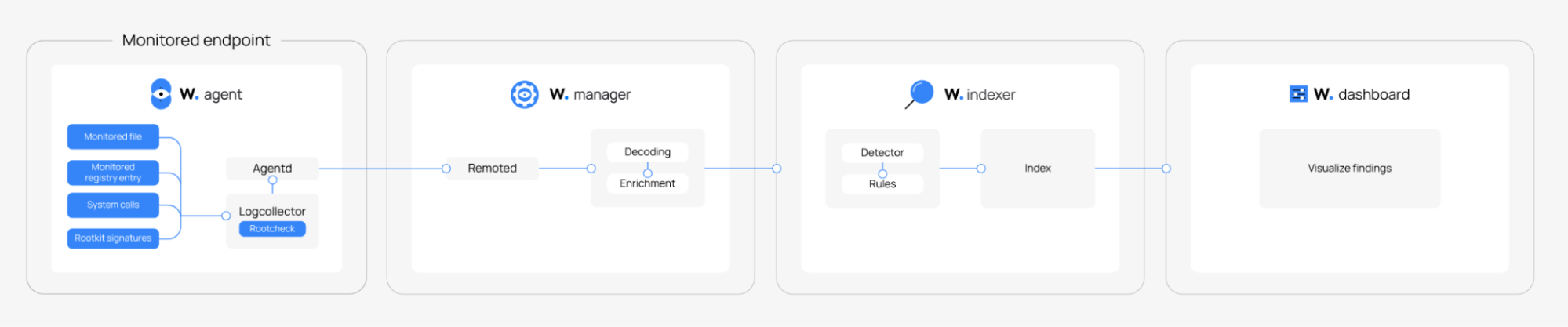
Wazuh agents use the Logcollector module to collect events from endpoints and applications, then forward them to the Wazuh manager for processing, normalization, and indexing. The Wazuh manager applies decoders to classify incoming events; events that don't match a decoder, or that don't meet the alert threshold, can still be indexed when unclassified event storage is enabled.
The log analysis flow in Wazuh is straightforward: the agent collects the data, the manager normalizes, decodes, and enriches it, and the indexer stores it for rule matching and analysis. In Wazuh 5.0, the manager no longer ingests syslog directly, so agentless syslog sources must be relayed through a Linux host running a Wazuh agent and Logcollector.
The image below illustrates the flow of log data collection and analysis in Wazuh.
Note
In Wazuh 5.0, the Wazuh manager syslog listener has been removed. To ingest syslog from agentless devices such as firewalls, switches, and routers, configure a Linux system as a syslog relay. Install a Wazuh agent on the relay system, configure rsyslog to receive syslog events over the network and write them to a log file, such as /var/log/network-devices.log. Then, configure the Wazuh agent's ossec.conf file to monitor the log file with the Logcollector module. See the configuring rsyslog on a Linux endpoint section for an example.
Configuring a Wazuh agent
You can configure log collection either locally on the Wazuh agent or centrally on the Wazuh manager. Local configuration applies to an individual agent, while centralized configuration allows you to define and distribute log collection settings to multiple enrolled agents. The following sections describe both configuration methods. You can apply configuration changes:
Using a local configuration from the monitored Wazuh agent
The ossec.conf file is the main configuration file on the Wazuh agent. The Wazuh agent collects logs from monitored endpoints and forwards these logs to the Wazuh manager for normalization. You can configure the Wazuh agent configuration file to collect logs from specific log files on a monitored endpoint. The table below shows the location of the ossec.conf file on different operating systems.
Operating systems |
Location of the ossec.conf file |
|---|---|
Windows |
|
Linux/Unix |
|
macOS |
|
Table 1: Location of the ossec.conf file on different operating systems.
Using a centralized configuration from the Wazuh manager
The Wazuh manager enables centralized distribution of configuration settings to multiple monitored endpoints in the same operating system or group. You can use the centralized configuration to configure log collection across agent groups. Configuration settings in the agent.conf file on the Wazuh manager take precedence over those in the Wazuh agent ossec.conf file.
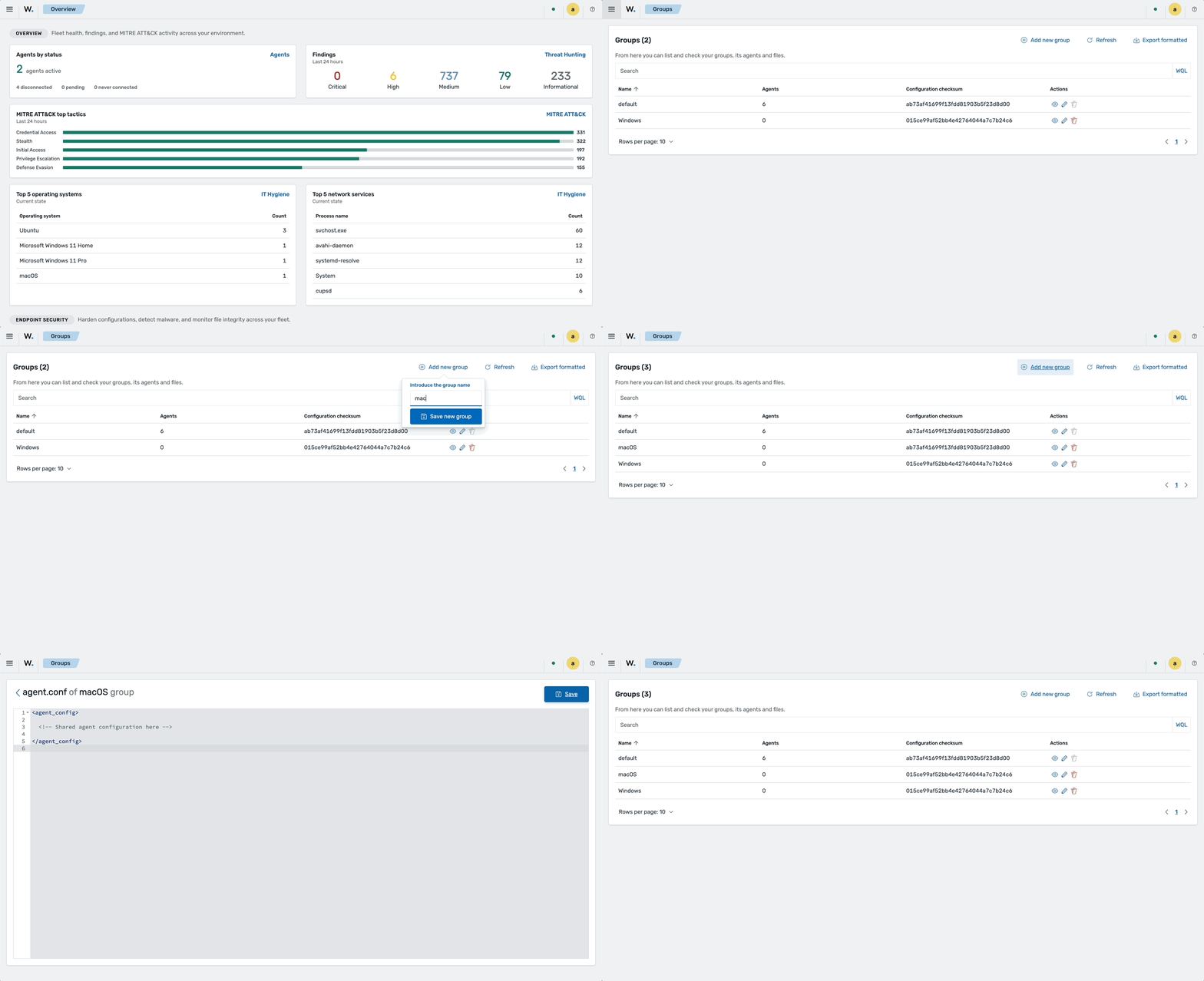
You can manage the centralized configuration from a Wazuh group.