Common criteria 5.1 (COSO Principle 10)
The TSC common criteria CC5.1 states, “The entity selects and develops control activities that contribute to the mitigation of risks to the achievement of objectives to acceptable levels.” This means the organization should design and implement controls appropriate to its specific business environment and aligned with its overall goals and objectives. Examples of control activities include policies, authorizations and approvals processes, information management, and physical controls.
One focus of this criterion is that an effective control framework should include a diverse mix of control activities, considering different approaches to address risks and incorporating a combination of manual and automated, preventive and detective controls.
This principle is a crucial part of an organization's overall control metrics and is frequently applied in internal control and risk management. It helps organizations detect and reduce risks and ensure compliance with laws and regulations.
Wazuh helps meet this aspect of COSO Principle 10 CC5.1 (Control Activities) by providing several modules. One of these modules is the Security Configuration Assessment (SCA) module, which is enabled by default on your Wazuh installation. This module allows a user to scan system components and configurations to detect misconfigurations that could lead to security issues. The Wazuh SCA module is an example of a control that proactively identifies misconfigurations for timely remediation.
Use case: Security Configuration Assessment of a monitored endpoint
In this case, we use the SCA module to evaluate a monitored Windows 11 endpoint against the CIS Benchmark for Windows 11. By monitoring and detecting security configuration issues, you can quickly identify and remediate potential security risks, ensuring the security and compliance of your systems. You can track these events and actions on the Wazuh dashboard:
Wazuh dashboard
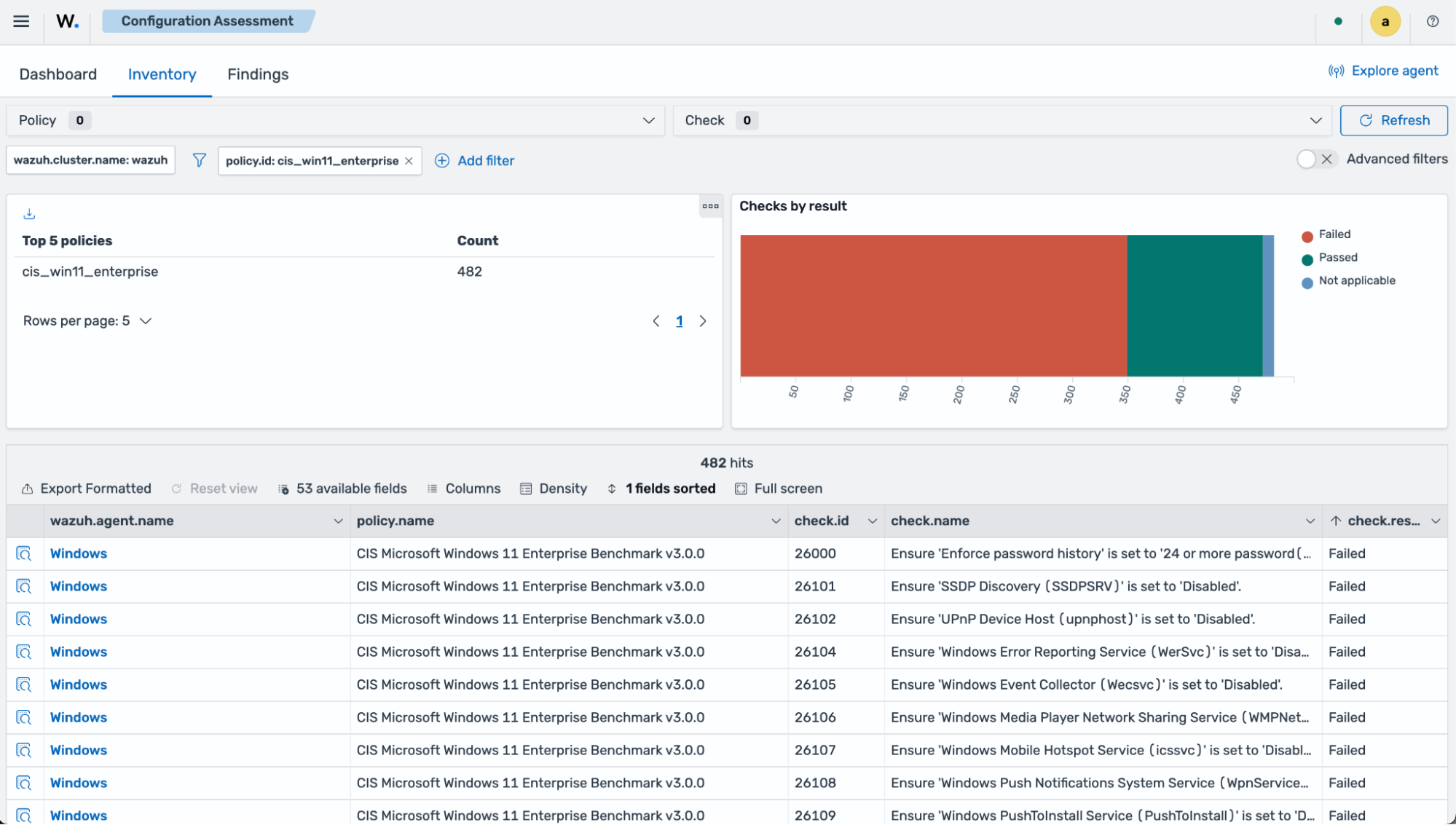
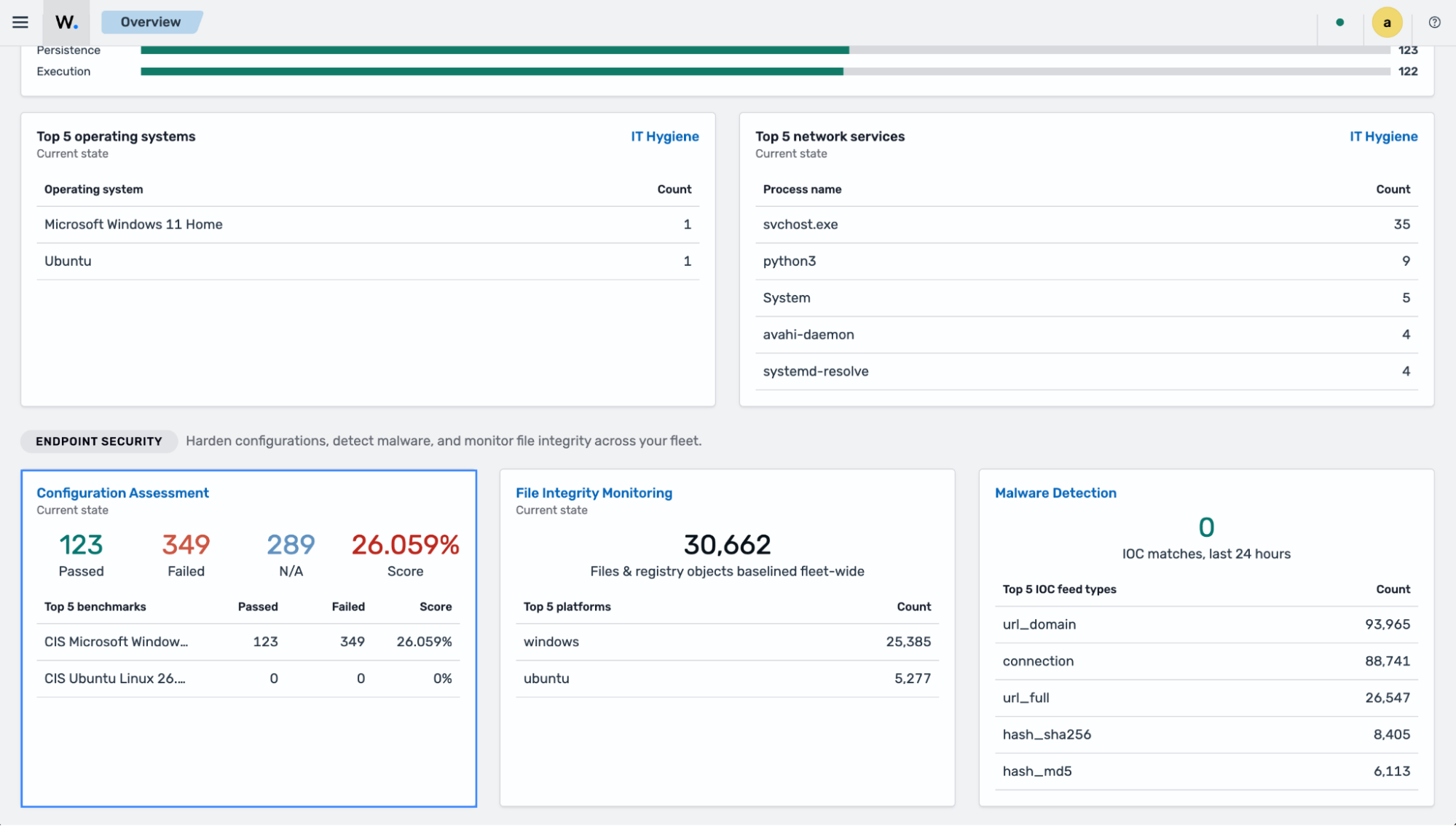
Navigate to the Configuration Assessment module from the Wazuh dashboard.
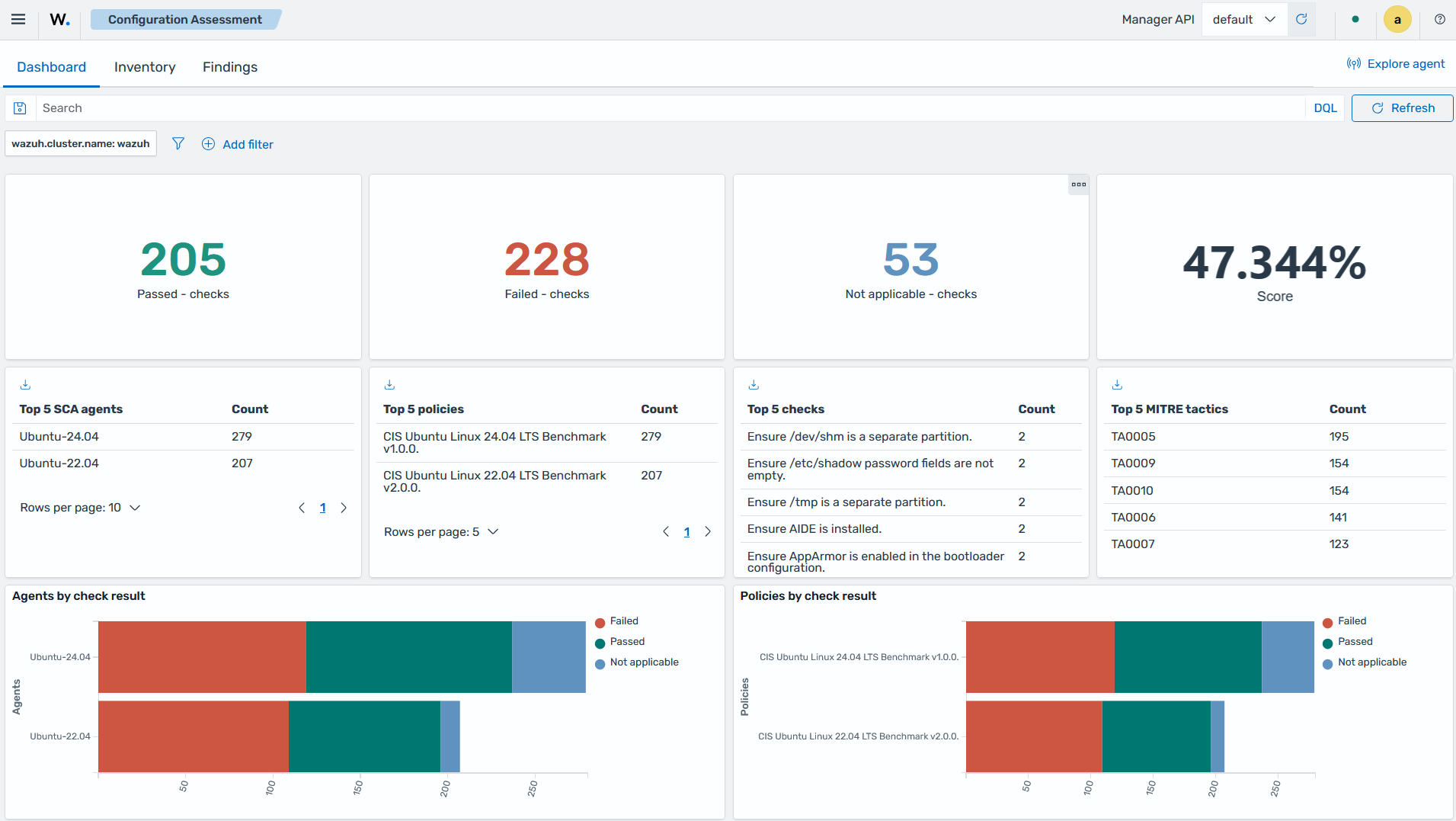
Navigate to the Inventory section and filter by a specific policy.
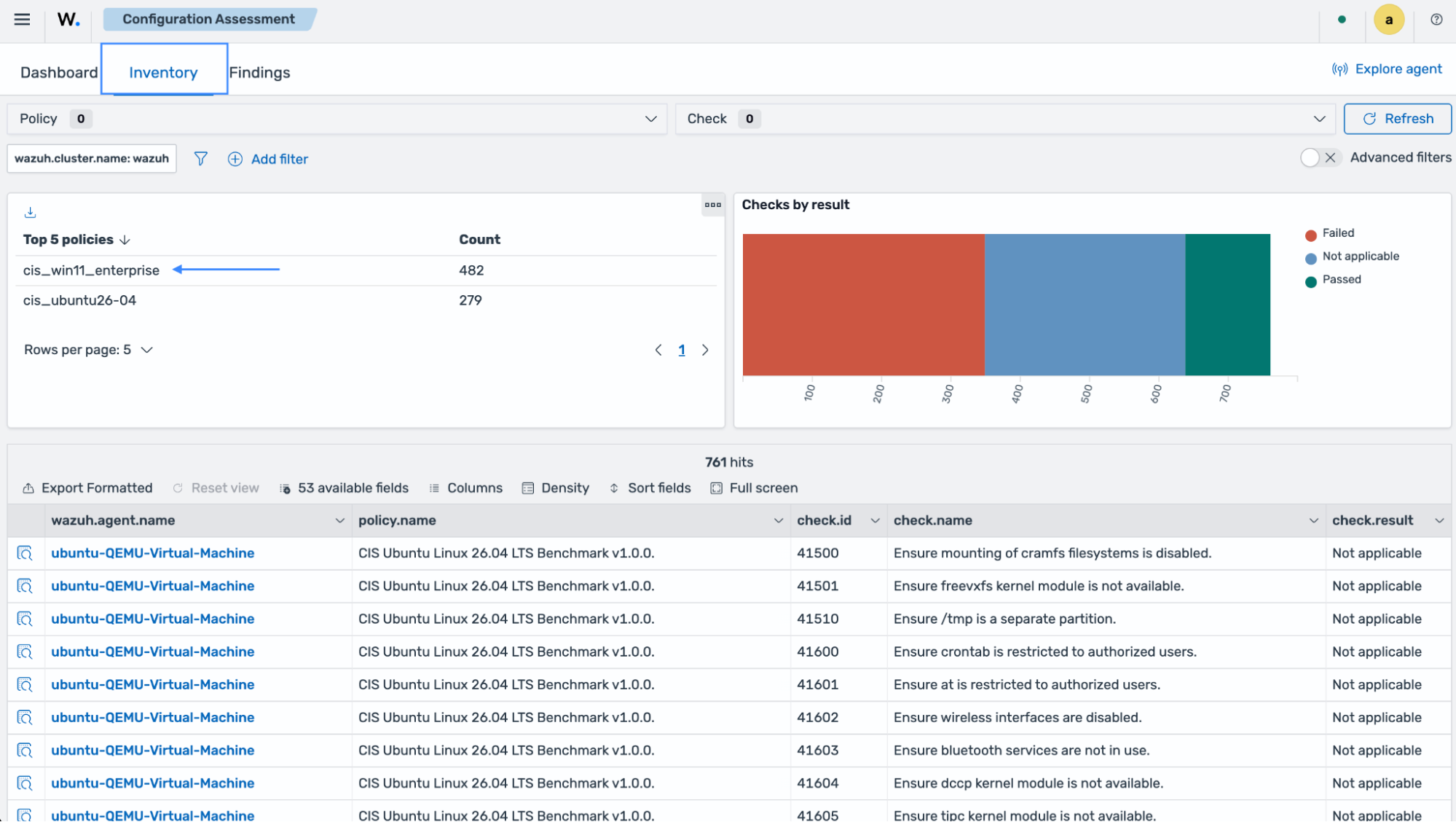
You can view the assessment results for the policy and the affected endpoints.