Processing integrity - PI1.4
The trust service criteria for additional criteria for processing integrity PI1.4 is a set of guidelines that outline requirements for ensuring the completeness and integrity of an entity's processed data. It states: "The entity implements policies and procedures to make available or deliver output completely, accurately, and timely in accordance with specifications to meet the entity's objectives."
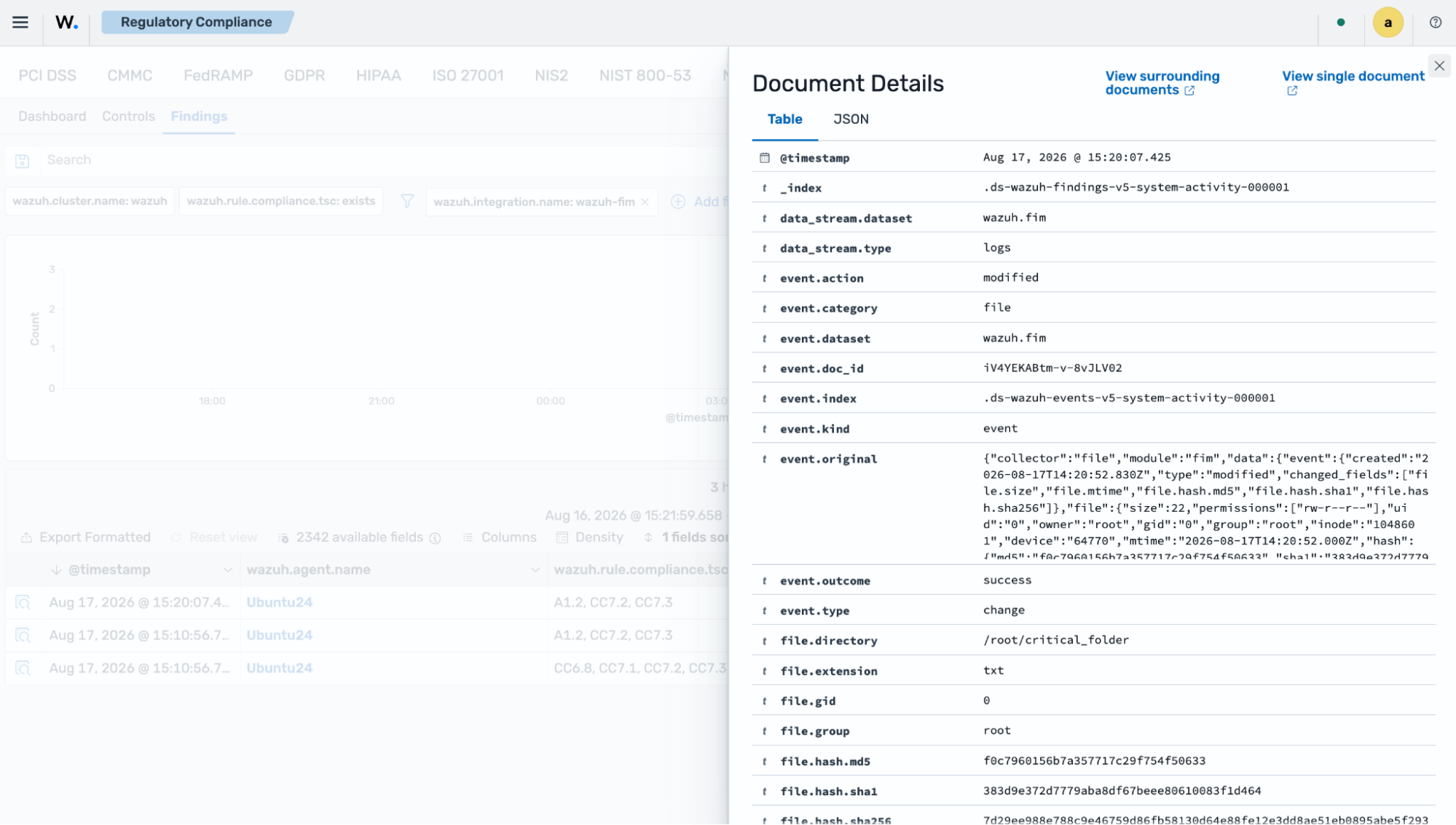
Wazuh helps meet the processing integrity PI1.4 requirement by monitoring and reporting file changes using the FIM capability. This use case shows how you can configure the Wazuh agent on an Ubuntu 24.04 endpoint to detect changes in the critical_folder directory. The finding generated can serve as supporting evidence for integrity control.
Use case: Detecting file changes using the Wazuh file integrity monitoring capability
The use case below demonstrates how Wazuh helps meet this requirement.
Ubuntu endpoint
Switch to the
rootuser:$ sudo su
Create the directory
critical_folderin the/rootdirectory:# mkdir /root/critical_folder
Create the file
special_data.txtin the/root/critical_folderdirectory and add some content:# touch /root/critical_folder/special_data.txt # echo "The content in this file must maintain integrity" >> /root/critical_folder/special_data.txt
Add the configuration highlighted to the
<syscheck>block of the Wazuh agent configuration file/var/ossec/etc/ossec.conf:<syscheck> <directories realtime="yes" check_all="yes" report_changes="yes">/root/critical_folder</directories> </syscheck>
Restart the Wazuh agent to apply the changes:
# systemctl restart wazuh-agent
Modify the file by changing the content of
special_data.txtfromThe content in this file must maintain integritytoA change has occurred:# echo "A change has occurred" > /root/critical_folder/special_data.txt # cat /root/critical_folder/special_data.txt
The command output looks similar to this:
A change has occurred
Wazuh dashboard
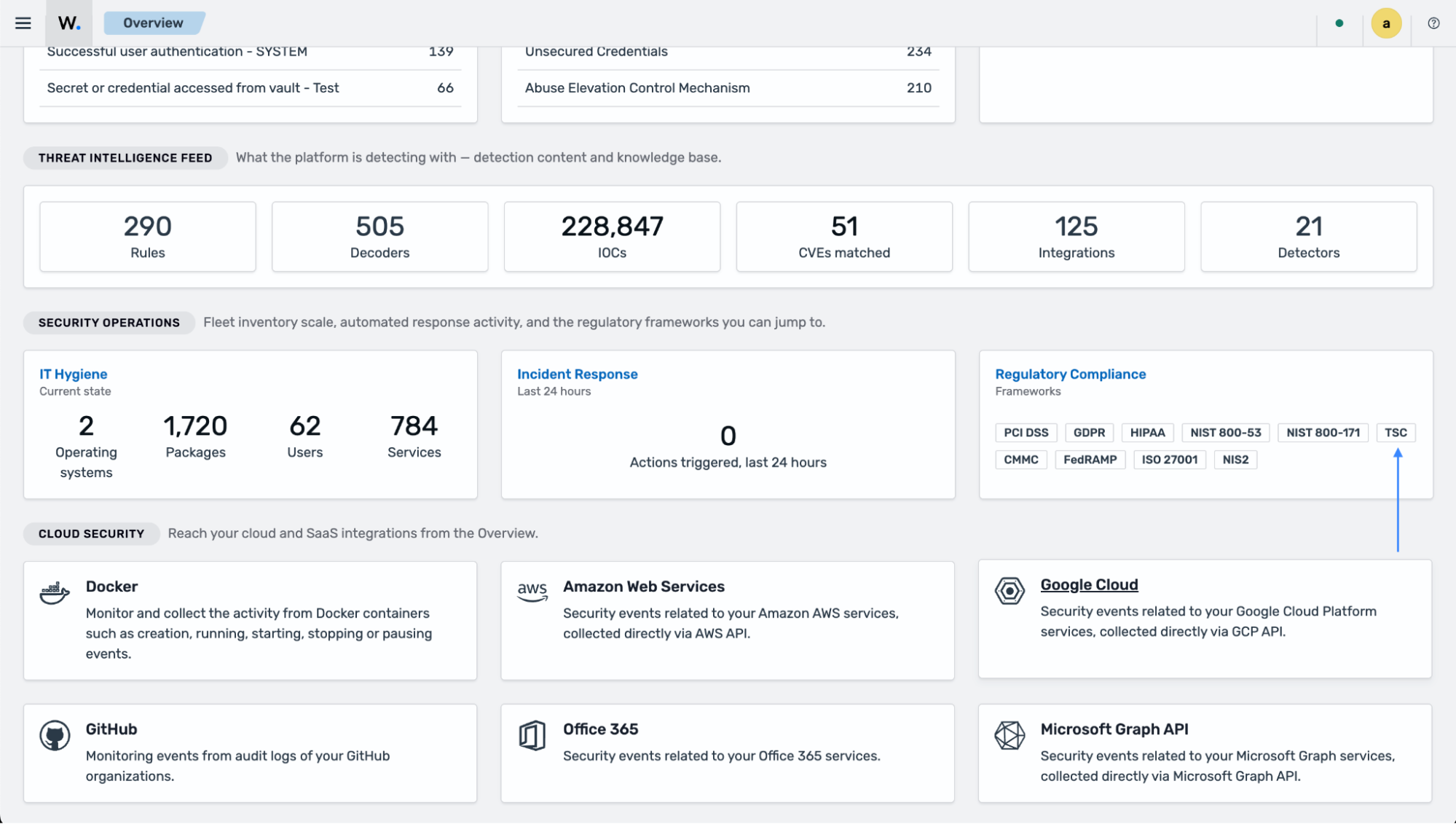
Navigate to Regulatory Compliance on the Wazuh Overview dashboard and click on TSC.
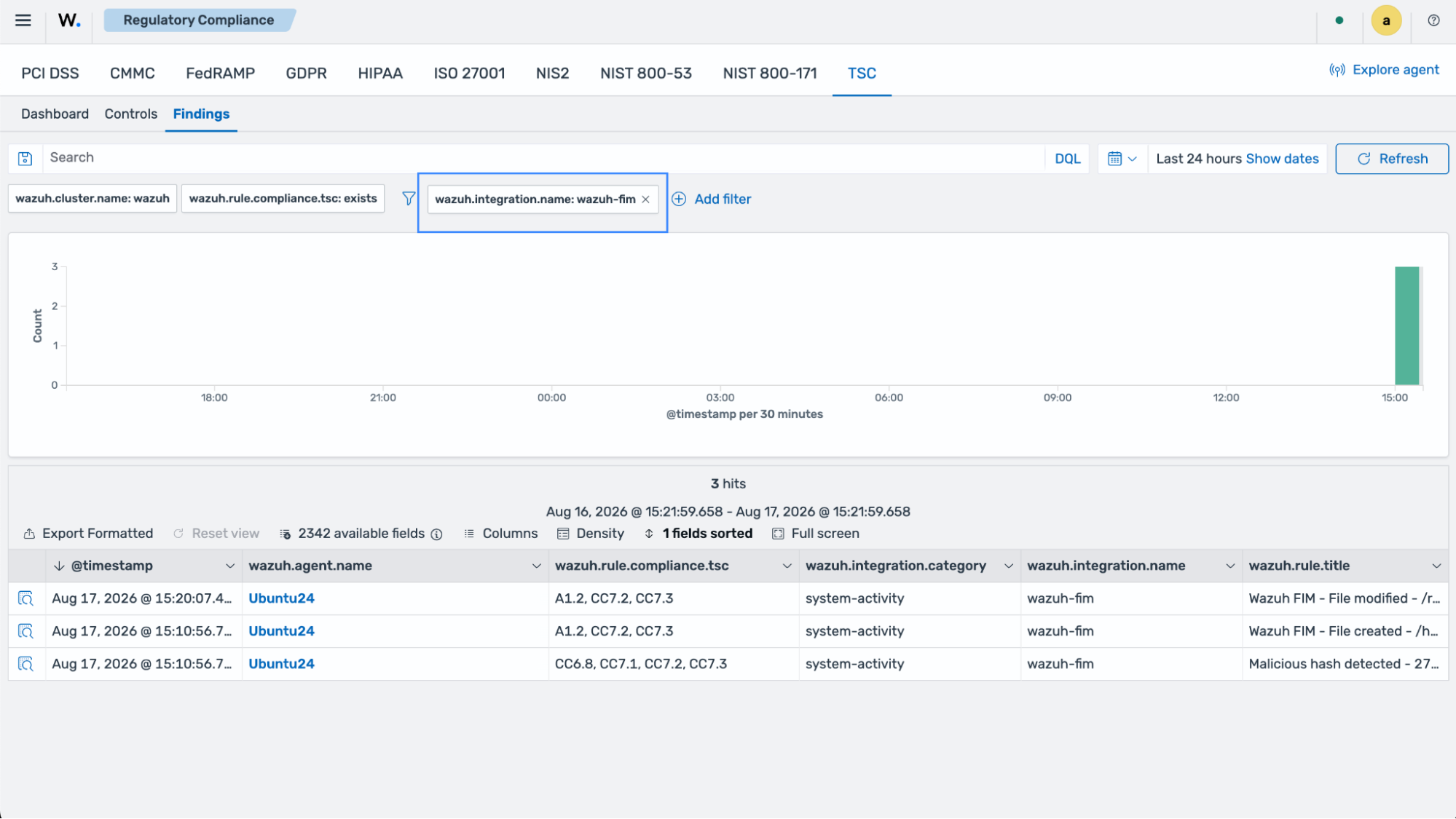
Select the Findings subsection and apply the following filter:
wazuh.integration.name: wazuh-fim